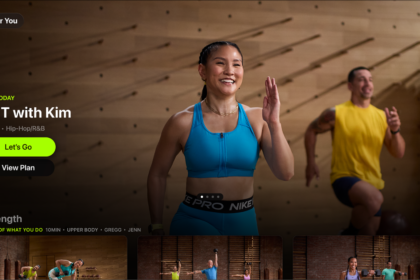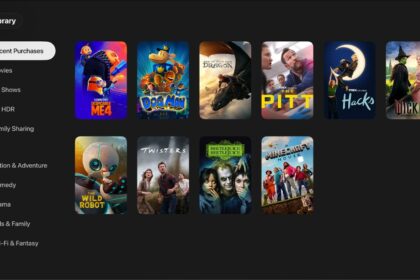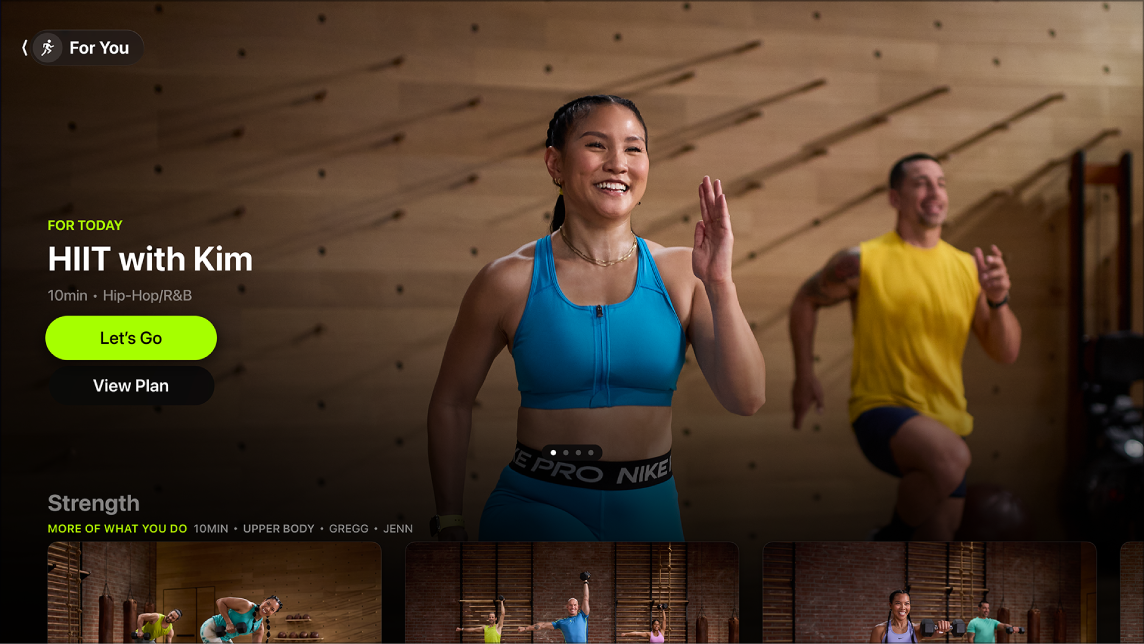
Every time you use the Fitness app on Apple TV 4K, you need to connect your Apple Watch or iPhone to start working out. Your Apple Watch or iPhone needs to be unlocked and have Bluetooth turned on. Once you’re connected, the Fitness app shows your workout history, Custom Plans, and library.
Quick tip: With iOS 16.1 or later, your Apple Watch or iPhone syncs with the Fitness app on any Apple TV 4K that has tvOS 16.1 or later. That means you can work out with your Apple Fitness+ subscription on your Apple TV 4K at home, an Apple TV 4K in the office workout room, or an Apple TV 4K in a hotel room while you’re traveling.
Connect your Apple Watch or iPhone to Apple TV 4K
Your Apple Watch or iPhone needs to be unlocked, with Bluetooth turned on, to connect to the Fitness app on Apple TV 4K.
- Open Fitness on Apple TV 4K.
- Do any of the following:
- Sign in as a known profile: Select your name. Confirm on your Apple Watch, or press the Play/Pause button on your remote to choose an iPhone to connect, then confirm on your iPhone.
- Sign in with a known device: Select a device from the Other Devices list. Then confirm on that device.
- Sign in with a new device: Select Other, then open the Workout app on Apple Watch or open the Fitness app on iPhone and confirm (requires watchOS 7.2 or iOS 16.1 or later).
The Fitness app opens with your workout history, Custom Plans, and library, or options to subscribe if you haven’t already.
Switch profiles in the Fitness app
You can change the profile that’s working out while the Fitness app is open.
- Go to the Fitness app on Apple TV 4K.
- Open the sidebar and select the profile icon to sign out.
- Select the profile you want to sign in as, or connect a new device.
Note: Switching Apple TV 4K profiles in Control Center while you’re using the Fitness app logs any current profiles out of the Fitness app.
Not all features and content are available in all countries or regions or on all Apple TV hardware models.
See also