If an app isn’t working right on Apple TV 4K, you can force it to quit and then open it again from the Home Screen. In app-switching view, a window for each open app appears in a row on the screen, so you can pick the one you want to quit.
- On the remote, press the TV button twice quickly.
Windows representing each of the open apps appear in a row on the screen.
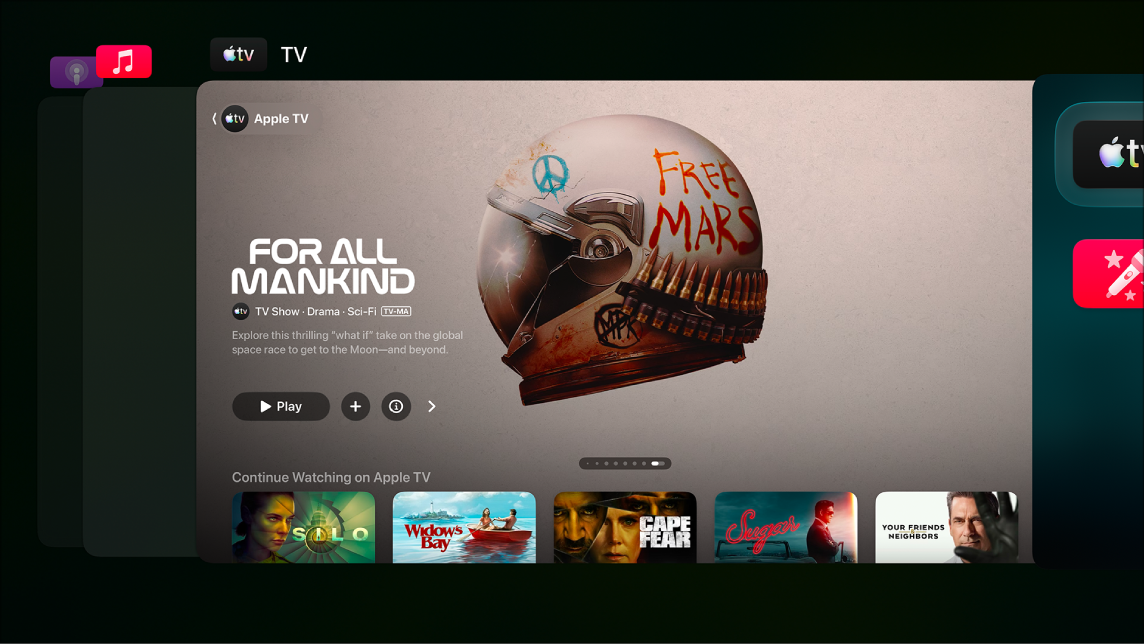
- Go to the app you want to quit. Then swipe up on the clickpad or touch surface.
- To leave app-switching view without quitting an app, press the Back button or the Menu button on your remote.
Not all features and content are available in all countries or regions or on all Apple TV hardware models.