Facebook-f Twitter
GeeksChalk Logo GeeksChalk Logo
Notification
  • Home
  • iPhone
  • iPad
  • Mac
  • Apple Watch
  • Pages
    • About Us
    • Contact Us
    • Advertise With Us
  • 🤩 Trending:
  • 100 new iOS 26 features for iPhone
  • 10 Best iOS 26 Tips & Tricks
  • iPhone 16: Everything We Know
  • iPhone 16 Pro: Everything We Know

GeeksChalk is the leading source for all things iPhone, Mac, iPad, Apple Watch, Vision Pro, and more

GeeksChalkGeeksChalk
  • Home
  • iPhone
  • iPad
  • Mac
  • Apple Watch
Search

Popular Post

iPhone 15 Pro in black titanium, white titanium, blue titanium, and natural titanium finishes.
iPhone

Apple CarPlay GPS Not Working, Showing Wrong Location: Fix

iPhone 14 Pro and iPhone 14 Pro Max are shown in gold.
iPhone

How to Fix iPhone not sending text messages to Android

Connect an iPhone to car Bluetooth
Troubleshooting

How to fix Bluetooth not working on iPhone after iOS 26 update

iPhone outline with an Apple logo
iPhone

Need to restore an iPhone backup? Here’s how

Follow US
Copyright © 2026 www.GeeksChalk.com
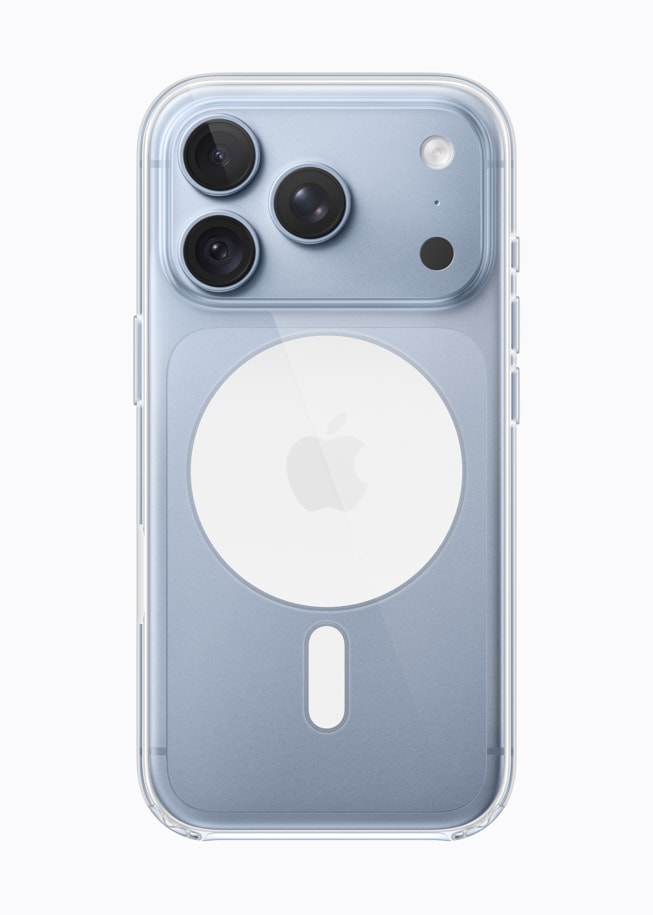
iPhone 18 Pro in glacier is paired with the Clear Case.
GeeksChalk > Troubleshooting > App Store Keeps Asking For Credit Card Info on iPhone 18 Pro? Fix

App Store Keeps Asking For Credit Card Info on iPhone 18 Pro? Fix

Learn what to do if the App Store keeps asking for credit card info on your iPhone 18 Pro or iPhone 18 Pro Max, even for free apps.

Last updated: September 29, 2026 5:27 pm
By Abigail Shilets - Staff Writer
Share
1 Min Read

You can get free apps without a credit card. You want to purchase a free app but still your device; iPhone 18 Pro or Mac; is asking you to update your credit card info. You may ask yourself, if it is a free app, why does Apple need your credit card details? Because since it is free, you are not supposed to pay anything.

Fix:

This happens because your credit card in your Apple Account has changed. This means that you already entered your credit card details previously (perhaps because you bought a paid app?). And your credit card info has modified / changed. For example, your credit card has expired or your address has changed or your credit card number has changed etc.

There are two things that you can do to resolve this issue:

  1. Simply update your card info. This is a good option, if you frequently buy paid apps: Simply update your details. If you are trying to get a free app, you will not be charged. If your card expired, it just will not work. So if you want to use your credit card in the future, try this option.
  2. Change your Apple Account settings and remove your credit card details as explained below. Please note that you can create your Apple Account without a credit card and thus you can get free apps, books without a credit card. If you have already associated a credit card with your account, you can remove it easily. Here is how:

How to remove your credit card details

iPhone 18 Pro

  • Go to Settings > [your name] > Payment & Shipping. You may need to enter your password.
  • Tap Edit. Tap the Delete button next to the payment method. Tap Remove to confirm. If you can’t remove a payment method, this may mean a few things:

    • this may mean you have an unpaid balance. Pay your balance.
    • this may mean that you have an active subscription. Cancel this.
    • this may mean that you are using Family Sharing.

TAGGED:App StoreApple AccountiPhone 18 Pro
ByAbigail Shilets
Staff Writer
Follow:
Abigail is a staff writer for GeeksChalk based in Pennsylvania. She covers news, how-tos, and user guides for iPhone, iPad, Mac, and Apple Watch. Before becoming a writer Abigail studied computer science at University and also worked at Apple for more than two years. When not creating masterpiece for GeeksChalk, you can usually find Abigail hiking, climbing, or otherwise unplugged.
Leave a Comment Leave a Comment

Leave a Reply Cancel reply

Your email address will not be published. Required fields are marked *

Recent News Flash

iPhone 18 Pro is displayed in black, silver, glacier, and burgundy.

iPhone 18 Pro Proximity Sensor Not Working? How to Fix

iPhone 18 Pro, burgundy finish, partial back exterior angled to show pro camera system in top left corner, 3 lenses, microphone, flash

iPhone 18 Pro Alarm Clock Not Working? What to Do

A burgundy iPhone 18 Pro with coordinating case is paired with a magenta Crossbody Strap.

Snapchat Freezing on iPhone 18 Pro? Here’s How to Fix It

iPhone 18 Pro Max, iPhone 18 Pro, a hand holds each model

Notification Sounds Not Working on iPhone 18 Pro? Fix

Trending Now

Two new MacBook Air devices are shown folded and angled from the side.

Where to Find Your FileVault Recovery Key

A collection of Apple products, including Apple Vision Pro, MacBook, iPad, iPhone 17 Pro, and Apple Watch, all displaying various Siri AI interfaces.

Apple Intelligence in Photos: What’s New in iOS 27

Siri voice customization

Expressive Siri Voices and Advanced Dictation: Who Actually Gets Them

Explore More

Recommended For You

iPhone 18 Pro in glacier is paired with the glacier Wrist Strap.

Find My Says Offline on iPhone 18 Pro: What Does It Mean?

The front of a burgundy iPhone 18 Pro is displayed next to a rear-facing burgundy iPhone 18 Pro Max.

Cannot Delete an iCloud Backup on iPhone 18 Pro? How to Fix

iPhone 18 Pro Max, iPhone 18 Pro, a hand holds each model

How to Fix the iPhone 18 Pro Green Screen of Death

iPhone 18 Pro and iPhone 18 Pro Ma iPhone 18 Pro, back exterior, burgundy color (dark red)

Pointer Size Issues With a Mouse on iPhone 18 Pro? Fix

GeeksChalk Logo GeeksChalk Logo
  • Home
  • Contact Us
  • Advertise
  • Our Staff
  • Editorial Guidelines
  • Terms
  • Privacy
  • Accessibility
  • Copyright
  • About Us
  • Fact Checking Policy
  • Correction Policy
  • Ethics Policy
  • Ownership Policy
Copyright © 2026 www.GeeksChalk.com
Welcome Back!

Sign in to your account

Username or Email Address
Password

Lost your password?