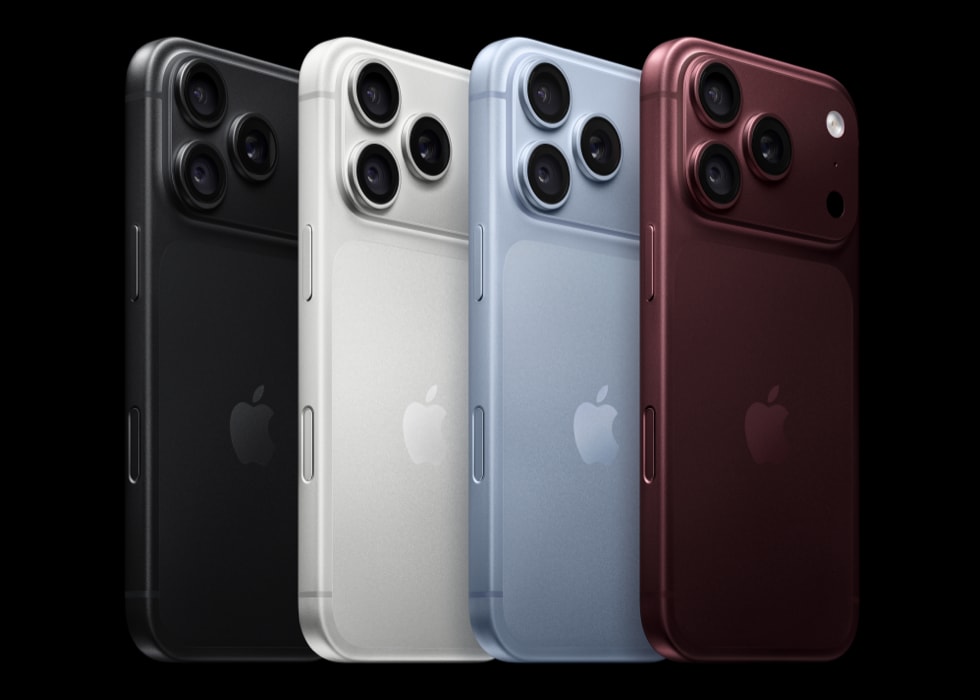
I often use the Apple Books app (or iBooks), and one of the problems I experience is that the app closes unexpectedly while I am reading my books. Some users have also said that the app keeps crashing right after it is launched thus making it impossible to open and use the app. This issue may occur on the iPhone 18 Pro or iPhone 18 Pro Max.
Apple Books is an e-book reading app. It also contains the Book Store and Audiobook Store to find and download the books and audiobooks you like. Of course, it needs to work properly in order for you to enjoy the app and its features. Apple Books used to be called iBooks.
In this article, I explain what you can do when Apple Books crashes and you are directed back to the home screen. A lot of things may cause an app, like Apple Books, to malfunction. The good news is that this issue may be fixed by following a few simple steps.
Restart the App
Quit the Books app and then open it again. Restarting the app may fix the crashing problem. Follow these steps:
- Open the App switcher on your device:
- From the Home screen, swipe up from the bottom of the screen and pause in the middle.
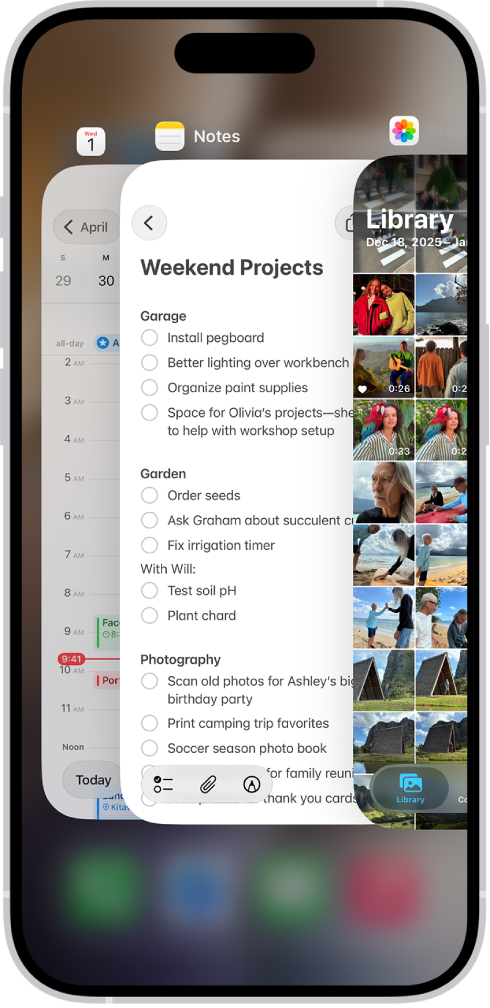
- From the Home screen, swipe up from the bottom of the screen and pause in the middle.
- Find the Books app. And swipe up on it.
- Then restart your iPhone 18 Pro:
- Go to Settings > General > Shut Down.
- Wait for your device to turn off fully.
- Then press and hold the side button until the Apple logo appears.
- When your iPhone turns on, open the Books app. Does it work now?
Update your iPhone software and the Books app
There may be a software update addressing this crashing problem. Updating your iPhone 18 Pro and the app may fix this problem. Here is how:
- On your iPhone 18 Pro, go to Settings > General > Software Update. And follow the onscreen instructions.
- After updating your device, ensure that you have the latest version of the Books app. Apps installed by default on your iPhone are updated whenever you update iOS.
Check your connection
Books may not work properly if your Internet connection is not stable. Make sure that your iPhone has a Wi-Fi or cellular connection. You may try these:
- Enable then disable Airplane Mode.
- Restart your Wi-Fi modem/router.
- If you are using Books over cellular, make sure that Use Cellular Data is on for Books. You can check this setting by going to Settings and tap Cellular (Cellular Data).
System Status
You may have a Books problem due to a Books outage. This is easy to check. The Apple System status page lets you see all Apple services including the ones that are not working. Visit this page. I am including the URL below:
Delete and reinstall the Apple Books app
If you are still having this problem, I recommend that you delete Books and then redownload again. Follow these specific steps:
- On your device, touch and hold the Books app.
- Tap Remove App. If the app jiggles, tap the (-) remove icon.
- Tap Delete App.
- Now again, restart your iPhone.
- After restarting, open the App Store on your device. Find Books.
- Then download and install.
Then, you try again. Does it crash?