iPad
The iPad is a tablet computer developed by Apple. iPad has similar features and interfaces to the iPhone and iPod Touch, but applications are further optimized to run on the larger screen. iPads run a modified version of the iOS operating system called iPadOS.
Face ID Not Working On iPad after iPadOS 27 update? Here’s The Fix!
In this article, I’ll explain why Face ID is not working on your iPad after…

How to Turn On Siri AI on Your iPad
Turning on the new Siri AI on iPadOS 27 is actually pretty simple. You just…


How To Hide Photos On iPad
In this article, I'll show you how to hide photos on your iPad using the…
How To Copy And Paste On An iPad: Everything You Need To Know!
This article will show you how to copy and paste on an iPad so you…

How to send text message to Android from iPad?
This article explains how to text Android users from your iPad using the Continuity feature.…
Is Your iPad Screen Cracked? Here’s What To Do.
In this article, I’ll explain what to do when your iPad screen is cracked and…
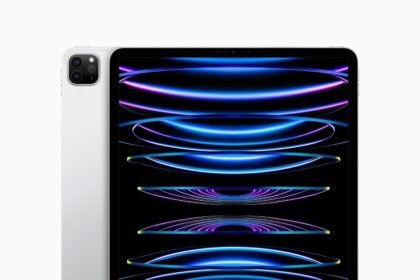
How To Turn Off Your iPad Without A Power Button: The Quick Fix!
There are three ways to turn off your iPad without a power button.

How to Connect iPad to Car Stereo
In this guide, I’ll explain how to connect an iPad to car stereo using Bluetooth,…
How to Connect iPad to Car Bluetooth
In this guide, i'll show you how to connect an iPad to car Bluetooth and…
How to set up your new iPad the right way
You can set up your new iPad with an internet connection. If you have another…
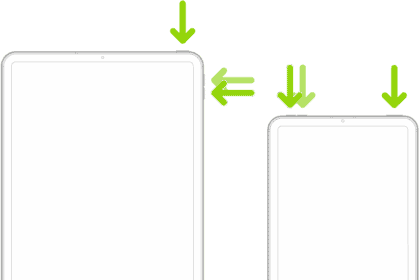
How to Put iPad in DFU Mode (All Models)
To put an iPad into DFU mode, you'll need to use Apple Devices, iTunes or…
How to restore an iPad from a backup
Here’s how to restore an old iPad to a new iPad, recover data from a…