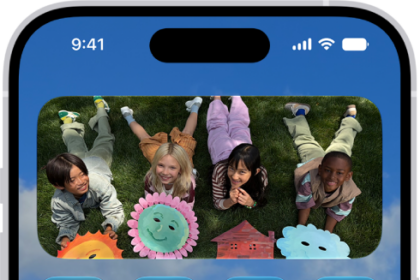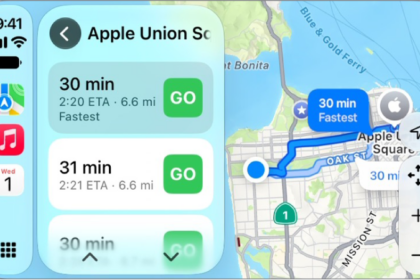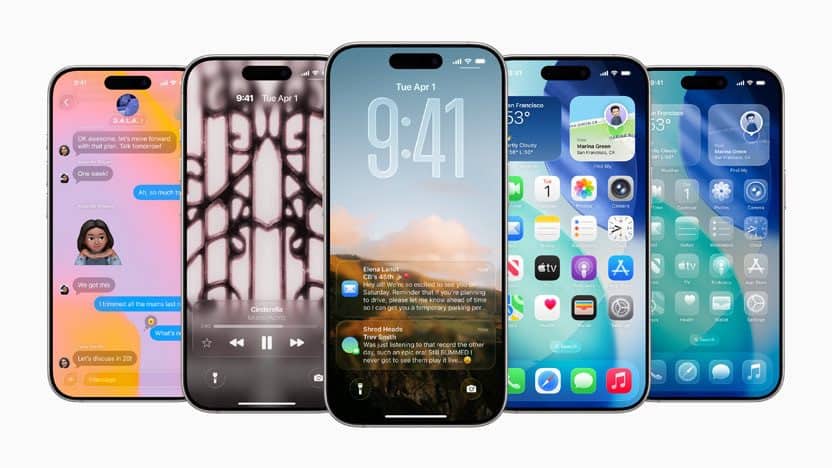
iOS 26 brings so much to the table that it’s easily one of, if not the biggest update the iPhone has ever seen. New features include a stunning new design, powerful Apple Intelligence capabilities, new ways to stay connected in the Phone and Messages apps, and exciting updates to CarPlay, Apple Music, Maps, and Wallet. Even still, those who can’t wait until the iPhone 17 comes out to give iOS 26 a try are in luck.
Shortly after the WWDC 2025 keynote, Apple released the iOS 26 developer beta that would allow you to get a taste of the latest release but you might want to think twice before taking the plunge. The developer beta builds are far from final or stable, so we’re going to lay out some of the things to expect and watch out for if you decide to install it.
Bugs are expected in the iOS 26 developer beta
When the iPhone 17 is released later this year, it will ship with the official and “final” release of iOS 26 (any subsequent update will likely append a “.x.x” to the end of it.) It’s this release that people expect from the iPhone, and the current developer beta available now is far from that.
It can take a while to get all of the bugs squashed out of new software before it’s ready for primetime, and from now until the final release, Apple will be updating the iOS 26 beta program incrementally to make it the solid experience you expect it to be.
Apple breaks its iOS betas into both developer and public versions, with the latter being more usable for the curious iPhone user. If you want to install the iOS 26 developer beta, here’s just a short list of issues people have said they’ve experienced on it.
- Certain apps don’t work at all or force close often
- Notifications not being delivered
- iMessages sending as SMS
- General performance issues
You can check out the iOS 26 developer beta discussion on Reddit to jump into more of the conversation.
Back up your iPhone before installing the iOS 26 developer beta
If the above issues that you may experience with the iOS 26 developer preview don’t deter you from installing it, just be sure to do a full device backup first. If you don’t, the only way to go back to iOS 18 is to restore your iPhone as a new device, which may result in the loss of data, settings and other important information you might not be keen on parting with.
Please note that you can’t just do a regular backup. You’ll need to archive a backup on your computer, which is a backup that can’t automatically be replaced or deleted. On your Mac, connect your iPhone, open a Finder window, select your iPhone, click Back Up Now, go to Manage Backups, right-click the backup you just created and then click Archive. The process is similar on Windows, but you’ll use the iTunes app instead.
When to expect the iOS 26 public beta
If you’re still holding off for the iOS 26 public beta, you may not have much longer to wait. Since 2020, Apple has launched the public beta version of iOS in either late June or early July, and we’re expecting the same this time around. In fact, we could see the release of the iOS 26 public beta drop as soon as July 8th.
This public beta will be a bit more approachable for those who held off on the developer beta. These releases will be more stable for the everyday user and come with a less buggy experience found in developer betas.
If you still have the iOS 26 itch, here’s how to download Developer Beta 1.