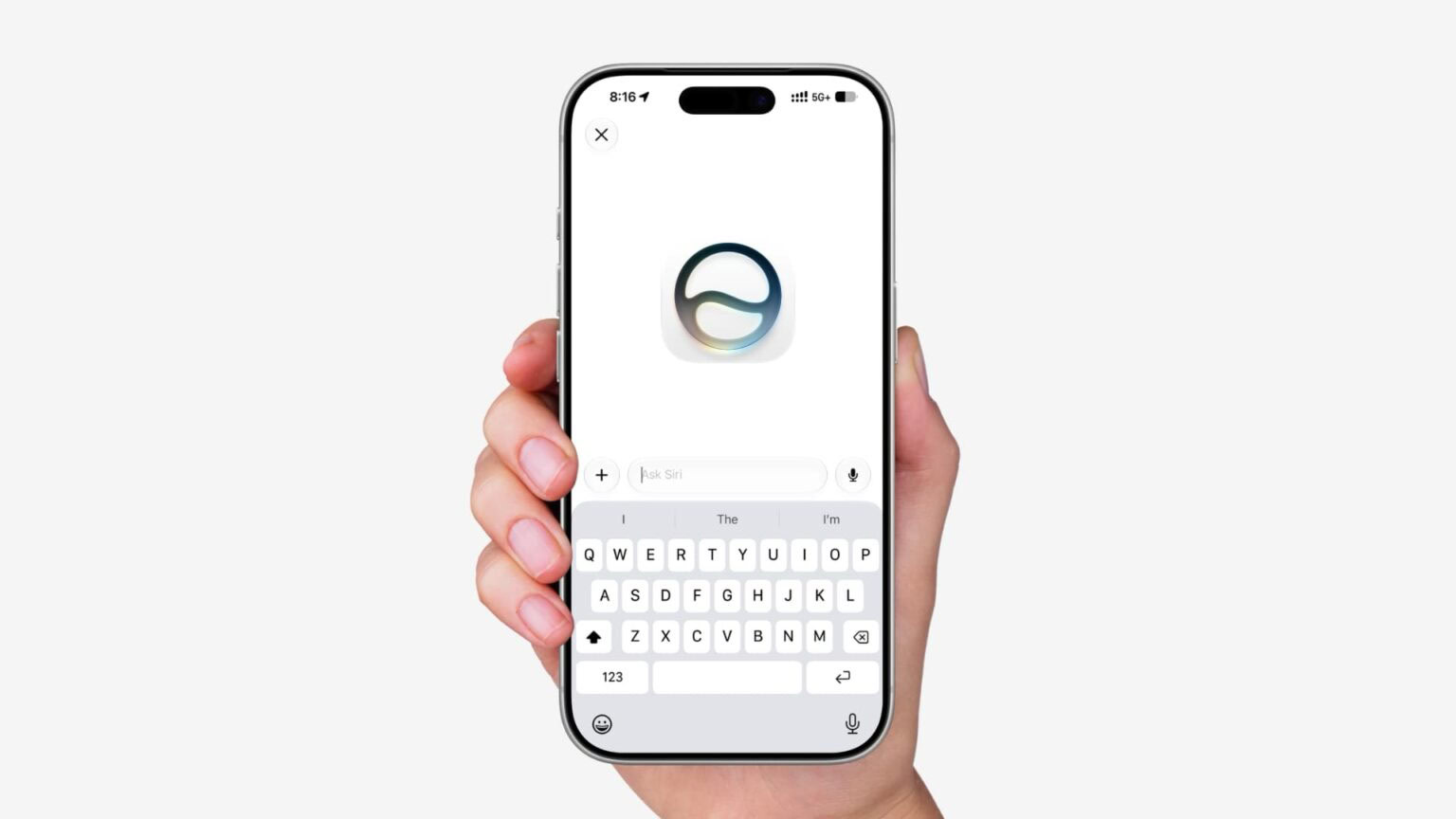
With iOS 27, Siri can "see" what you’re looking at on your iPhone thanks to the On-screen contextual awareness feature. Siri can actively interpret what is happening on your display and can answer questions about it. Siri can tell what you’re looking at, read text, and analyze images.
Siri can tell you where a photo was taken if there’s something recognizable in it, and you can ask questions about any app you’re in without having to provide specifics. Below, i’ll show you how to ask Siri about what’s on your screen.
First, you will want to make sure your device can actually run the new assistant. The new Siri AI requires you to be running iOS 27 and requires an iPhone with specialized Apple Intelligence hardware.
The compatible iPhones are the iPhone 15 Pro, iPhone 15 Pro Max, and the iPhone 16 and iPhone 17 lineups. If you have one of these supported devices in your pocket, you can start asking Siri AI about what’s on your screen.
ask Siri AI about what’s on your screen
Siri AI can provide answers to what you’re looking at on your iPhone just by asking. For example, say you want to copy some text from a blog post or Instagram, you can summon Siri and say something like, "Copy the caption in this post" or "Copy the text from this article."
- Open the app and go to the screen you want to ask about — a social media post, an article, a photo, or a document.
- Summon Siri by saying "Siri" or by pressing and holding the side button.
- Ask your question about what’s on screen, such as "Copy the caption underneath this post."
- Siri reads the screen context, isolates the text block from an app like Instagram, and copies it directly to your clipboard.
- Paste the copied text wherever you need it — Notes, Messages, or any text field.

Onscreen awareness prompts
- Where was this photo taken?
- Summarize this
- Can you give me directions here?
- What are the best native plant options for a shady spot near my house?
- Does this document look correct?
- What is this?
- Translate this menu
- Explain what this chart is showing
Beyond the ability to understand on-screen content for contextual awareness, Siri AI can also do things entirely personal to you. It’s capable of identifying your friends and family members in photos by name, and can create an album featuring a specific cast of characters determined by you, in which it will gather all pictures featuring them together. It can reach into your messages, emails and other apps upon your request to surface nuggets of information that would otherwise be time-consuming to find.
See also: Why Siri AI Can’t Answer Questions About Your Photos Yet
Additional features include more accurate dictation, which will allow you to be more confident sending messages using only your voice, and integrated writing tools that can draft documents or emails in a way that reflects your personal style. It also has what Apple is calling “broad world knowledge,” which means it can get you detailed information on any topic or in-depth answers to any questions you might have.