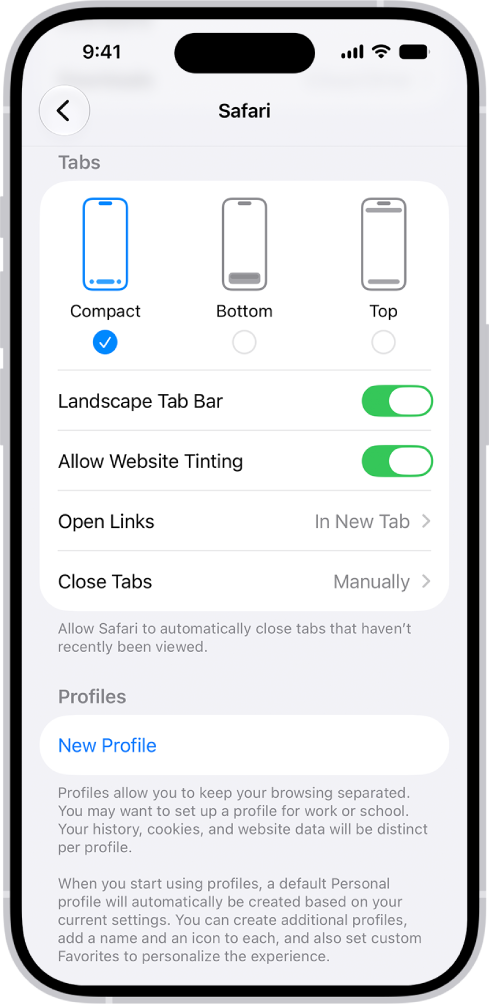
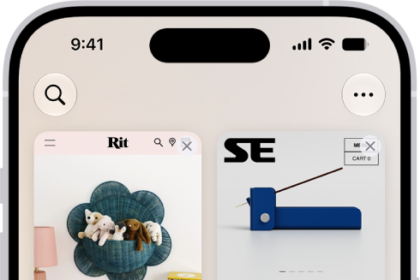
On iPhone, you can choose the tab bar layout that works best for you in the Safari app. There are three: Compact, Bottom, and Top. Compact keeps the tab bar small and below webpages, Bottom expands it below webpages, and Top expands it above webpages, and both show additional controls at the bottom of the screen.
- Open the Settings app on your iPhone.
- Tap Apps, then tap Safari.
- Scroll down to Tabs, then choose one of the following:
- Compact: Select this option to compress the tab bar, show it below webpages, and show additional controls on both sides of the tab bar.
- Bottom: Select this option to expand the tab bar, show it below webpages, and show additional controls at the bottom of the screen.
- Top: Select this option to expand the tab bar, show it above webpages, and show additional controls at the bottom of the screen.