How to change the name of your iPad

You can change the name of your iPad, which is used by iCloud, AirDrop, Bluetooth, Personal Hotspot, and your computer.

By Moses Johnson - Editor
0 Min Read

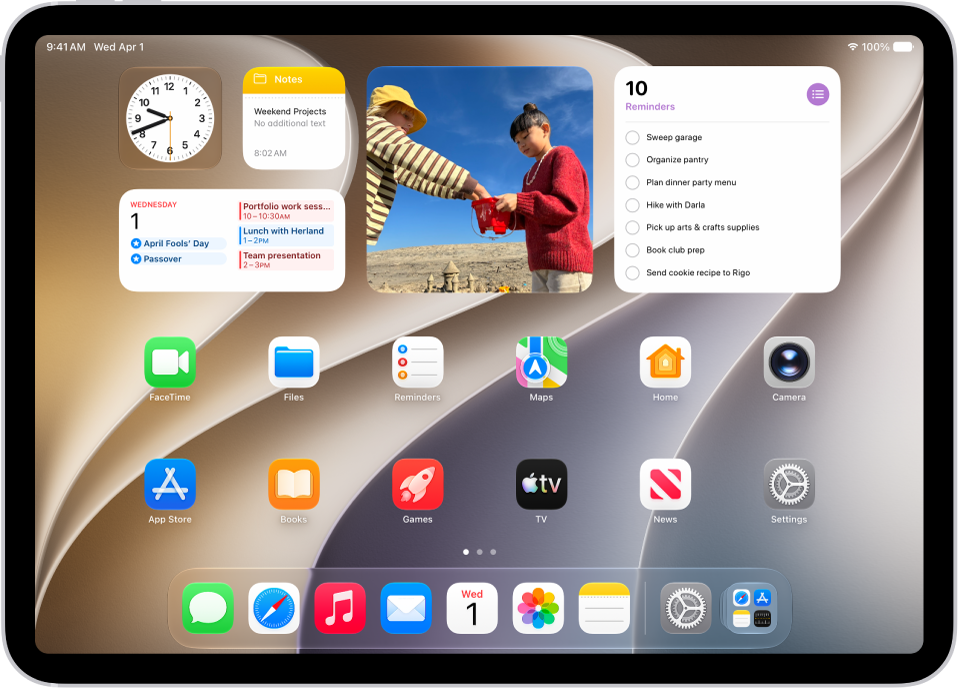
You can change the name of your iPad, which is used by iCloud, Bluetooth®, your Personal Hotspot, your computer, and AirDrop, which you use to send items to nearby Apple devices. To rename your iPad, you just clear the current name and enter a new name.

  1. Open the Settings app on your iPad.
  2. Tap General, tap About, and then tap Name.
  3. Tap the Clear Text button and enter a new name.

See also
TAGGED:
Follow:
Moses Johnson is the Editorial Director of GeeksChalk.com, who has a keen eye for news, rumors, and all the unusual stuff around Apple products. Moses is commonly referred to online as The Professor, with decades of experience in tech under his belt.
Leave a Comment