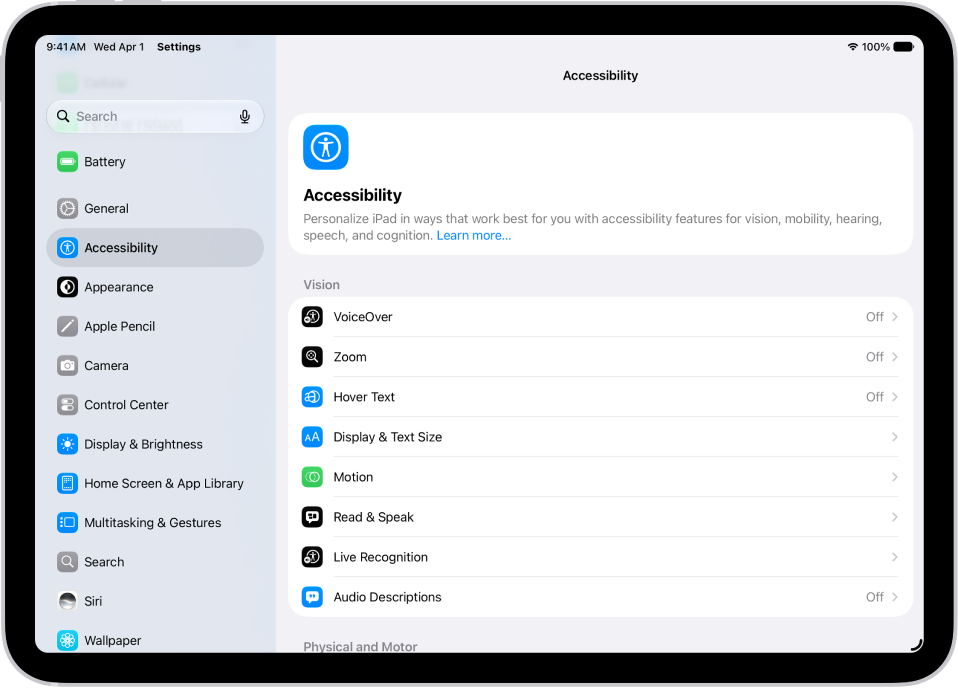
How to keep the screen off when you use VoiceOver on iPad

You can keep the screen off when you use VoiceOver on iPad with the screen curtain, to save battery life and keep things private.

By Kristina Terech - Staff Writer
0 Min Read

If you use VoiceOver on iPad and don’t need to see what’s on the screen, you can turn on the screen curtain to improve battery life and maintain privacy. Your iPad stays active even though the display is off.

You can turn the screen curtain on or off with a three-finger gesture, which changes slightly if Zoom is also on. You can also use VoiceOver gestures, zoom in on the iPad screen, and learn how to operate iPad when VoiceOver is on.

See also
Staff Writer
Follow:
Kristina is a staff writer at GeeksChalk, and is interested in all things Apple. This includes its best products such as the iPad, iPhone, Mac, AirPods, and Apple Watch. When she's not tinkering with the latest Apple gear, you’ll find her watching movies, taking pictures and exploring the great outdoors.
Leave a Comment