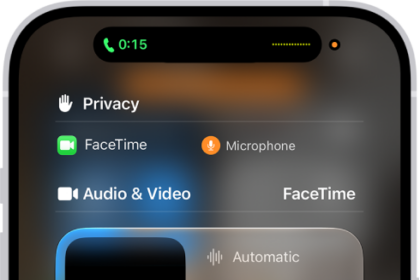
On iPad, you can leave a call in the FaceTime app at any time, or continue your conversation in Messages. Mid-call, you can jump to one Messages thread with everyone who’s on the call.
Here’s how to leave a FaceTime call or switch to Messages on iPad.
Leave a FaceTime call
- During a call in the FaceTime app on your iPad, tap the screen to show the FaceTime controls (if they aren’t visible).
- Tap the End button.
Switch to a Messages conversation
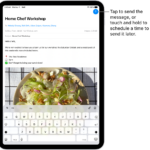
During a call, you can jump straight to a Messages thread with everyone on the call.
- During a call in the FaceTime app on your iPad, tap the screen to show the FaceTime controls (if they aren’t visible).
- Tap the contact information or people count at the top of the controls and then tap Message.
See also