On iPhone, you can move apps and widgets anywhere on the Home Screen to create the ideal layout: frame your wallpaper photo, align apps and widgets along the side or bottom, or move them to other Home Screen pages. If you have multiple Home Screen pages, each one can have a unique layout.
You can also temporarily hide Home Screen pages and change where new apps get downloaded. And if you change your mind, you can reset the Home Screen and apps to their original layout.
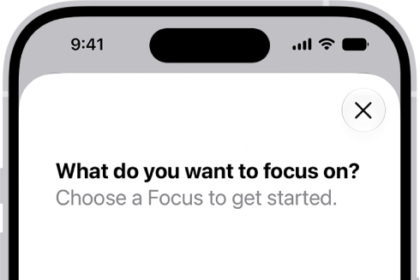
Quick tip: One Home Screen page can hold all your apps and widgets for a particular Focus, such as your Work Focus, and you can make that page accessible during that Focus.
Move apps and widgets on your Home Screen
- Go to the Home Screen.
- Touch and hold the Home Screen background until the items begin to jiggle.
- Drag the app or widget to one of the following locations:
- Another location on the same page—including the top, bottom, or side of the screen
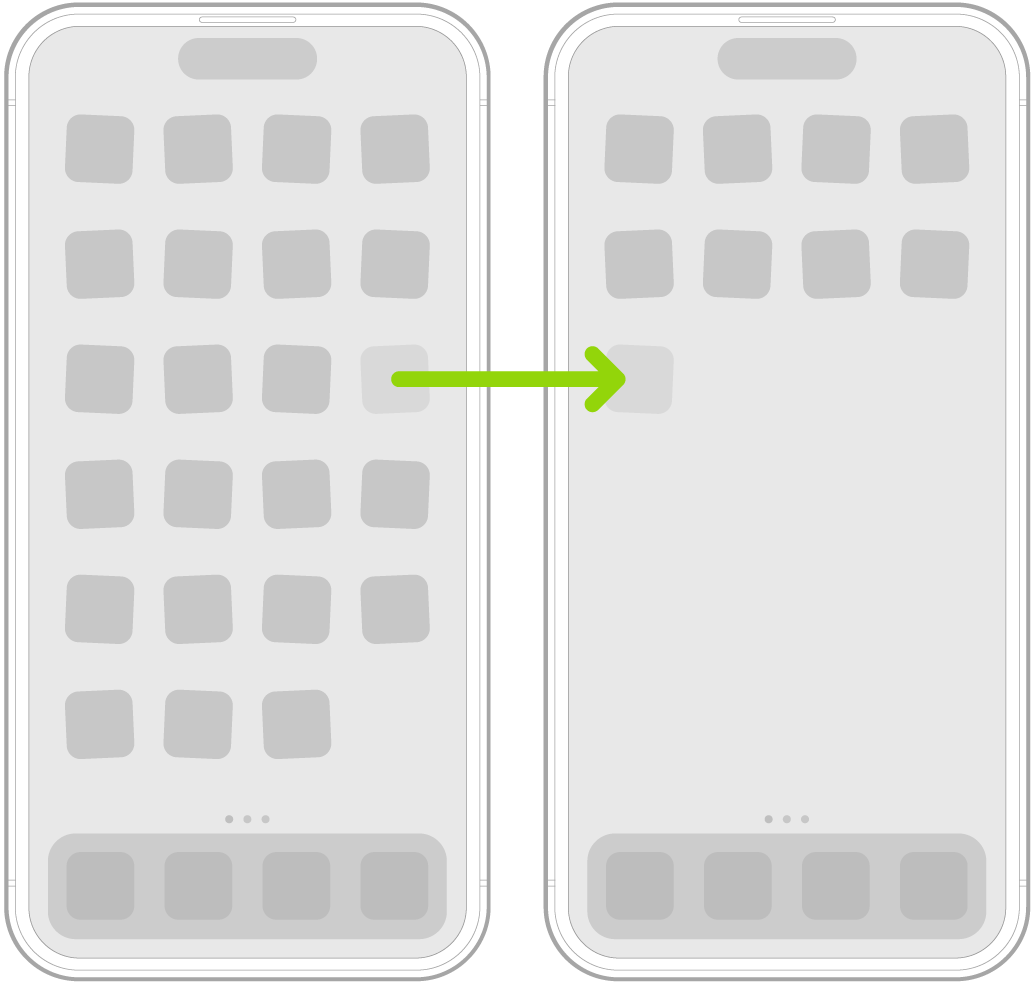
- Another Home Screen page
Drag the app or widget to the right edge of the screen. You might need to wait a moment for the new page to appear. The dots show how many pages you have and which one you’re viewing.
- When you’re finished, press the Home button (on an iPhone with a Home button) or tap the Home Screen background (on other iPhone models).
Reset the Home Screen and apps to their original layout
- Open the Settings app on your iPhone.
- Tap General, then tap Transfer or Reset iPhone.
- Tap Reset and tap Reset Home Screen Layout. Then tap Reset Home Screen.
Apps you downloaded are arranged alphabetically after the apps that came with your iPhone, and any folders you created are removed.