How to print a Freeform board on iPhone

You can print a Freeform board on iPhone as a single page, or one scene per page if you saved scenes.

By Abigail Shilets - Staff Writer
0 Min Read

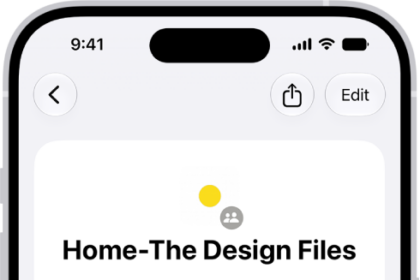
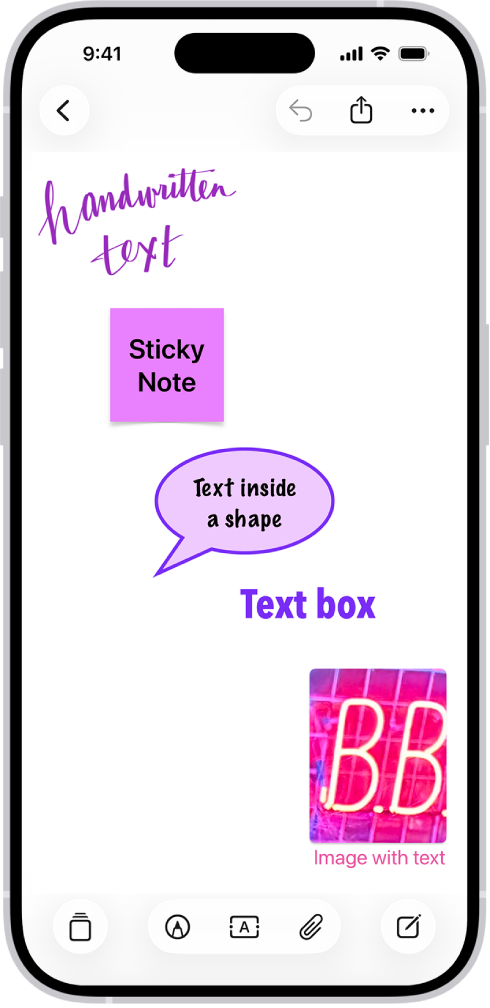
You can print a Freeform board from the Freeform app on your iPhone. If you saved scenes in your board, you can choose to print the entire board as a single page, or to print one scene per page instead.

  1. Open the Freeform app on your iPhone.
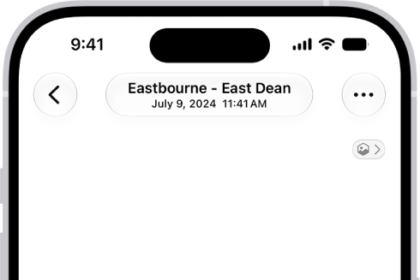
  2. Open the board you want to print, tap the More button, and tap Print.

    If you saved scenes in your board, choose to print one of the following:

    • The entire board as a single page: Tap Board.
    • One scene per page: Tap Scenes.
TAGGED:
Staff Writer
Follow:
Abigail is a staff writer for GeeksChalk based in Pennsylvania. She covers news, how-tos, and user guides for iPhone, iPad, Mac, and Apple Watch. Before becoming a writer Abigail studied computer science at University and also worked at Apple for more than two years. When not creating masterpiece for GeeksChalk, you can usually find Abigail hiking, climbing, or otherwise unplugged.
Leave a Comment