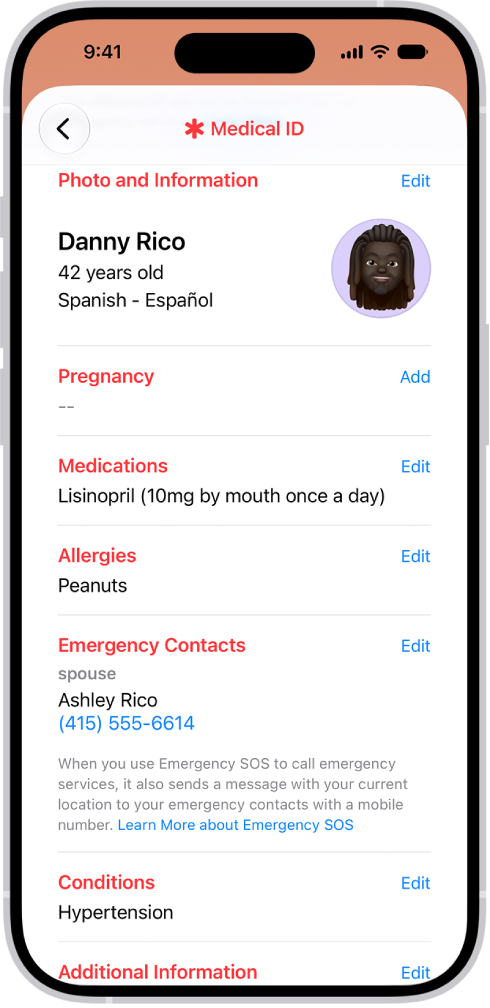
On iPhone, you can register to be an organ, eye, or tissue donor with Donate Life America. If you later change your decision, you can remove your registration. Your decision to donate is accessible to others in your Medical ID.
Not sure yet? The Health app has an overview of organ donation and Donate Life America, and you can change your donor information or remove your registration later. You’ll find it all in Organ Donation.
Learn about organ donation
- Open the Health app on your iPhone.
- Tap Summary, then tap your picture or initials.
- Tap Organ Donation and tap Learn More for an overview of organ donation and Donate Life America.
Register with Donate Life America
- Open the Health app on your iPhone.
- Tap Summary, then tap your picture or initials.
- Tap Organ Donation and tap Sign Up with Donate Life.
To later change your donor information or remove your registration, tap your picture or initials, tap Organ Donation, then tap Edit Donor Registration.