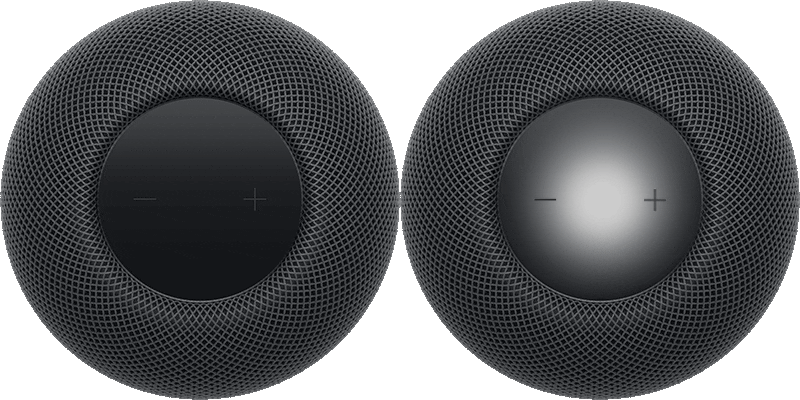
You can extend access to HomePod throughout your home by enabling Siri on compatible smart home accessories. Once Siri’s on, you can control them with your voice, get help with everyday questions or tasks, and play your favorite music and podcasts.
A Siri-enabled accessory can also work as an AirPlay speaker for music, podcasts, and other media, and it can handle personal content requests, too.
Here’s how to add and configure a Siri-enabled accessory with your HomePod.
Note: Music and podcast playback on Siri-enabled accessories is currently a beta feature.
To access Siri from the accessory, HomePod must be connected to the same Wi-Fi network. Your iPhone or iPad also needs to be on the same Wi-Fi network for personal content requests.
Siri can’t be enabled on an accessory if another intelligent assistant is already enabled on that device.
Add an accessory
- Check the Wi-Fi and Bluetooth® settings and software updates on your iPhone or iPad.
- Open the Home app.
- Tap the Add button and tap Add Accessory.
- Scan a setup code, or hold iPhone near the accessory and tap the accessory in the Nearby Accessories list.
- Tap Set Up and then follow the onscreen instructions.
Configure a Siri-enabled accessory
You can configure the accessory to act as an AirPlay speaker and allow personal content requests.
- Open the Home app on your iPhone or iPad.
- Tap the accessory, tap the Settings button, and do any of the following:
- Turn on AirPlay: Turn on AirPlay Speaker (beta) so you can select the accessory as an audio destination for music, podcasts, and other media.
- Allow personal content requests: In the Speak to Siri section, tap Turn On and tap Use Personal Content.
This guide is for HomePod software version 27 or later.
See also