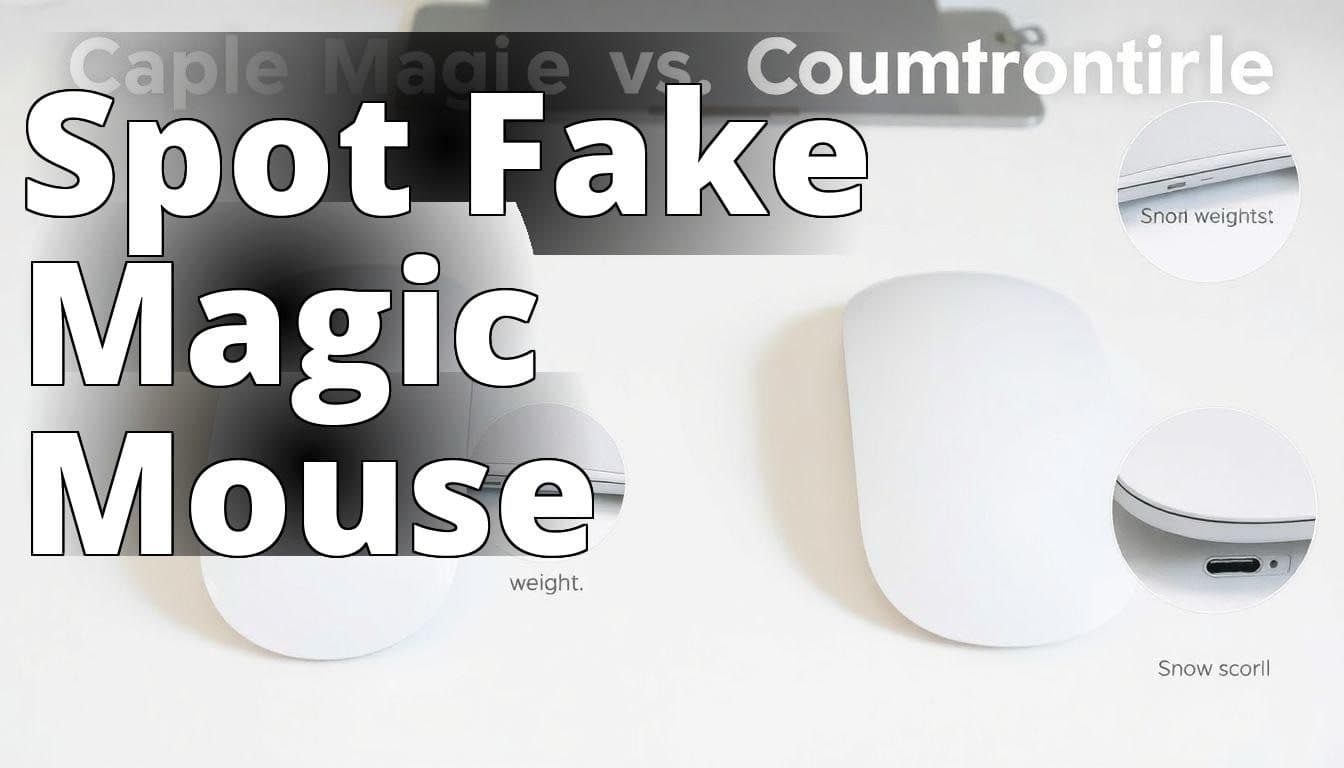
The Apple Magic Mouse 2 is a testament to Apple’s commitment to sleek design and intuitive functionality. However, the market is flooded with counterfeits that can easily deceive even the most tech-savvy individuals. Spotting a fake Apple Magic Mouse 2 isn’t just about protecting your wallet; it’s about ensuring the quality and longevity of the product you’re using. I remember the time my friend was duped into buying a fake one, thinking he had snagged a deal. The experience was fraught with frustration, from poor connectivity to an unresponsive touch surface. This guide is designed to help you avoid such pitfalls by knowing exactly what to look for in an authentic Magic Mouse 2.
Identify a Fake Apple Magic Mouse
Learn how to distinguish a genuine Apple Magic Mouse from a counterfeit product with these key indicators.
- Packaging: Authentic packaging should feature high-quality printing and a clean design, while fakes may have poor quality graphics or misspellings.
- Weight and Finish: A genuine Magic Mouse feels solid and has a smooth, premium finish, whereas fakes often feel lighter and have inferior materials.
- Functionality and Compatibility: Real Magic Mice scroll smoothly and connect seamlessly with Apple devices; check for any lags or connection issues in suspicious models.
1. Check the Packaging
The first line of defense against counterfeit products is the packaging. Apple is known for its minimalist and high-quality packaging. A genuine Apple Magic Mouse 2 will come in a box that feels sturdy and well-constructed. The printing on the box should be crisp and clear, with no spelling errors or blurry images. The Apple logo should be centered and proportionate.

In contrast, counterfeiters often cut corners on packaging. You might notice flimsy materials, poor printing quality, or misaligned logos. During a recent visit to a tech expo, I observed several fake Magic Mouse boxes that were made from thin cardboard and had pixelated images. It was a clear reminder of how important it is to scrutinize the packaging before making a purchase.
Insider Tip: According to tech expert Jason Hwang, counterfeit products often have inconsistencies in color and font size on their packaging. Always compare the packaging with a genuine product if possible.
2. Check the Weight
The weight of the Magic Mouse 2 is another giveaway when distinguishing between a real and a fake. Apple products are known for their solid build and a genuine Magic Mouse 2 has a satisfying heft to it. The weight contributes to its stable gliding during use.

Fake versions often feel lighter because they’re made with cheaper materials. During a hands-on comparison at a local electronics store, I noticed that the fake Magic Mouse was noticeably lighter, making it feel flimsy and less premium. If you have the chance to weigh the mouse, a genuine one should be around 3.52 ounces (99.2 grams).
3. Check the Finish
The Magic Mouse 2 has a smooth, glossy finish that is consistent across its surface. The build quality of Apple’s products is second to none, and the finish reflects that. Any irregularities, such as uneven surfaces, rough edges, or a matte finish, should raise a red flag.

I once encountered a fake Magic Mouse with a dull finish that lacked the sleek shine of the original. It was a jarring contrast when placed next to a genuine one. The tactile difference was also evident; the fake mouse felt rough and cheaply made.
Insider Tip: As per Michelle Tran, an Apple store specialist, always run your fingers along the edges of the mouse. A genuine Magic Mouse will have seamless edges and no paint chipping.
4. Check the Scroll Functionality
The scroll functionality of the Magic Mouse 2 is one of its standout features. The touch-sensitive surface allows for smooth scrolling and gestures. A fake mouse often fails to replicate this technology accurately.

A friend of mine once bought a fake Magic Mouse and realized that the scrolling was jerky and inconsistent. It couldn’t handle gestures like swiping between pages or zooming with precision. Testing the mouse’s functionality in a controlled environment can reveal these shortcomings.
For a detailed analysis of the Magic Mouse’s features, check out this comprehensive review by TechRadar.
5. Check the Price
The price is often the most straightforward indicator of authenticity. If you come across a deal that seems too good to be true, it probably is. The Apple Magic Mouse 2 typically retails for around $79. Any significant deviation from this price should be viewed with suspicion.
During the holiday season, I found an online listing offering the Magic Mouse for $30. A quick investigation into the seller revealed a lack of credible reviews and several complaints about counterfeit products. It’s a stark reminder that price should always be aligned with market standards.
Insider Tip: According to e-commerce expert Sarah Lin, always verify the seller’s credibility by checking their rating and reviews before making a purchase.
6. Check the Serial Number
Every authentic Apple product comes with a unique serial number. This number can be verified on Apple’s official website. It’s a foolproof method to confirm the authenticity of your Magic Mouse 2.

I recall an incident where I purchased what I thought was a genuine Magic Mouse 2 from a third-party retailer. Upon checking the serial number on Apple’s website, I discovered that it was invalid. This experience taught me the importance of serial number verification.
To verify the serial number, visit Apple’s Check Coverage page.
7. Check the Battery Life
The Magic Mouse 2 is known for its impressive battery life, typically lasting up to a month on a full charge. An authentic device will hold its charge well and provide consistent performance.
Fake products, however, often suffer from poor battery performance. A colleague of mine bought a counterfeit Magic Mouse that needed charging every few days, significantly reducing its usability. Testing the battery life over a short period can help identify a fake.
Insider Tip: Tech blogger Alex Rivera suggests using the mouse continuously for a few hours to test its battery endurance. A genuine Magic Mouse will show minimal battery drainage in that time.
Personal Experience: The Day I Almost Purchased a Fake Apple Magic Mouse
A few months back, while browsing online for a new Apple Magic Mouse, I stumbled upon what seemed like an incredible deal on an e-commerce site. The price was nearly half of what I usually saw in retail stores. I was excited, but a small voice in my head urged me to be cautious.
The Packaging
When the package arrived, I immediately noticed that the box was slightly larger than the usual Apple packaging. It lacked the premium feel and precision packaging I had come to expect from Apple products.
The Weight
I weighed the mouse in my hand, and it felt lighter than my old Magic Mouse. This was my first red flag, as I remembered that authentic Apple products have a certain heft that speaks to their quality.
The Scroll Functionality
Once I connected the mouse to my MacBook, I tried out the scroll functionality. Instead of the smooth, seamless scrolling I was used to, the mouse lagged and stuttered. This confirmed my fears that I might have purchased a counterfeit product.
The Resolution
I quickly contacted the seller and requested a return. Thankfully, they accepted it without any hassle. The experience taught me to be more vigilant and to check for the signs that can help distinguish genuine products from fakes. Now, I always make sure to verify packaging, weight, and functionality before making a purchase.
8. Check the Connection
The Magic Mouse 2 uses Bluetooth to connect seamlessly with Apple devices. A genuine product will pair quickly and maintain a stable connection without frequent dropouts.

I tested a fake Magic Mouse and experienced constant disconnections and lag, which were frustrating during work sessions. The connectivity issues are a clear indication of inferior internal components used in counterfeit products.
9. Check the Brand
Finally, always buy from authorized Apple resellers or directly from Apple. The brand’s reputation is built on trust and quality, and purchasing from unofficial sources increases the risk of encountering fakes.
I once made the mistake of buying from an unknown online retailer, lured by the promise of a discount. The product that arrived was a counterfeit, and the hassle of returns and refund processes was not worth the initial savings.
Insider Tip: As recommended by retail analyst John Kim, always verify the authenticity of the retailer through Apple’s official website to ensure you’re buying from a trusted source.
Conclusion
Spotting a fake Apple Magic Mouse 2 requires a keen eye and a little bit of skepticism. From the packaging to the functionality, every detail matters. I’ve learned through personal experience and industry insights that the effort to verify authenticity is well worth it. Protecting yourself from counterfeits not only ensures a superior user experience but also supports the integrity of Apple’s brand. Always remember to check the packaging, weight, finish, and all other factors discussed. Stay vigilant and informed to enjoy the true benefits of owning an Apple Magic Mouse 2.
Common Questions
Q.How can I identify a fake Apple Magic Mouse?
A.You can spot a fake Apple Magic Mouse by checking its build quality.
Q.What features distinguish an authentic Apple Magic Mouse?
A.Authentic Apple Magic Mouse features a smooth surface and seamless design.
Q.How does the weight of a Magic Mouse indicate its authenticity?
A.A genuine Apple Magic Mouse has a specific weight that fakes often lack.
Q.Who can I ask for help in verifying my Apple Magic Mouse’s authenticity?
A.You can consult a certified Apple technician for expert verification assistance.
Q.What should I do if I suspect my Magic Mouse is fake?
A.If you suspect your Magic Mouse is fake, contact Apple Support for help.
Q.Why should I care if my Apple Magic Mouse is fake or real?
A.A fake Magic Mouse may not function properly and could lack warranty support.
See also: How to spot a fake iPhone 16 Pro and iPhone 16 Pro Max