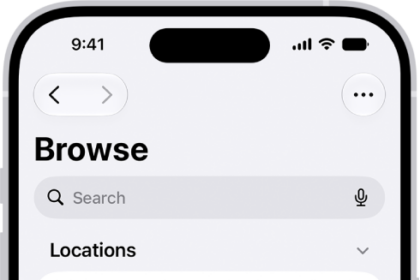
On iPhone, you can send a poll, play a game, record audio messages, share songs, and more, all with iMessage apps, without leaving the Messages app.
You can customize your list of available apps by rearranging them, or add iMessage apps you find in the App Store. The Messages app comes with iMessage apps for polls, photos, videos, audio messages, stickers, and more.
Here’s how to use iMessage apps in Messages on iPhone.
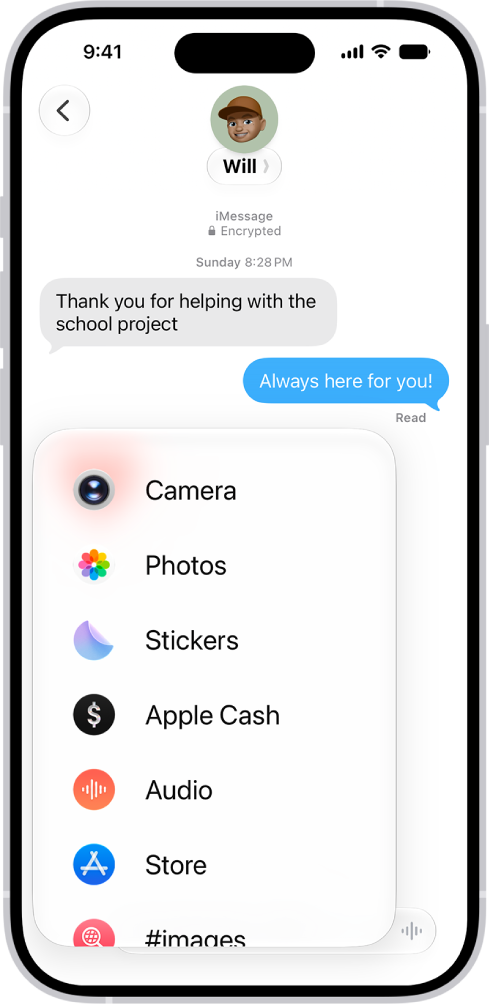
Rearrange iMessage apps
- Start the Messages app on your iPhone.
- In a conversation, tap the Add button.
- Touch and hold any app icon in the list until it shrinks a little. Then drag it to the location where you want it.
To move the app icon to a different page, drag it to the top or bottom edge of the menu. You might need to wait a moment for the new page to appear.
Add iMessage apps
The Messages app includes iMessage apps you can use to send photos, videos, stickers, polls, audio messages, and more, and you can download additional iMessage apps for even more options.
- Start the Messages app on your iPhone.
- In a conversation, tap the Add button.
- Tap Store to open the App Store for iMessage.
- Tap an app to see more details and reviews and then do one of the following:
- Purchase an app: Tap the price. Payments are made using the method associated with your Apple Account.
- Download a free app: Tap Get.