How to use keyboard shortcuts in Mail on iPad

You can use keyboard shortcuts in Mail on iPad to quickly accomplish many tasks with an Apple external keyboard.

By Kristina Terech - Staff Writer
0 Min Read

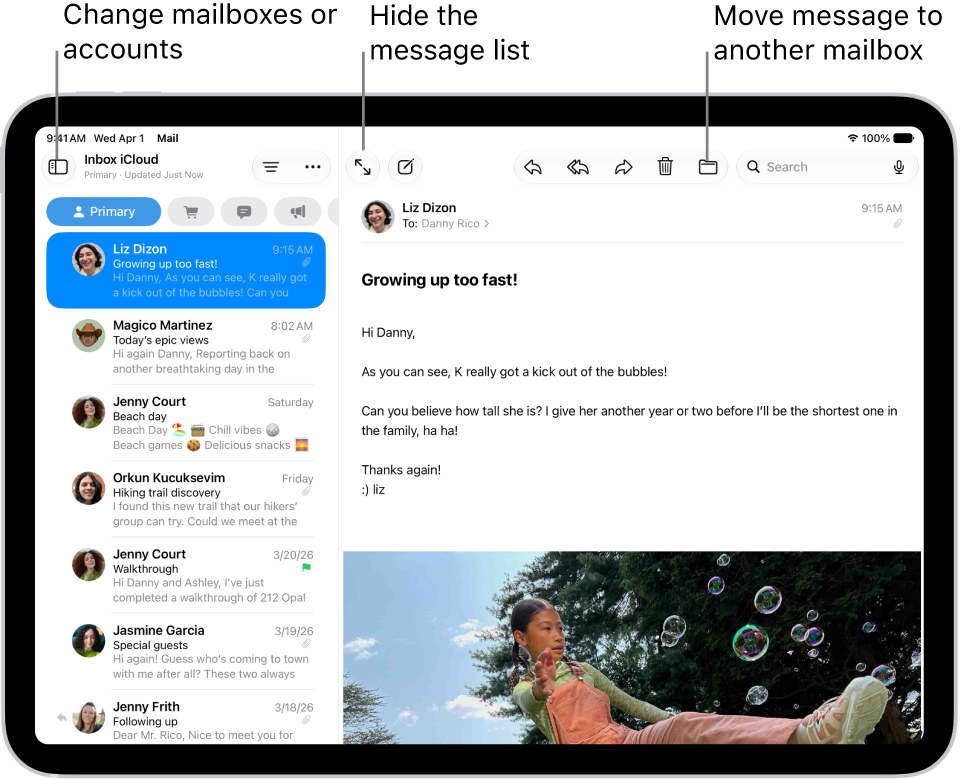
With the Mail app, you can quickly accomplish many tasks using keyboard shortcuts if your iPad is connected to an Apple external keyboard. The shortcuts you get can vary depending on the language and keyboard you’re using, and they can help you send email and save a draft in Mail.

To view available keyboard shortcuts, connect your keyboard, then press and hold the Command key.

Note: Depending on the language and keyboard you’re using on your iPad, keyboard shortcuts in apps may differ.

See also
TAGGED:
Staff Writer
Follow:
Kristina is a staff writer at GeeksChalk, and is interested in all things Apple. This includes its best products such as the iPad, iPhone, Mac, AirPods, and Apple Watch. When she's not tinkering with the latest Apple gear, you’ll find her watching movies, taking pictures and exploring the great outdoors.
Leave a Comment