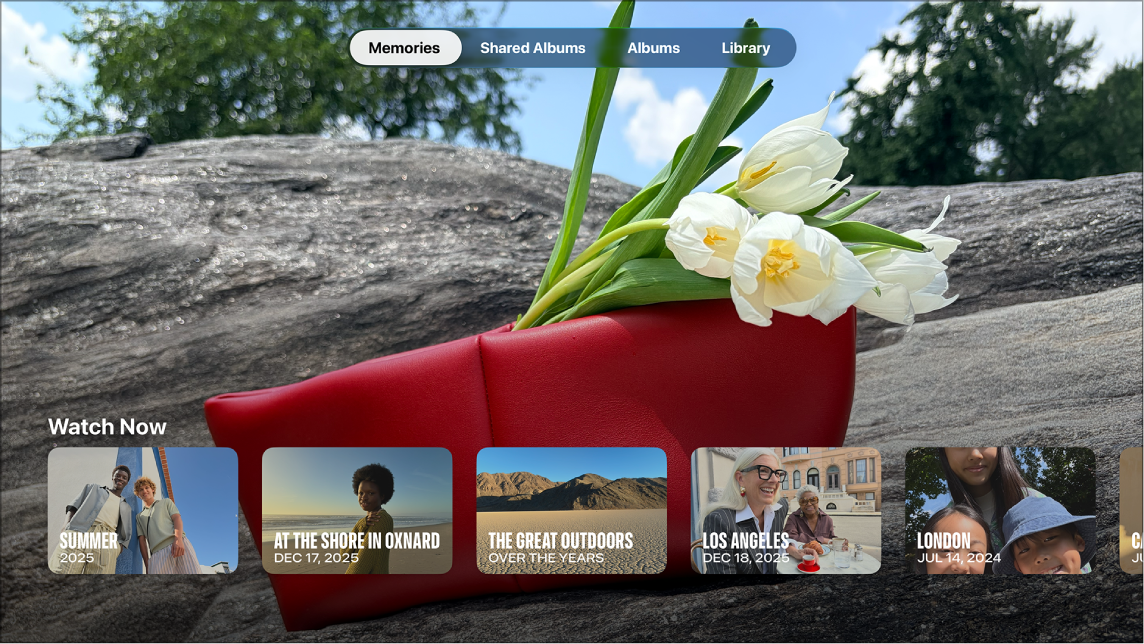
In the Photos app on Apple TV 4K, photos and videos you shared with others, or that others shared with you, appear in the Shared Albums screen. You can browse your most recent shared photos, view other people’s shared albums, play a slideshow, or set an album as your screen saver.
It’s also where you see comments and liked photos. Deleting a shared album removes it from Apple TV 4K, but not from iCloud.
Browse and view shared photos
- Go to the Photos app on Apple TV 4K.
- Go to Shared Albums at the top of the screen.
- Do any of the following:
- Browse your most recent shared photos: Select the Activity row and then navigate left or right through the photos.
- View one of your shared albums: Select an album in My Albums to view all photos in the album. Select People to view a list of people who are subscribed to this shared album.
- View other people’s shared albums: Select an album in the From Family and Friends row to view all photos in the album. Select People to view a list of people who are subscribed to this shared album.
- In the Activity screen or in a shared album, do any of the following:
- Select Play Slideshow to play a slideshow of all photos in the activity or shared album.
- Select Set as Screensaver to set the photos in the activity or shared album as your screen saver.
- Select a photo to view it in full screen, then navigate left or right to scroll through more full-screen photos.
View comments and liked photos in a shared album
- Go to the Photos app on Apple TV 4K.
- Go to Shared Albums at the top of the screen.
- Select a photo in a shared album so that it’s displayed full screen and swipe up to view when the photo was posted, along with comments from others.
- To mark a photo as one you like, press the clickpad center or touch surface on your remote.
Delete a shared album
- Go to the Photos app on Apple TV 4K.
- Go to Shared Albums at the top of the screen.
- Select an album from My Albums or From Family and Friends. Select People.
- Select Delete Shared Album (if it’s your album) or Unsubscribe (if it’s someone else’s album).
The album is removed from Apple TV 4K, but not from iCloud.
Turn Shared Albums on or off
- Go to Settings on Apple TV 4K.
- Go to Profiles and Accounts > [default profile] > Photos.
- Select Shared Albums to turn shared albums on or off in the Photos app.
Not all features and content are available in all countries or regions or on all Apple TV hardware models.
See also