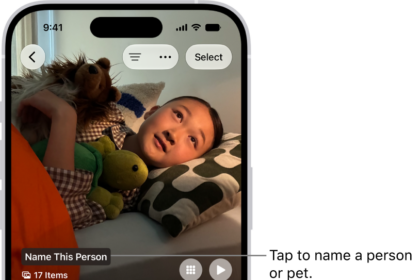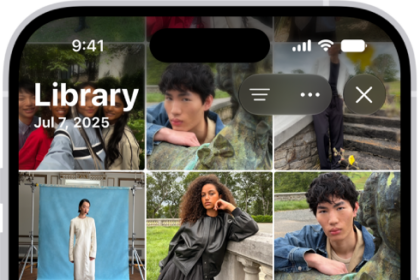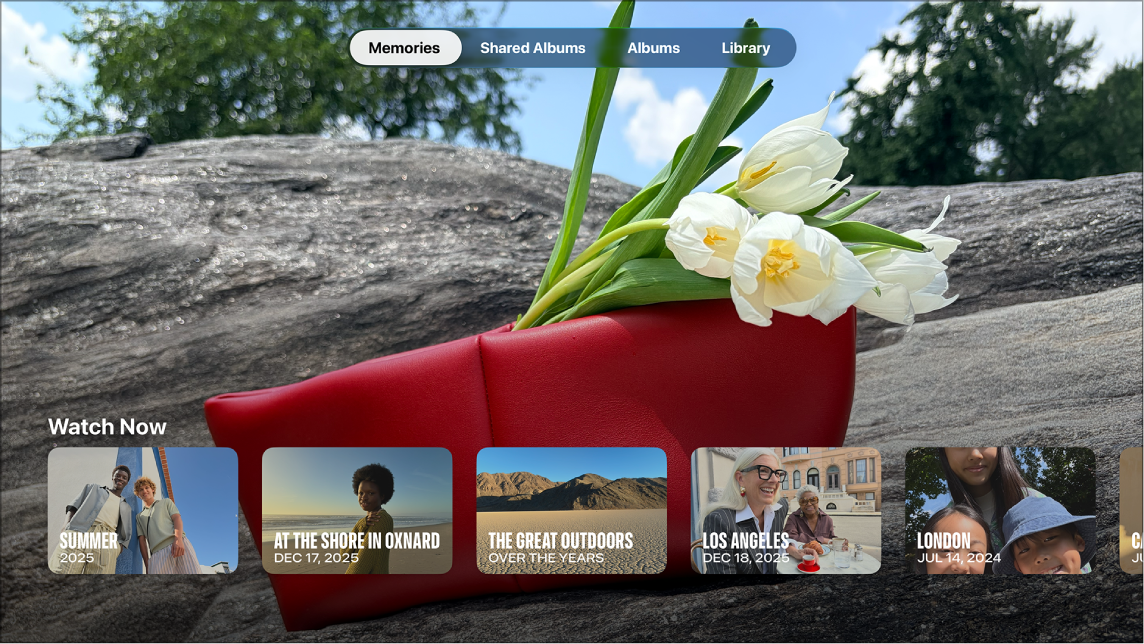
You can view your photos and videos on Apple TV 4K in the Photos app, from your albums or from your Library, which shows all of your iCloud photos and videos organized by date. There’s a scrolling timeline if you have a large library with years of photos. You can also view full-screen photos.
- Go to the Photos app on Apple TV 4K.
- To view your photos and videos, do either of the following:
- Navigate to Albums at the top of the screen to view your albums, select an album, then scroll down to view all photos and videos.
- Navigate to Library at the top of the screen, then scroll down to view all of your iCloud photos and videos organized by date.
Tip: If you have a large library with years of photos, use your remote to press and hold up or down on the clickpad ring or swipe up or down a few times quickly on the touch surface to activate a scrolling timeline, then scroll to the year you want to view.
- To view full-screen photos, select a photo, then navigate left or right.
Not all features and content are available in all countries or regions or on all Apple TV hardware models.
See also