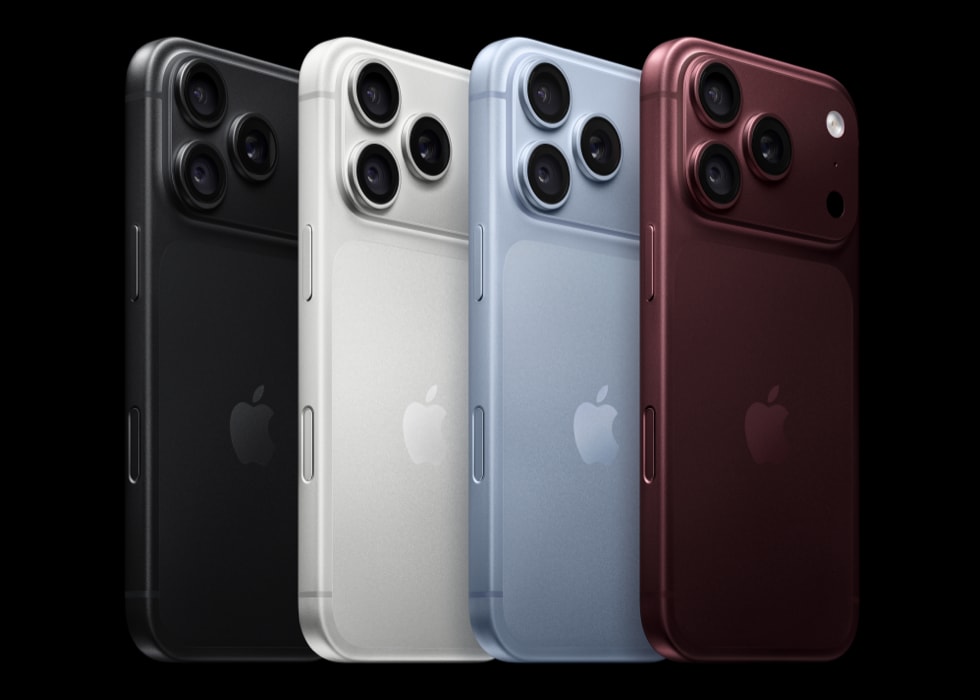
Some iPhone 18 Pro and iPhone 18 Pro Max users have been waking up to dead iPhones. It seems that sometimes when an iPhone 18 Pro has been left to charge at night, it dies unexpectedly.
Some of the features of this problem include:
- The iPhone has been charging for hours but won’t turn on.
- The iPhone appears dead and not charging.
- The iPhone died overnight while charging.
- The iPhone displays a black screen.
- Pressing and holding the side button does not turn on the iPhone.
This problem can be a big inconvenience. Some users rely on their iPhone alarm to wake them in the morning and have slept in because of this. Most people also use their phones for important communication tasks, and until you figure out how to resurrect your iPhone, you won’t be able to make calls or text. In this article, we will tell you what you can do to get your iPhone up and going again and discuss why this problem may have occurred.
How to fix iPhone dead after charging for hours
Try the following to resuscitate your iPhone.
1. Turn on your iPhone
Press and hold the side button on your iPhone until the Apple logo appears.
2. Force Restart your iPhone
Perform the following button presses; one followed quickly by the next.
- Press and quickly release the volume up button.
- Press and quickly release the volume down button.
- Press and hold the side button until you see the Apple logo (this might take longer than 10 seconds).
3. If the Force Restart hasn’t woken your iPhone 18 Pro
If you have another charging cable/charging brick that you can use, try using that instead. Plug your iPhone into power and leave it there for an hour. Then try again to turn on your phone by pressing the side button or doing a Force Restart.
If your iPhone shows a low-charge battery, check your iPhone hardware and then charge your iPhone for 30 minutes or until it starts.
4. Use recovery mode with your iPhone
There are two different things you can do with recovery mode, Update and Restore:
- Updating your iPhone using recovery mode will not erase your iPhone.
- Restoring your iPhone using recovery mode will erase your iPhone.
Follow the instructions to put your device in recovery mode.
- Ensure your Mac is up to date. On PC, get the latest version of the Apple Devices app.
- Connect your device to your computer with a USB cable.
- Open the Finder on your Mac, or open the Apple Devices app on your PC.
- Keep your device connected and wait until the “Connect to computer” screen appears.
- Press and quickly release the Volume Up button.
- Press and quickly release the Volume Down button.
- Press and hold the side button until you see the “Connect to computer” screen.
Then choose Update. If this fails to fix the problem, you can try to Restore your iPhone. If you restore your iPhone, you will need to set it up again using a backup (you can check for iCloud or Finder/Apple Devices/iTunes backups) or set it up as new.
5. Contact Apple Support
If none of the above has fixed the problem, you can contact Apple Support. You can open a chat, have Apple Support call you or make a Genius Bar appointment at a nearby Apple Store.
Why did your iPhone 18 Pro die while charging at night?
Although we can’t be sure why this happens, some users have said that their iPhone was set to update overnight, but that failed, and instead, their iPhone was dead when they woke. With Automatically Install turned on, iPhone downloads and installs updates overnight while charging and connected to Wi-Fi.