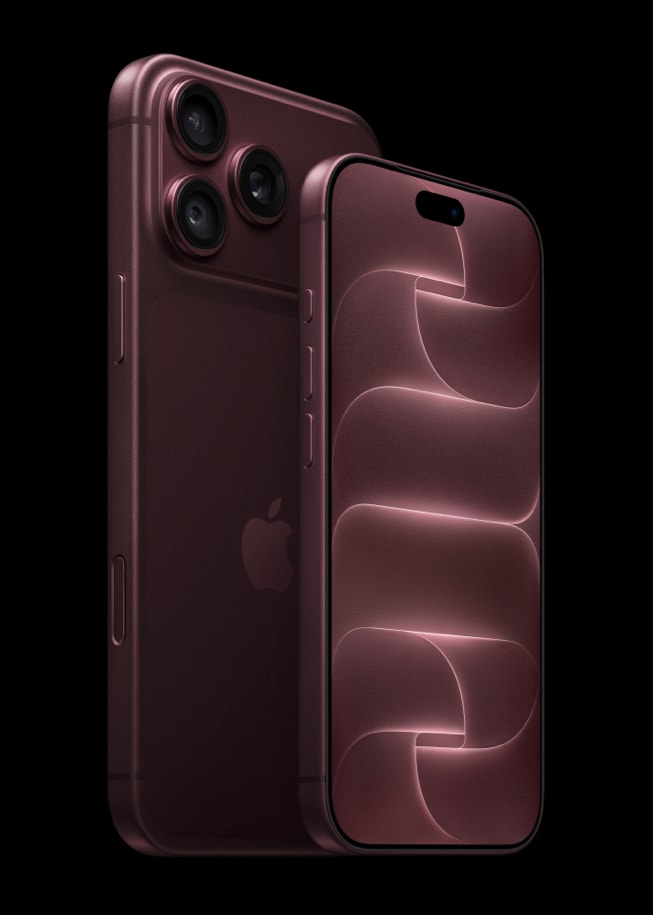
Your iPhone 18 Pro power button is the Side button. You press the Side button to wake or lock your iPhone. The Side button is also used to turn on your iPhone, and you can use the Side button together with either of the volume buttons to turn off your iPhone. (Alternatively, you can go to Settings > General and then tap Shut Down to turn off your device.)
An iPhone 18 Pro has several external buttons: the volume up and down buttons, the Action button, Camera Control, and the Side button.
An issue may occur where the iPhone 18 Pro Power button is not working, thus making it impossible or inconvenient to power on or off your device. If the iPhone 18 Pro power button is not working, there are a few steps you can take to address the issue.
- Charge your iPhone: Your Side button may seem nonfunctional if your iPhone’s battery has been completely drained. Plug your device into a power source, let it charge for one hour, and then try the side button again. If your iPhone shows a low-charge battery, check your iPhone hardware and then charge your iPhone for 30 minutes or until it starts. Also, check your charging cable and USB adapter for signs of damage, like breakage or bent prongs, and check for firm connections between your charging cable, USB wall adapter, and wall outlet, or try a different outlet.
- Force restart: If your iPhone isn’t responding, and you can’t turn it off then back on, try forcing it to restart. Force restart your iPhone by following these steps in quick succession:
- Press and quickly release the volume up button.
- Press and quickly release the volume down button.
- Press and hold the side button until you see the Apple logo (this might take longer than 10 seconds). Please note that you should try to follow these steps even if you think the power button is not working.
- Remove your case: Do you use a protective case? Remove any protective films or cases that might block the button, and then try again. If this does not make a difference, you can put the case back on if you would like.
- Clean the power button: Check for debris or dirt around the Side button and clean it with a soft cloth.
If the button still isn’t working after trying the steps above, is damaged, or works intermittently, you can set up a repair: contact Apple Support or visit an Apple Store for assistance. If your iPhone still won’t turn on, you might need service. You can set up a repair by making a Genius Bar appointment.