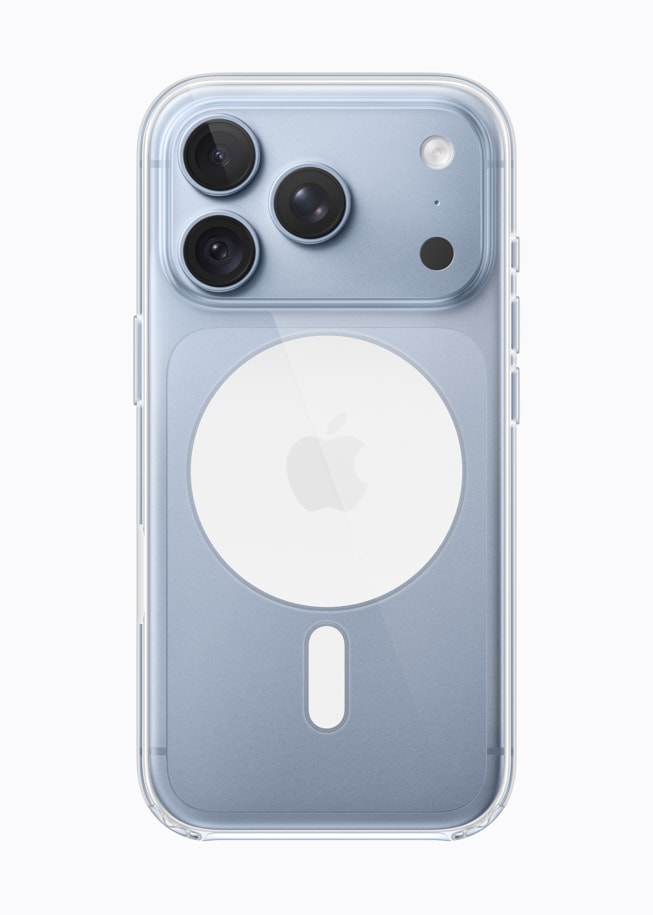
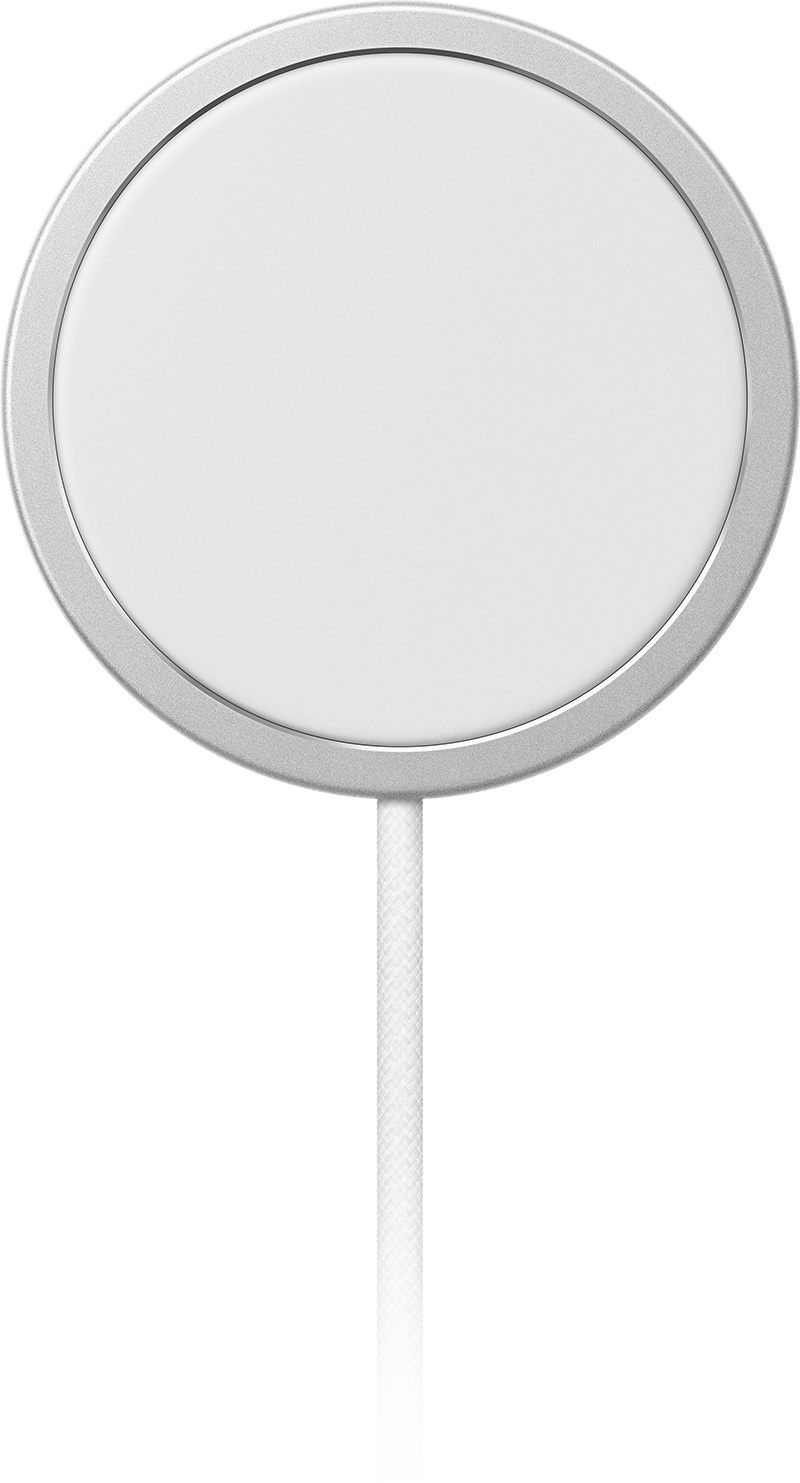
MagSafe is the charging technology that first became available with the iPhone 12. MagSafe is both a mounting and a charging system; it includes a magnetic component that is used to secure the iPhone to the MagSafe charger and to attach MagSafe accessories like cases. Some users have had trouble charging their iPhone 18 Pro with their MagSafe chargers. Users affected by these difficulties report that although their iPhone is connected to the MagSafe charger via the MagSafe magnet, their iPhone is not charging. In this article, we will give some troubleshooting tips to deal with MagSafe charging issues on iPhone 18 Pro and iPhone 18 Pro Max.
About MagSafe
MagSafe chargers use the same Qi charging technology that other wireless chargers use. iPhone 18 Pro can be charged wirelessly using either standard Qi chargers or a MagSafe charger. The MagSafe Charger provides faster wireless charging up to 25W when paired with a 30W power adapter. MagSafe chargers can also be used to charge other Qi compatible devices such as other iPhone models and AirPods.
MagSafe Charging Tips
- Place charger face up on a flat surface.
- Make sure there are no metal objects nearby.
- Apple recommends connecting the MagSafe Charger to a 30W or greater USB-C power adapter. You can also connect to a USB-C port on a Mac or PC.
- Remove any cases that are thick or contain metal.
How to Fix MagSafe charging on iPhone 18 Pro
After updating to the latest iOS, and doing a force restart, if you are still having trouble, you will want to determine if the problem is with:
- Your MagSafe charger
- Your iPhone 18 Pro
- The MagSafe charger/iPhone 18 Pro as a charging pair
Update to Latest iOS
Many users have reported that updating has solved the problem for them. If your iPhone 18 Pro is not running the latest iOS, you should update. Go to Settings > General > Software Update and install any available updates.
Force Restart
Many users have found that a force restart will resolve the issue.
- Press and quickly release the volume up button, then immediately press and quickly release the volume down button.
- Press and hold the side button.
- When the Apple logo appears, release the Side button.
Check Your Charge Adapter
Apple lists iPhone 18 Pro and iPhone 18 Pro Max among the models that get up to 25W faster wireless charging with a 30W or greater power adapter. If you are having trouble try plugging into another adapter.
Check the MagSafe Charger
You will want to know if the problem is with your charger. Try charging a different wireless device with your charger. Of course it would be best to test out another iPhone 18 Pro, but any device with wireless charging capabilities can at least test that the MagSafe charger can function as a standard wireless charger.
Check your iPhone’s wireless charging ability
Try to charge your iPhone 18 Pro using another wireless charger.
Look at Battery Optimization Settings
If your iPhone 18 Pro is charging, just not fully, you may be seeing the effects of Optimized Battery Charging or Charge Limit. Optimized Battery Charging is designed to reduce the wear on your battery and improve its lifespan by reducing the time your iPhone spends fully charged. It is available when Charge Limit is set to 100 percent. When the feature is enabled, your iPhone will delay charging past 80 percent in certain situations. The idea is that it is best for your phone’s battery not to spend so much time in a fully charged state. Optimized Battery Charging is on by default. To change it, go to Settings > Battery > Charging, where you can choose a charge limit between 80 percent and 100 percent in 5 percent increments.
Apple Support
If none of the above tips have worked for you, you may want to contact Apple Support. You may decide to make a Genius Bar appointment so that an Apple Tech can take a look at your iPhone 18 Pro. If you are unsure of your warranty status, take a look at our article on how to check your Apple warranty status.