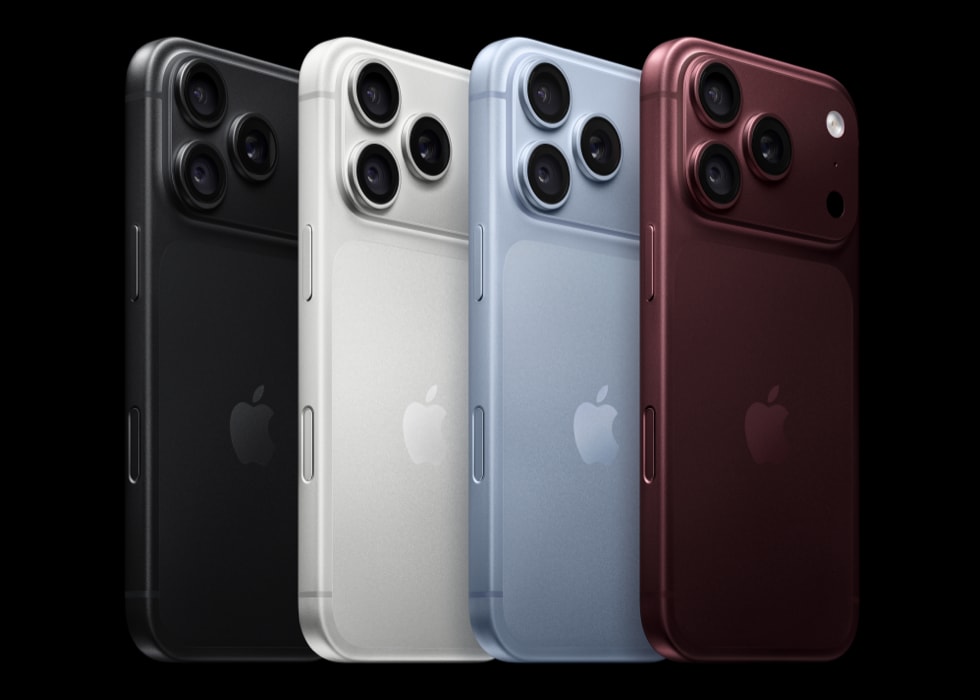
iCloud lets you sync and store data with your Mac or iPhone 18 Pro, including your bookmarks. If you have iCloud configured, your bookmarks will appear across all of your devices. This means if you update your bookmarks (e.g., adding or removing bookmarks) on your iPhone, your new bookmarks will sync between all of your Apple devices (Mac, iPhone etc). This also means that if you have deleted your Safari bookmarks by mistake, you may be able to get them back.
This article explains how to recover lost or deleted iCloud bookmarks. This can be done by restoring your bookmarks.
Note that you can only restore your bookmarks if they are deleted within the last 30 days.
Here is how:
1-Go to icloud.com/recovery, then sign in to your Apple Account (if necessary).
2-Tap Restore Bookmarks.
3-To the right of the version you want to restore, tap Restore.