The new iOS 26.6 is just around the corner, and this is the last big update to iOS 26 before we move on to the new iOS 27.
Even though in numbers it looks like a big update, it doesn’t have that many features or changes, but it’s still an important update, so I suggest everyone installs this update on their device. I will show you some important things you need to know before you update your device to the new iOS 26.6.
Storage
Storage is important when it comes to updating your device, and especially with the iOS 26 versions, all of them are big in size. The RC of iOS 26.6 came in at around 8 GB. This won’t be as big on your device if you’re updating from iOS 26.5 or any other version of iOS 26, because this is the RC, which means that iOS gets completely reinstalled on the device. But if you’re on one of the betas or the RC of iOS 26, it will be this big once it’s out to the public.
Even if it’s not this big, it will be at least 2 to 3 GB, so you will need quite a lot of storage to install this update on your device. Apple is requiring quite a lot of storage. If this update comes in at around 2 to 3 GB, you will need at least 8 to 10 GB of free storage on your iPhone in order to install the update.
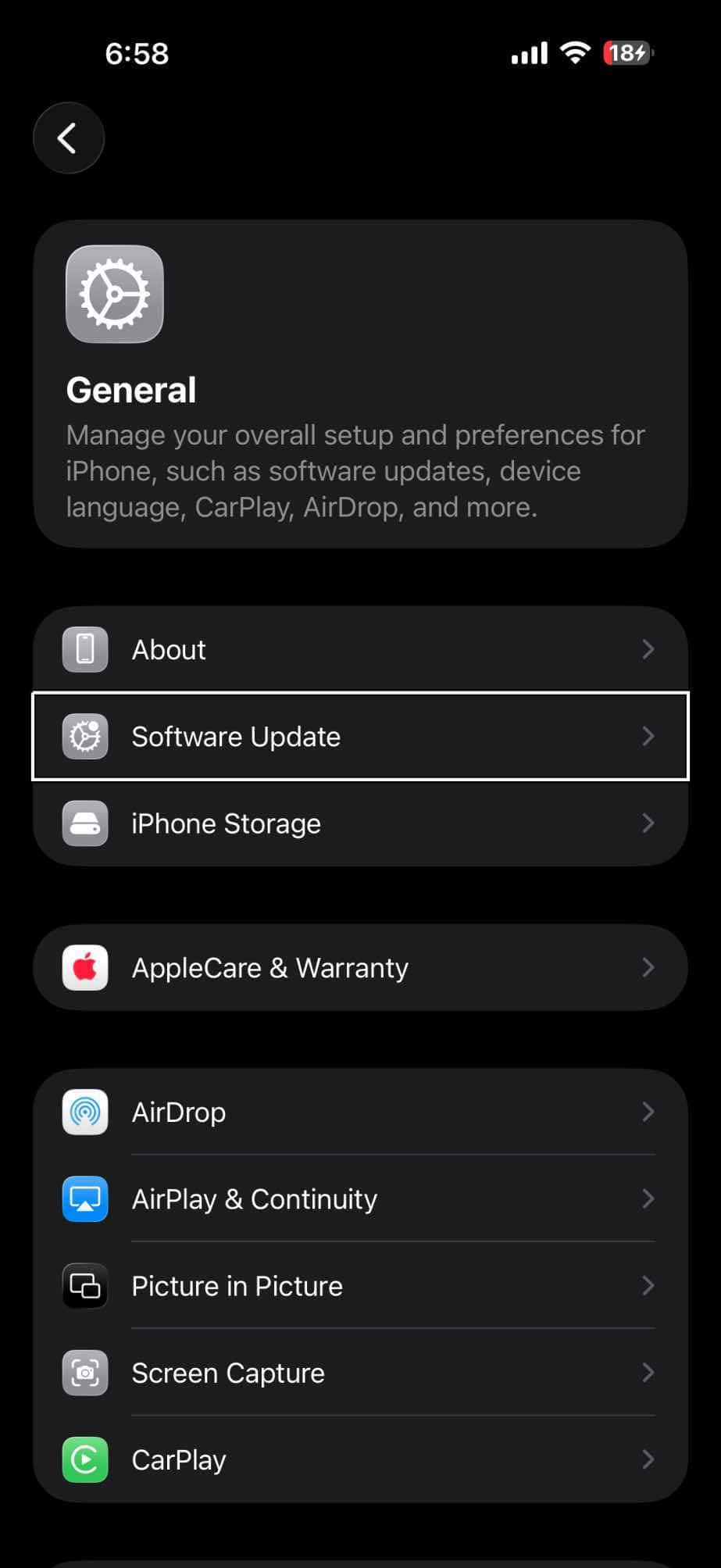
What you want to do is make sure that you have that storage free on your iPhone. You head onto the iPhone Storage section under the Settings app, under the General section, and you will have a few suggestions of what you can do in case you don’t have that free storage. You can review your photos, videos, and empty the Recently Deleted album.
But if you don’t want to delete any photos or videos, or you maybe don’t have enough free storage, there is something that you can do. Apps like TikTok, Instagram, or Facebook do take quite a lot of space. I checked Instagram and found that the app itself is around 500 to 600 MB, while there is almost 2 GB of data. What I would do is delete the app, install the update, and then once the update is completed, you can come back and again install the app on your device.
See also: How to free up iPhone storage without deleting apps
Backup
It is important that you always back up your device before trying to update your device to a new iOS version. Updating iOS — probably everyone has done it a lot of times in their life — is not that hard at all. It’s a simple, accurate, fast process: a couple of clicks, wait for something like 5 to 10 minutes and you have your device updated to the latest iOS version.
So most likely nothing will go wrong, but just in case something goes wrong, you don’t want to have to deal with that and maybe even lose your data. Just to be safe, make sure that you always have a backup of your device. You can do that through iCloud, or maybe back up to your computer or to your Mac. In a couple of minutes you will have your device backed up, and if anything goes wrong then you will have all your data.
See also: How to back up your iPhone to iCloud
If you’re on the iOS 26.6 beta
As I said, updating is simple. Everyone knows that it’s simple to update your iOS device. But if you’re on the iOS 26.6 beta, then you will have two choices. If you have already updated to the RC, then you’re good to go. You already have the latest update for iOS 26.6, so you no longer need to update your device and you won’t get an update if you have already installed the RC.
That is a simple way to update. I suggest that everyone does that if you have the iOS 26.6 beta on your device. But a lot of people don’t want to do that; they want to move to the public release. In that case, you will need to be on one of the betas of iOS 26.6 and not the RC. If you’re on one of the betas and you have the RC ready for update, just go ahead and go to the Beta Updates and turn them off. In this case, turning them off will remove the RC and then we’ll show you the public release once it’s out.
But again, there is no reason to do that or wait for that. Just go ahead and update to the RC — it is the exact same version. If anything changes under the public release, Apple will also release an RC 2 for beta users.
Preparing your device for iOS 27
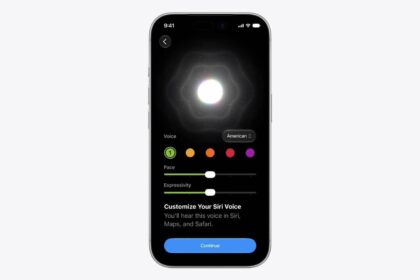
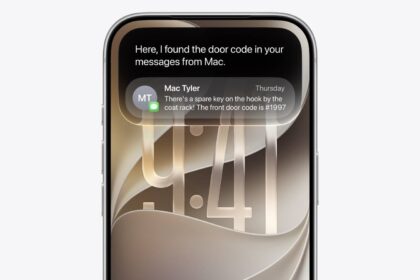
iOS 27 is coming out in around two months from now, a bit less — around the middle of September we will have the update released to the public. Once you update to iOS 27, it will start a process called Optimizing Siri and Search. You’ll be able to use your device, but it’s indexing so it improves search and all that stuff with the new Siri. But iOS 26.6 will do that for you before you even update to iOS 27.
This is important to know: if you install iOS 26.6, it will take a few days to complete the process, and mine took quite a lot of time on iOS 27. So you don’t want to have to deal with that on iOS 27. You just go ahead and install iOS 26.6 and it will already have finished those processes before iOS 27 is out. So when you install iOS 27 on your device, it’s ready to go. All the new Siri features will be available for you to use. So it doesn’t need to optimize Search and Siri. When you update to iOS 27, iOS 26.6 will do the job for you.
Release
The release is happening most likely on July 27th. It might even be July 28th, but one of these dates should be the time that Apple releases iOS 26.6 to the public. Most likely it will be Monday, July the 27th.
Should you update?
Of course you should. iOS 26.6, as I said, doesn’t bring a lot of new features and changes, but it will prepare your device for iOS 27. That’s the main reason I believe you should install this update on your device.
iOS 26.6 will show you a pop-up when you have reached the blocked contacts limit and also show you a pop-up if you get any malicious messages trying to scam you or compromise your data and your privacy. They look like small changes, but are actually really important. That’s why I suggested any iPhone user running iOS 26 should install iOS 26.6 on their devices.
As far as devices go, any device on iOS 26 will also support the new iOS 26.6 and the new iOS 27. That’s why this update is here to prepare your iPhone for iOS 27.