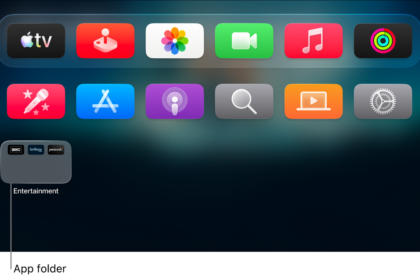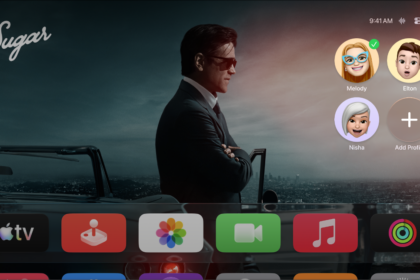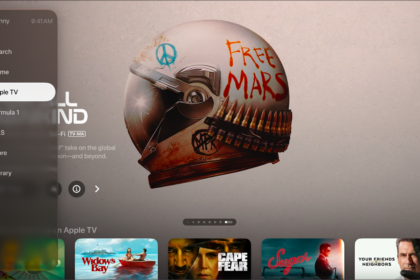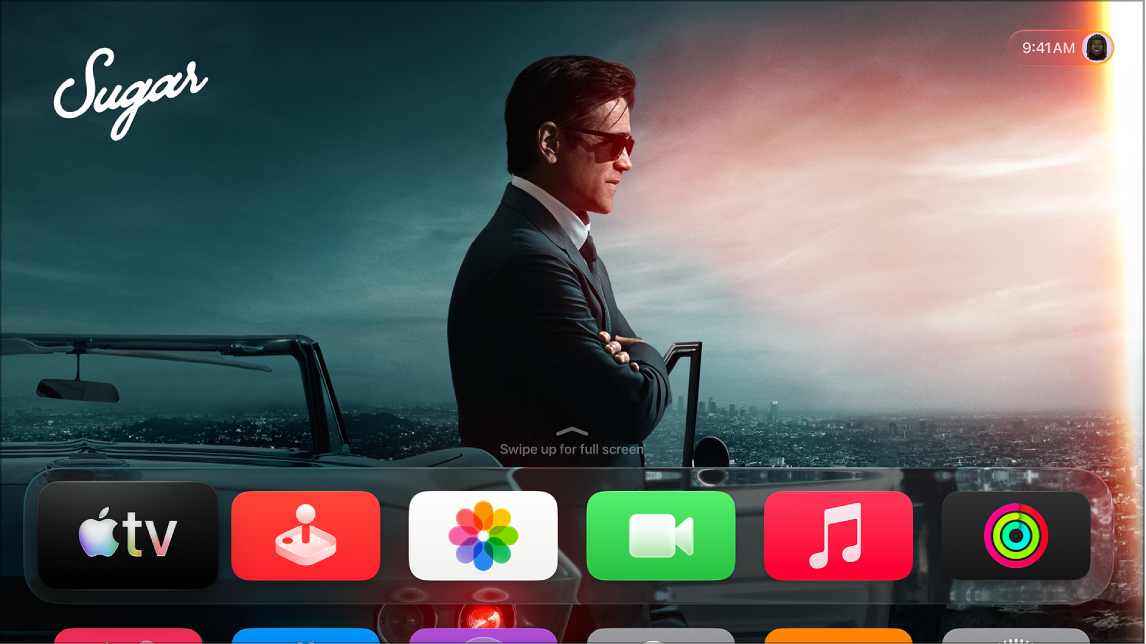
Some apps can send you notifications on Apple TV 4K, and you can turn these notifications on or off for each app individually. When notifications are enabled, new ones appear with an app icon badge in the top-right corner of the Home Screen.
Some apps also have specific notification preferences you can adjust in the app’s settings menu. Not all features and content are available in every country or region, though.
- Go to Settings on Apple TV 4K.
- Go to Notifications and select an app to turn notifications on or off.
Some apps also have notification preferences you can adjust in the app’s settings menu. For the steps, read our guide, Adjust settings for specific apps on Apple TV 4K.
Not all features and content are available in all countries or regions or on all Apple TV hardware models.