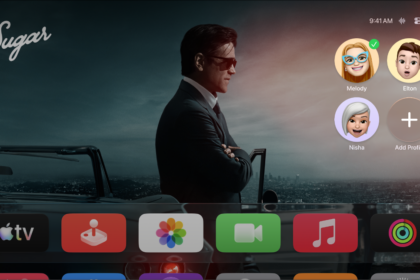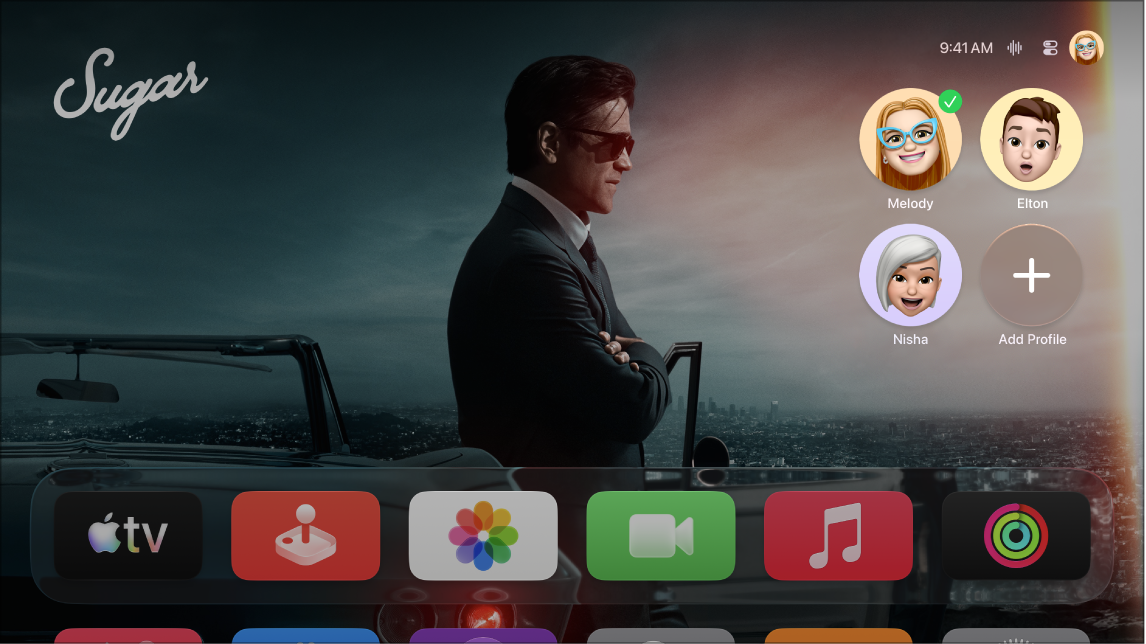
The default profile is the profile connected to an Apple Account that was used to set up Apple TV 4K. Some features of Apple TV 4K are available only for the default profile. They include syncing iCloud photos in the Photos app, using One Home Screen to keep your Home Screen consistent across multiple Apple TV 4K devices, and seeing Shared with You recommendations in the Apple TV app. If that profile isn’t the right one anymore, you can change the default profile at any time.
- Go to Settings on Apple TV 4K.
- Go to Profiles and Accounts and then select the name listed as Default.
- Select Remove Profile.
- Select Add Profile and enter a new Apple Account and password.
Not all features and content are available in all countries or regions or on all Apple TV hardware models.
See also