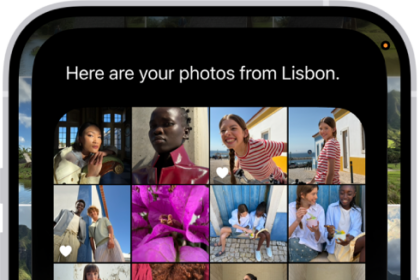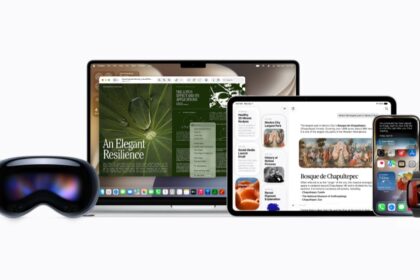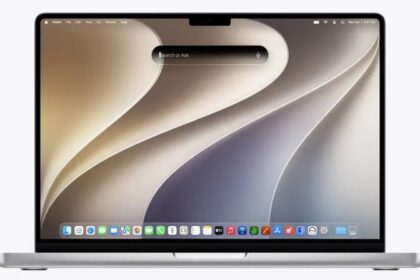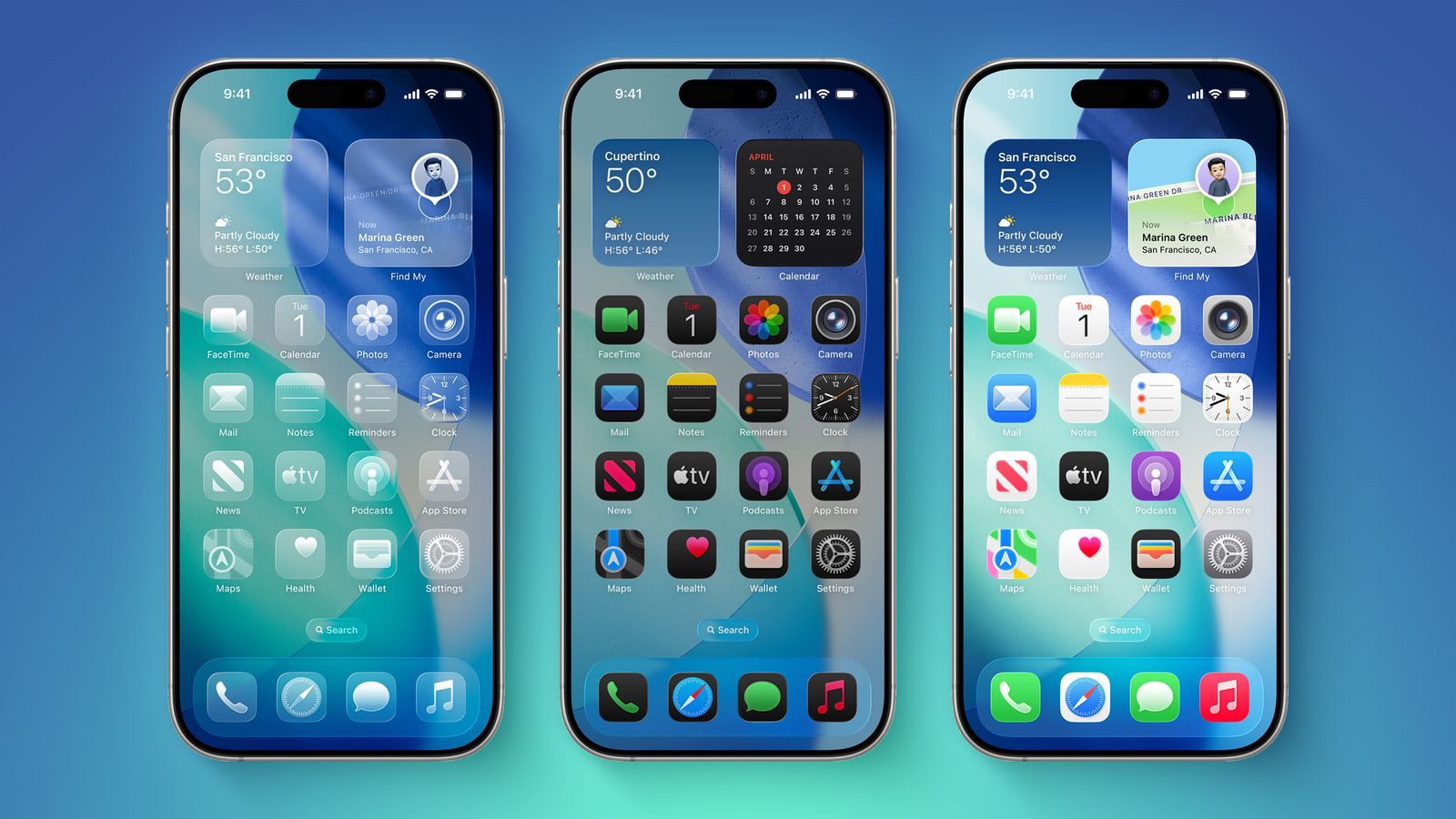
iOS 26 features a whole new design material that Apple calls Liquid Glass, with a focus on transparency that lets the content on your display shine through the controls. If you’re not a fan of the look, or are having trouble with readability, you can turn off the Liquid Glass Design on your iPhone or iPad. Here’s how:
- On your iPhone or iPad, open up the Settings app.
- Go to Accessibility.
- Select Display and Text Size.
- Turn on the Reduce Transparency toggle.
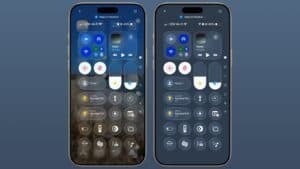
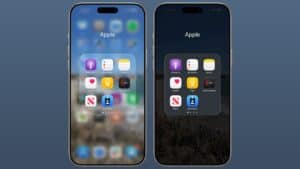
You’ve now successfully turned off the iOS 26 Glass Design and restored a more minimalistic, performance-friendly UI. Toggling on Reduce Transparency adds a darker background to translucent areas like the Control Center, app icons, and app folders, improving contrast.
Activating Reduce Transparency does not remove all translucency from the iPhone’s interface, but it does give everything more of an opaque look. It does not change the shape of buttons or return things to a pre-iOS 26 look.
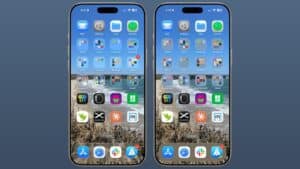
If you want to be able to turn the setting on and off quickly, you can add it to your Accessibility Shortcuts to get to it from the Control center interface.
We’re still very early in the beta testing process, and Apple will make tweaks and refinements to the Liquid Glass design based on user feedback. It’s always tough to get used to an entirely new interface, so if you’re a developer running the beta and you’re having trouble adjusting or reading some text, temporarily activating Reduce Transparency might help ease the transition.
In all likelihood, most people will adjust to the updated Liquid Glass design within a few days. Apple hasn’t made significant changes to app interfaces and layouts, so even though there’s a whole new look for iOS 26, Apple says it’s still going to feel familiar to people.
Liquid Glass could look different by the time that iOS 26 launches to the public, and we’ll see it evolve over the next few months. Right now, iOS 26 is limited to developers, but a public beta is coming in July. A launch will follow in September.
See also: How to Use Apple Music AutoMix in iOS 26 for DJ-Like Song Transitions