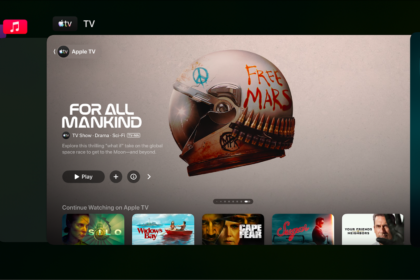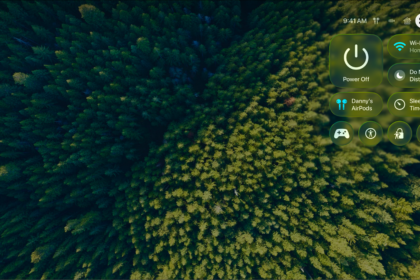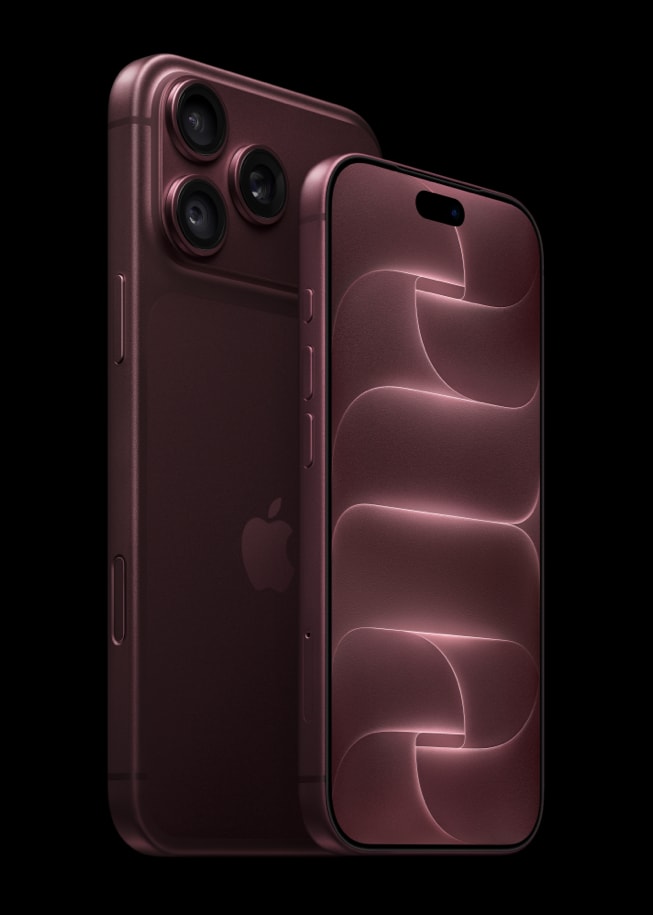
Apple TV remote lets you control your Apple TV with your iPhone 18 Pro or iPhone 18 Pro Max. All you need to do is set up the Apple TV Remote app.
One problem I experience a lot is that I do not see my Apple TV. And one other issue I experience often is that my Apple TV looks offline, even though Apple TV is turned on. This short article explains what you can do if your Apple TV Remote app is not working.
Connecting your iPhone 18 Pro to your Apple TV with the Apple TV Remote app is a very simple process. Sometimes you may experience various issues. Furthermore, to be honest, Apple’s Remote App is buggy. From my experience, it is not always working as expected.
If you can’t get the Apple TV Remote app or the Apple TV Remote in Control Center working, try the following tips. Please check to see if the Apple TV App is working after each step.
- Make sure that your Apple TV and your iPhone are on the same Wi-Fi network.
- Restart your device.
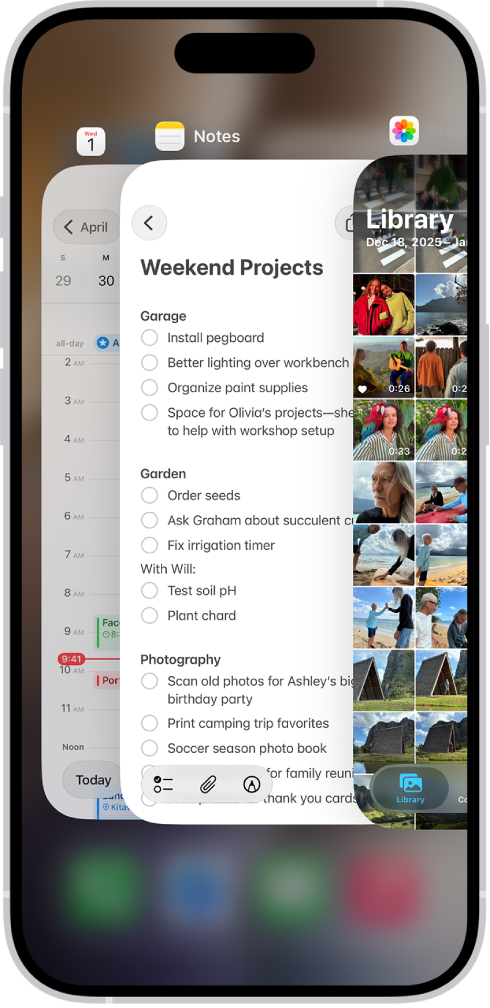
- Close the app and then re-open and try again. To do this, swipe up and pause, then find the Apple TV Remote app, and swipe it up. Now relaunch the app.
- Restart your Apple TV. You can do so by going to Settings > System > Restart (assuming that you have your remote). If you do not have your TV remote and since the Apple TV Remote app is not working, you can simply unplug your Apple TV from the power outlet; wait a few seconds, then plug back in.
- Make sure that your iPhone 18 Pro has the latest version of the iOS software. You can update your device by going to Settings > General > Software Update. This is important because updated software fixes a lot of issues and bugs.
- To see which Apple devices can control your Apple TV 4K, go to Settings on Apple TV 4K, then go to Remotes and Devices > Remote App and Devices. To remove a device from the list, select the device, then select Forget This Device.
- There may be a problem with your connection. Restart your Wi-Fi router. You can do that by unplugging it from the power outlet and wait at least ten seconds and plug back in.
- On your iPhone 18 Pro, turn on Airplane Mode, wait a few seconds and turn it off.
Tips above should fix if your Apple TV Remote app can’t connect to Apple TV. However if you are still having issues, contact Apple.