iPhone
The iPhone is a smartphone made by Apple that combines a computer, iPod, digital camera and cellular phone into one device with a touchscreen interface. The iPhone runs the iOS operating system.
How to turn off vibration on iPhone
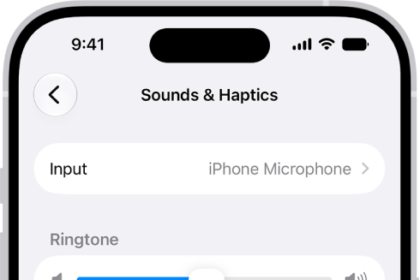
You can turn off vibration on iPhone for specific alerts in Sounds & Haptics, or…
How to work with PDFs in Notes on iPhone
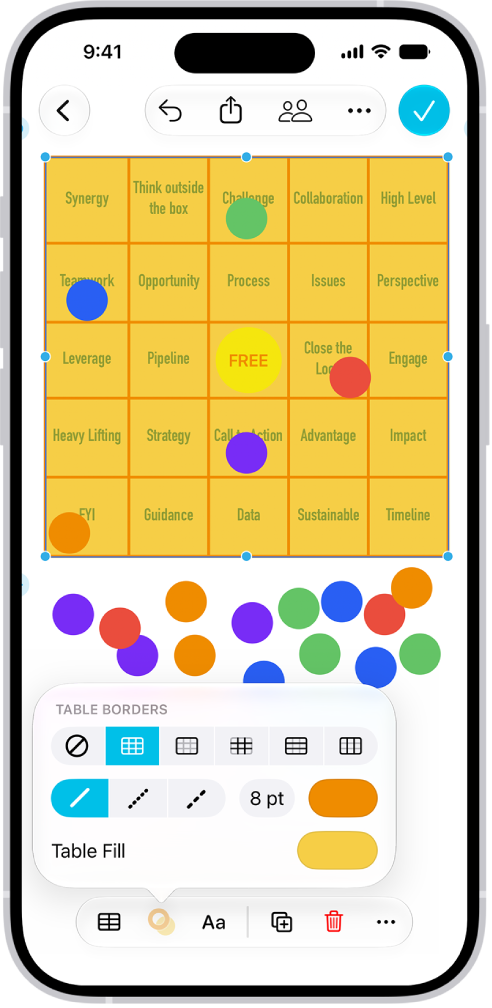
You can attach, view, edit, annotate, and collaborate on PDFs in Notes on iPhone, including…

How to adjust the onscreen and external keyboard settings for accessibility on iPhone
You can set the iPhone keyboard to show only uppercase letters, and use Key Repeat,…
How to change Face ID and attention settings on iPhone
You can set up Face ID without moving your head and change attention-aware settings on…
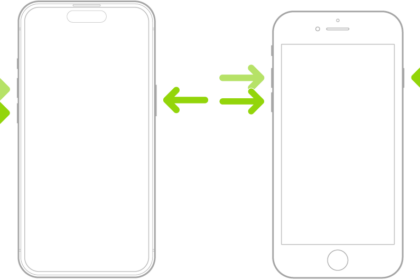
How to adjust settings for the side or Home button on iPhone
You can change the click speed, Siri, Touch ID, haptic, and payment confirmation settings for…

How to reach the top of the iPhone screen with one hand
You can lower the top half of the iPhone screen so it's within reach of…
How to control a nearby Apple device with iPhone
You can use Control Nearby Devices on iPhone to remotely control another Apple device signed…

How to interact with Apple Watch on your iPhone
You can see and control your Apple Watch screen from your paired iPhone, with touch…
How to customize onscreen motion on iPhone
You can reduce onscreen motion on iPhone, including motion effects, screen transitions, animated images, and…
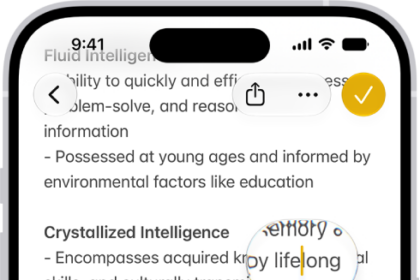
How to view a larger version of text you’re reading or typing on iPhone
You can see larger versions of text under the pointer or text you're typing with…
How to detect text around you and have it read out loud using Magnifier on iPhone
You can use Magnifier on iPhone to read nearby text out loud, or point at…
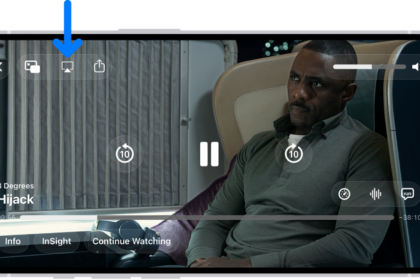
How to hear audio descriptions for video content on iPhone
You can turn on audio descriptions on iPhone to hear a narration of what's happening…