Troubleshooting
Having a problem with an Apple device, Mac system software, or iOS? Maybe your Mac is behaving weird, or your iPhone isn’t charging properly, or an iPad app is crashing, or something is just not working as expected? Browse through and search our troubleshooting articles and you might be able to resolve the problem!


iPhone 18 Pro Not Showing Up in Finder on Mac? Here’s Why
Unlock your iPhone on the Home Screen and tap Trust when asked if your iPhone…

Notes Disappeared on iPhone 18 Pro? How to Recover Them
Update iOS and make sure Notes is turned on in iCloud if your notes disappeared…


iPhone Ear Speaker Not Working? Here’s How to Fix it
Here are a handful of troubleshooting steps and fixes you can try to revive your…

iPad Camera Not Working? Here’s How to Fix it
Learn how to fix the problem when your iPad camera is not working or black

iPhone Not Identifying Plants in Photos? Here’s how to fix it
Learn what to do if your iPhone is not identifying plants in photos
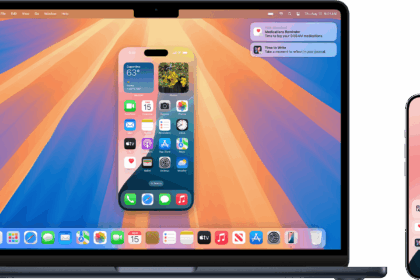
iPhone Mirroring Connection Interrupted? Here’s how to fix it
Fix "iPhone Mirroring Connection Interrupted. Ensure 'iPhone' is near your Mac, powered on, with Bluetooth…
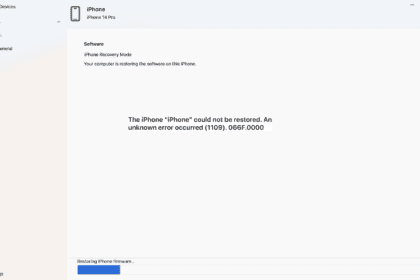
How to Fix Error 1109 When Restoring iPhone or iPad
If you are receiving an error code (1109) in the middle of the restore on…

Can’t Install macOS Sequoia 15.4 on Mac? Here’s Why and Fix
Learn what to do if you can’t Install macOS Sequoia 15.4 on Mac
iPhone Face ID is Not Available: Here’s How to Fix it
Learn what to do when iPhone “Face ID Is Not Available”
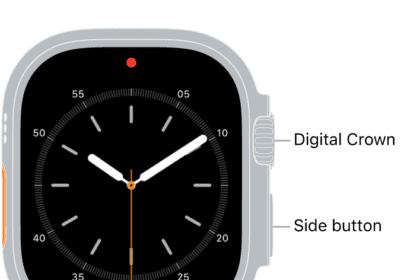
Can’t Delete Apps from Apple Watch? Here’s how to Fix it
Learn what to do if you can’t delete apps on your Apple Watch

Apple Watch Answering Phone Calls Automatically? How to fix
Learn how to stop your Apple Watch from automatically answering calls

MagSafe Charging not Working, Here’s how to fix it
We give you troubleshooting tips to deal with MagSafe charging issues.