Troubleshooting
Having a problem with an Apple device, Mac system software, or iOS? Maybe your Mac is behaving weird, or your iPhone isn’t charging properly, or an iPad app is crashing, or something is just not working as expected? Browse through and search our troubleshooting articles and you might be able to resolve the problem!


iPhone 18 Pro Not Showing Up in Finder on Mac? Here’s Why
Unlock your iPhone on the Home Screen and tap Trust when asked if your iPhone…

Notes Disappeared on iPhone 18 Pro? How to Recover Them
Update iOS and make sure Notes is turned on in iCloud if your notes disappeared…

How to fix iPhone not connecting to Wi-Fi after iOS 27 update
In this article, we provide a list of solutions that just might help you resolve the problem…
How to fix Bluetooth not working on iPhone after iOS 27 update
These tips and tricks will help fix iPhone Bluetooth problems you are having after iOS…
How to Fix AirDrop Not Working on iPhone After iOS 27 Update
In this article, I explain how you can fix the problem when your iPhone is…
7 hidden iOS 27 features to improve your iPhone
iOS 27 includes these hidden features, and after spending time with the iOS 27 beta,…
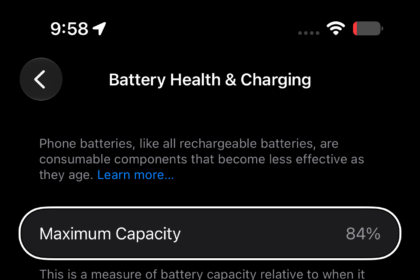
Your iPhone Battery Health DROPPED After iOS 27? Here’s Why!
Your battery health did not drop because of iOS 27. The maximum capacity is recalculated…
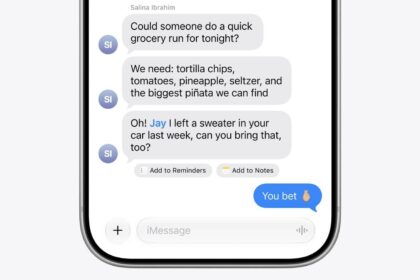
How to Fix iMessage Not Working on iPhone After iOS 27 Update
Learn what to do if you can’t receive or send iMessages on your iPhone after…
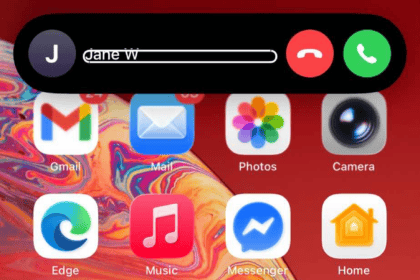
How to fix iPhone not receiving incoming calls after iOS 27 update
Learn why your iPhone isn’t getting calls after iOS 27 update and how you can…
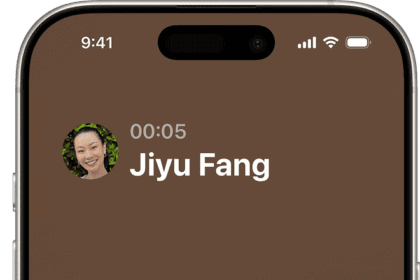
How to fix iPhone not making calls after iOS 27 update
Learn why your iPhone won’t make calls after iOS 27 update and how you can…
How to Fix iPhone Keyboard Lag After iOS 27 Update Issue
Here are some tested and trusted solutions to fix the iPhone keyboard lag issue in…
How to fix iPhone not receiving text from Android after iOS 27 update
here are ways to troubleshoot the problem if you have issues getting texts from Android…