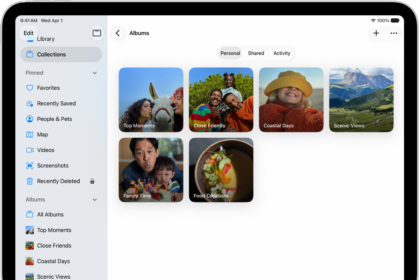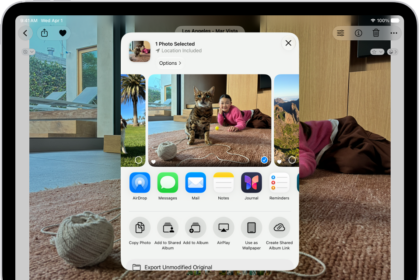
On iPad, you can choose different color, text size, and motion settings for certain apps or for the Home Screen and App Library. You just add an app from the list, then change its settings. You can also change display colors, make text easier to read, and customize onscreen motion.
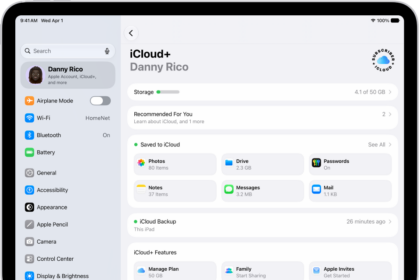
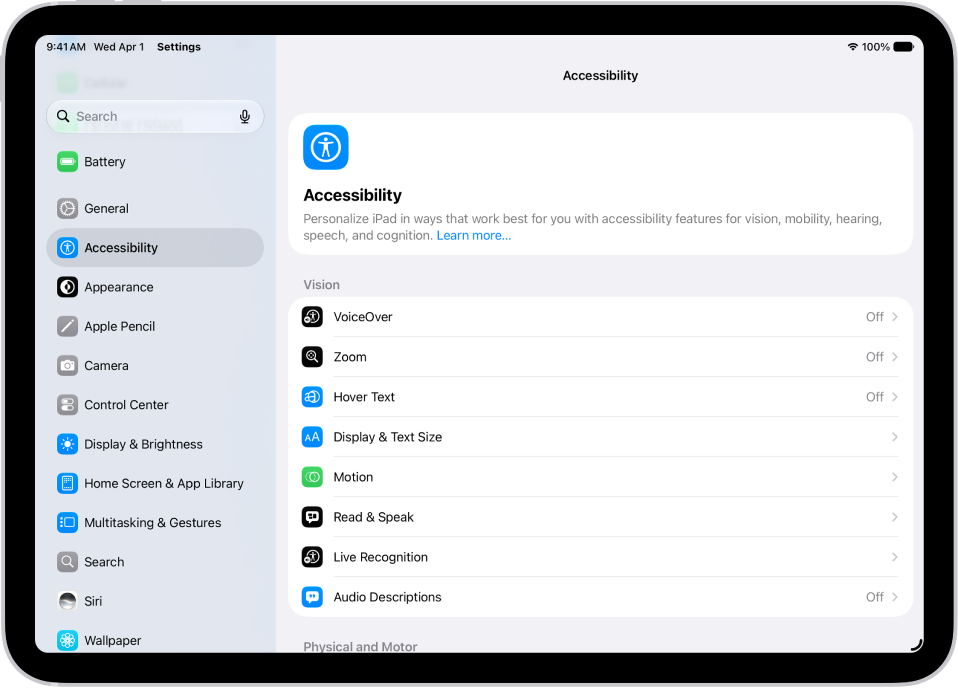
- Open Settings, tap Accessibility, and then tap Per-App Settings.
- Tap Add App. Then choose an app from the list (or Home Screen & App Library).
- Tap the name of the app (or Home Screen & App Library) to access its settings.
See also