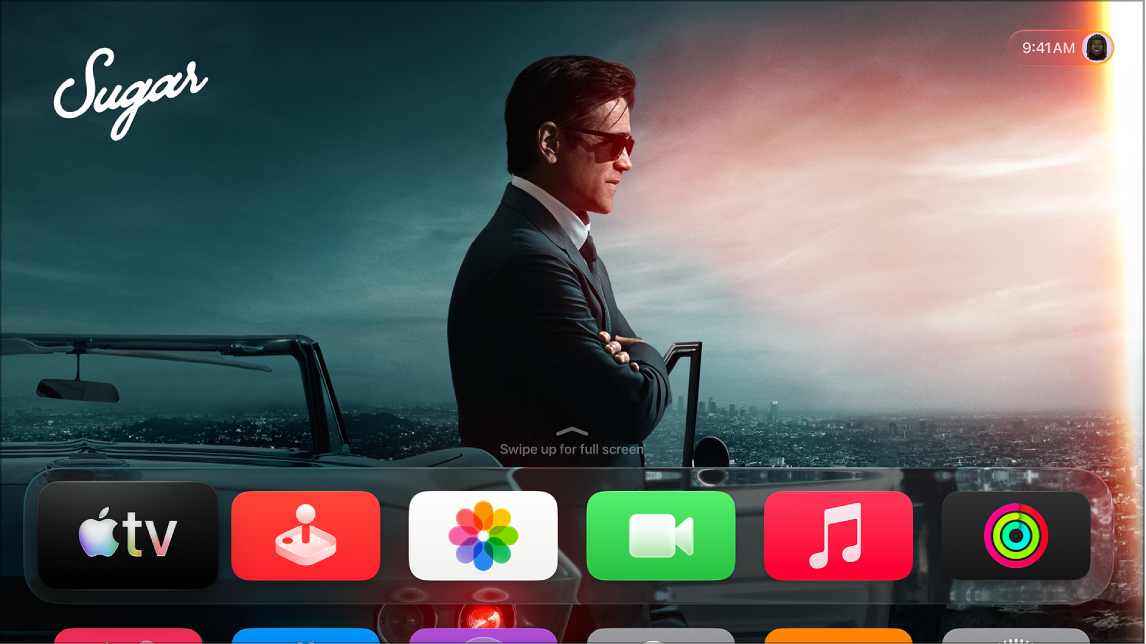
You can reduce screen motion on Apple TV 4K by stopping the movement of app icons, movie posters, and some other screen elements. Reduce Motion limits the amount of motion displayed during navigation, and you’re also able to stop video previews from playing automatically in supported apps.
- Go to Settings on Apple TV 4K.
- Go to Accessibility > Motion. Do any of the following:
- Turn on Reduce Motion to limit the amount of motion displayed by Apple TV 4K during navigation.
- Turn off Auto-Play Video Previews to prevent video previews from playing automatically in supported apps.
Not all features and content are available in all countries or regions or on all Apple TV hardware models.