You may want to restore your recently closed tabs in Safari for various reasons. For instance, if you accidentally closed Safari tabs on your iPhone, you can quickly view and reopen them.
Here is how you can restore closed tabs in Safari on iPhone and iPad.
Restore closed tabs in Safari on iPad
- Go to the Safari app on your iPad.
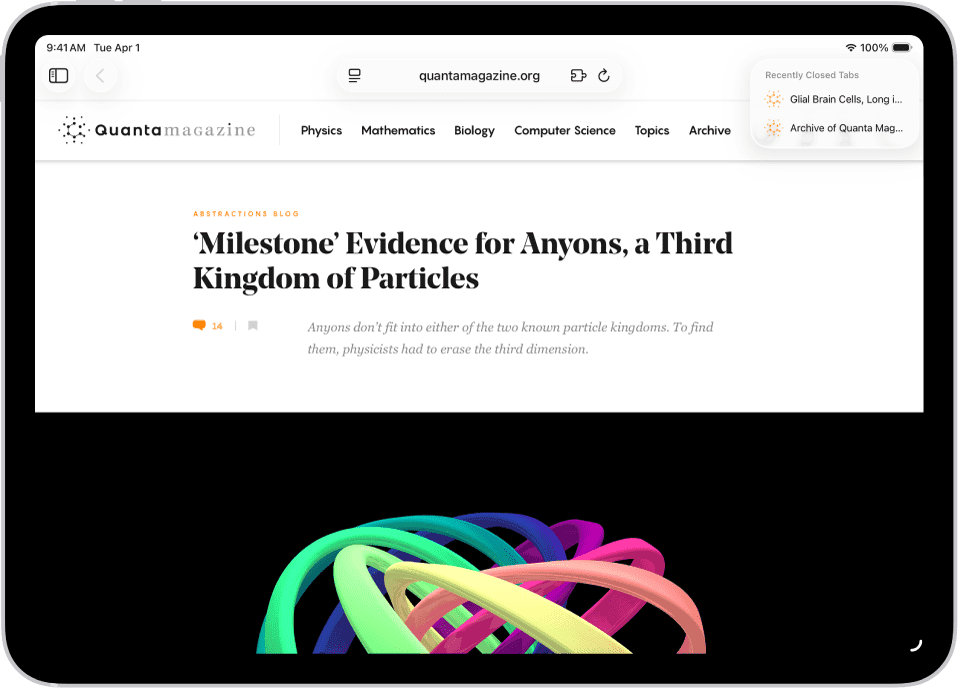
- Touch and hold the New Tab button, then choose from the list of recently closed tabs.
Restore closed tabs in Safari on iPhone
- Go to the Safari app on your iPhone.
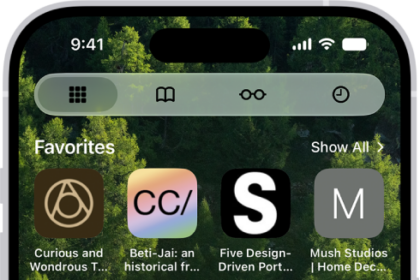
- Tap the More button, then tap All Tabs. If your Tabs layout is Bottom or Top, tap the Tabs button again.
- Touch and hold the New Tab button, then choose from the list of recently closed tabs.