SUMMARY
- To turn off your Apple Watch, press and hold the Side button.
- When the sliders appear, tap the On/Off icon in the top corner.
- Lastly, slide from left to right where it says "Power Off."
Sometimes you need to completely shut down your Apple Watch, perhaps to help with troubleshooting or to save your battery life during a long period of inactivity. Luckily, it’s easy to power off an Apple Watch. Here’s how.
How to Turn off Apple Watch
- Press and hold the side button until the sliders appear.
- Tap the Power Button, then drag the Power Off slider to the right.
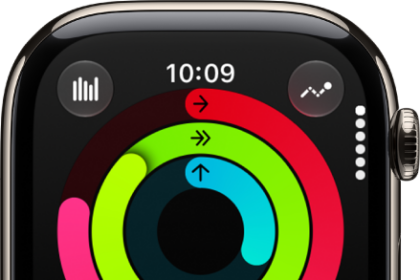
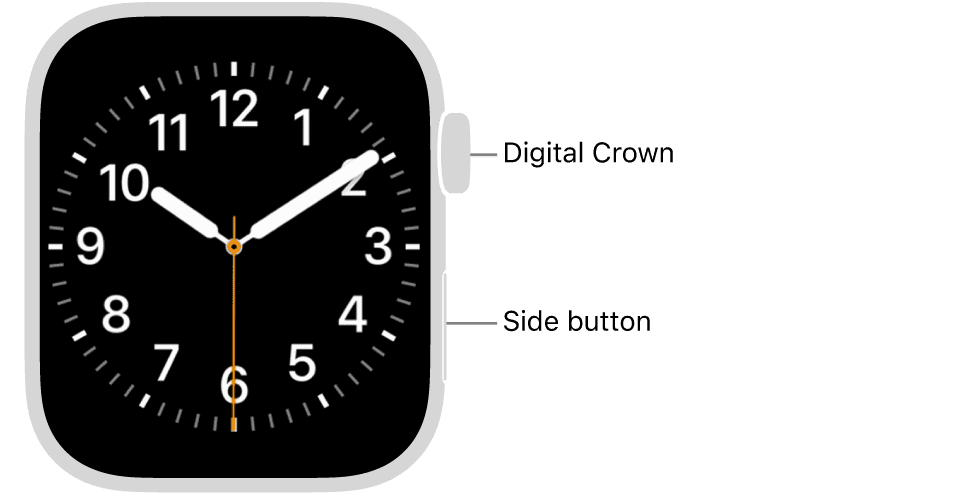
Tip: The Side button is beneath the Digital Crown. If you have an Apple Watch Ultra, don’t confuse it with the orange Action button.
Can’t turn off your Apple Watch?
If you can’t turn off your Apple Watch, you may need to force your Apple Watch to restart. Do this only if your Apple Watch is frozen or unresponsive.
To force restart, hold down the side button and the Digital Crown at the same time for at least 10 seconds, until the Apple logo appears. Now try turning off your Apple Watch using the above steps.
How to Turn Your Apple Watch Back on Again
Now that your Apple Watch has been turned off, what next? If you’re troubleshooting, you can wait a few moments, and then turn it back on again. Thankfully, the process of turning an Apple Watch back on is quite simple.
Hold down the side button until the Apple logo appears.
Tip: Make sure that the Apple Watch has enough battery to turn on. Place it on the charger for at least 10 minutes to quickly add juice to the battery if you’re unsure.
See also: How to Fix Apple Watch Keeps Shutting Down or Restarting