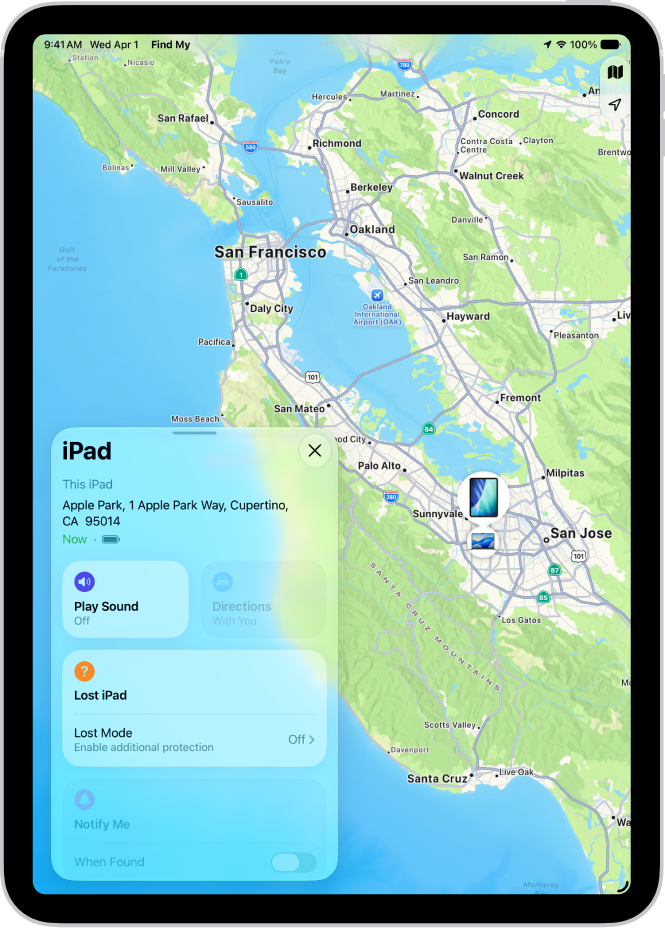
How to turn off Find My on iPad

You can turn off Find My on iPad if you no longer want to share your location or view the location of friends and items.

By Kristina Terech - Staff Writer
0 Min Read

You can turn off Find My on your iPad if you no longer want to share your location or view the location of your friends, devices, and items. You’ll need your Apple Account password to turn it off. You can also share your location in Find My on iPad.

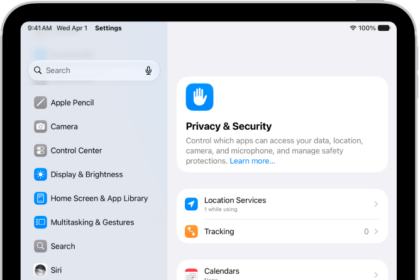
  1. Open Settings, tap [your name], and then tap Find My on your iPad.
  2. Tap Find My iPad. Then tap to turn it off.
  3. Enter your Apple Account password, then tap Turn Off.

See also
TAGGED:
Staff Writer
Follow:
Kristina is a staff writer at GeeksChalk, and is interested in all things Apple. This includes its best products such as the iPad, iPhone, Mac, AirPods, and Apple Watch. When she's not tinkering with the latest Apple gear, you’ll find her watching movies, taking pictures and exploring the great outdoors.
Leave a Comment