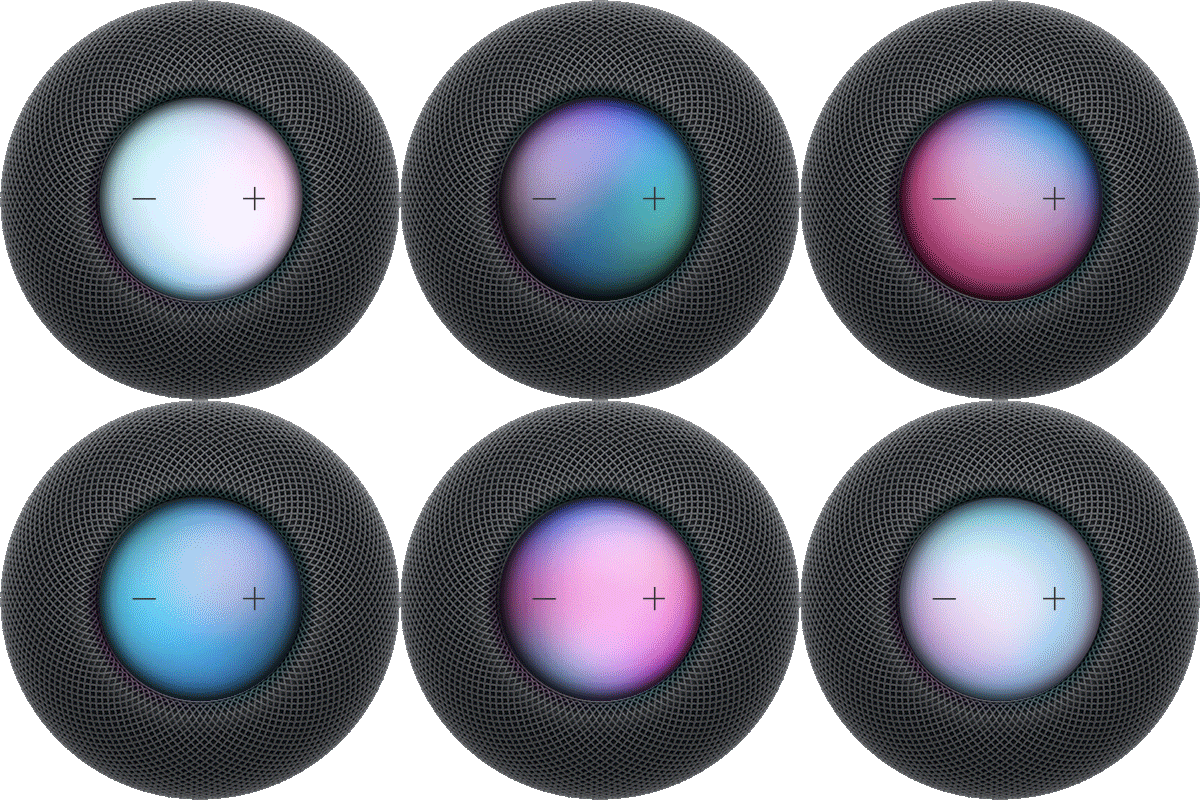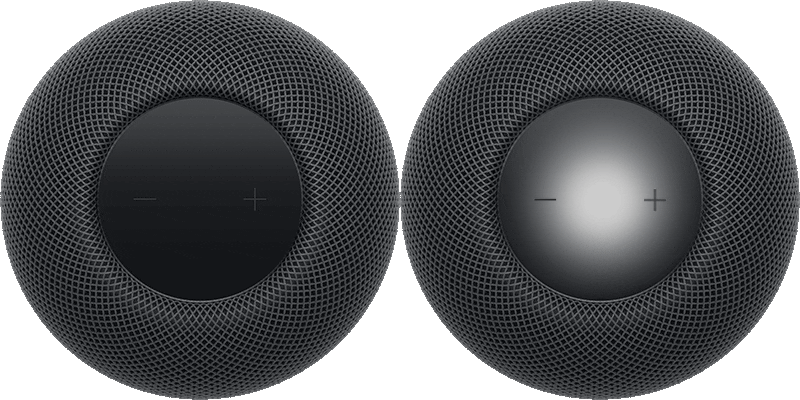
If you have an Apple TV 4K and a HomePod, you can create a captivating home theater experience with a single HomePod or two HomePod speakers as a stereo pair. With home theater audio, you get an immersive soundstage for video content in Dolby Atmos, Dolby Digital 7.1, or Dolby Digital 5.1 surround formats.
With HomePod mini, you can still enjoy these sound formats, rendered in mono or stereo. Once it’s set up, all sound from Apple TV 4K, even navigation clicks, goes to your HomePod.
Here’s how to set up home theater audio with your HomePod and Apple TV 4K.
Note: To use home theater audio, make sure your Apple TV 4K has the latest version of tvOS.
Set up home theater audio
Before you begin, update your iPhone with iOS 27 or later, or your iPad with iPadOS 27 or later. Make sure that Apple TV 4K is assigned to the same room as HomePod in the Home app.
- Start the Home app on your iPhone or iPad.
- Tap Apple TV 4K and then tap the Settings button.
- Tap Default Audio Output. Tap the HomePod or HomePod stereo pair.
This setting routes all sound, including navigation clicks, from Apple TV 4K to your HomePod.
Quick tip: To improve dialogue intelligibility, turn on Enhance Dialogue in Video and Audio settings on your Apple TV 4K.
For the best surround sound when you set up HomePod, put the speaker no more than 10 inches (25 centimeters) from a wall, and as near the center of your TV as possible. With a HomePod stereo pair, the speakers go on either side of the TV, and the two HomePod speakers should sit about 4 feet (1.2 meters) apart for optimal surround sound.
This guide is for HomePod software version 27 or later.
See also