Tag: Accessibility

How to change Apple Pencil double tap and squeeze settings for accessibility
You can change Apple Pencil double tap and squeeze settings for accessibility on iPad, adjust…
How to control several devices with one switch on iPhone
You can use the same switch that controls your iPhone to navigate your iPad, Mac,…
How to keep the screen off when you use VoiceOver on iPhone
You can turn on the screen curtain to keep the display off for better battery…

How to use Switch Control on iPhone to select items, perform actions, and more
You can select items with item mode, a gliding cursor, head tracking, or eye tracking,…
How to make text easier to read on iPhone
You can make text easier to read on iPhone by making it bigger or bold,…
How to turn on and practice VoiceOver on iPhone
You can turn on VoiceOver, a gesture-based screen reader, to use iPhone without seeing the…
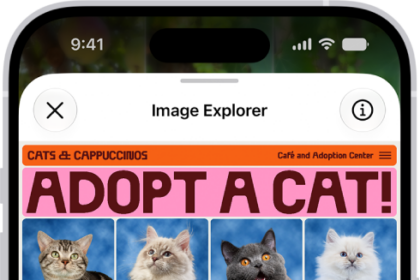
How to use VoiceOver in apps on iPhone
You can use VoiceOver in built-in iPhone apps like Safari and Maps, and VoiceOver Recognition…
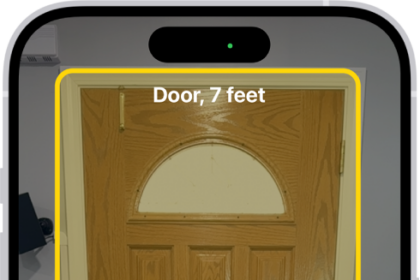
How to detect doors, people, and furniture around you using Magnifier on iPhone
You can detect doors, people, and furniture around you with Magnifier on iPhone, which tells…
How to make onscreen elements easier to see on iPhone
You can add borders around onscreen elements on iPhone, like controls, buttons, and Control Center,…
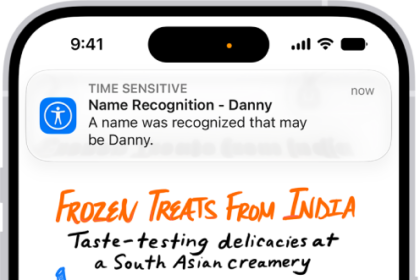
How to recognize sounds using iPhone
You can have iPhone recognize sounds like a doorbell, siren, or crying baby and notify…