Tag: Notes

How to enter formulas and equations in Notes on iPad
You can enter formulas and equations in Notes on iPad, solve math inline, assign variables,…
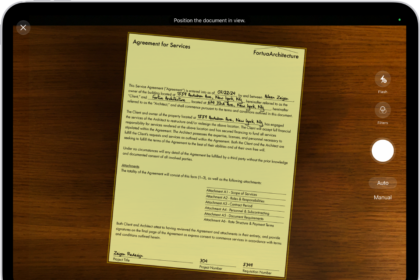
How to work with PDFs in Notes on iPad
You can work with PDFs in Notes on iPad to attach, view, edit, annotate, and…
How to scan text and documents in Notes using the iPad camera
You can scan text and documents in Notes using the iPad camera, with automatic or…
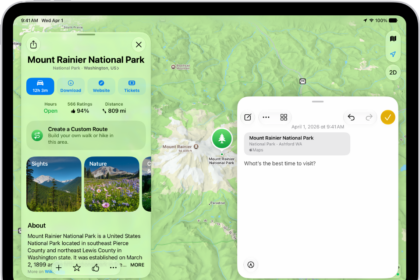
How to add photos, video, and more to notes on iPad
You can add photos, video, and more to notes on iPad, attach info from other…
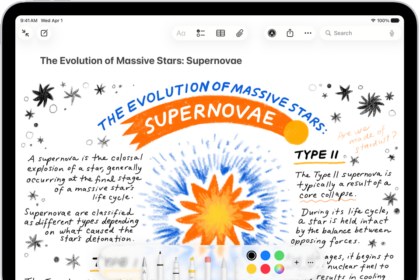
How to add drawings and handwriting in Notes on iPad
You can add drawings and handwriting in Notes on iPad with Apple Pencil or your…

How to create and format notes on iPad
You can create and format notes on iPad, add checklists, tables, and divider lines, and…
How to share notes and collaborate on iPad
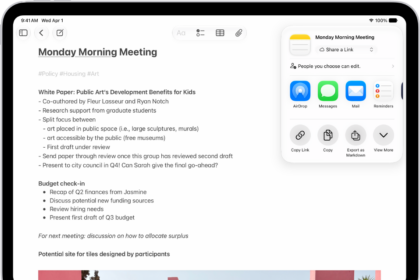
You can share notes and collaborate on iPad, send a copy of a note, and…
How to use Quick Notes on iPad
You can use Quick Notes on iPad to jot down information over any app or…
How to get started with Notes on iPad
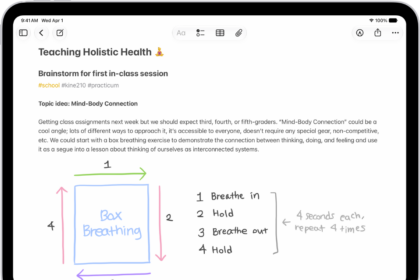
You can get started with Notes on iPad to capture thoughts, make Quick Notes, add…
How to organize your notes with tags on iPad
You can organize your notes with tags on iPad, add tags like #shopping or #work,…