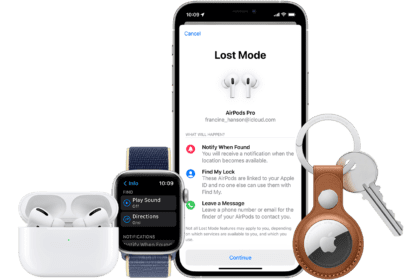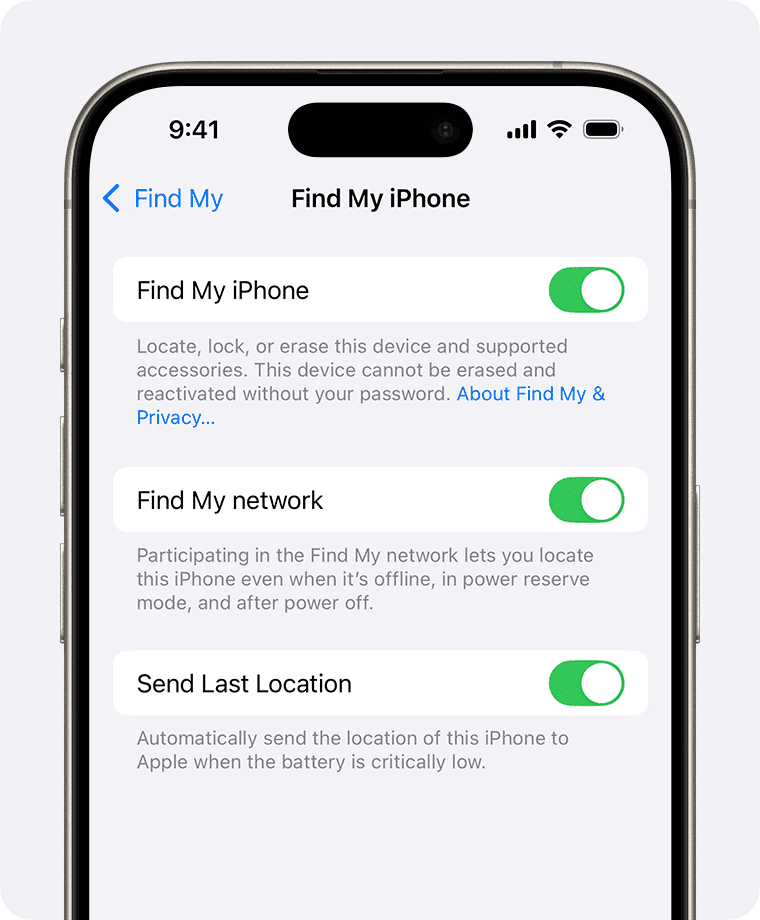
It’s easy to see how Find My could be abused by someone trying to track a person surreptitiously. Someone with access or given too much trust can track a person or, via Family Sharing, track their devices. With Find My items, it can be even more insidious, although Apple built anti-tracking features into that network that they continue to evolve, including in cooperation with other tech companies.
There are three scenarios: tracking a person, tracking their devices, and tracking through a Find My item.
Someone following your location
Apple tries to balance safeguards against unwanted tracking with the utility that ostensibly most people use a feature for. When tracking people with Find My, Apple requires a transparent, consent-driven process when a person shares their location on an ongoing basis with someone else. (See how to get Find My alerts when someone arrives or leaves.) But even after someone has granted permission to be digitally followed, Apple requires more consent if their Find My follower wants to receive location-based notifications about when they arrive at, leave, or aren’t at a location.
Find My uses the People view to list all the people you follow or who are following you. While that seems like great disclosure and an easy way to control location tracking, it doesn’t address a few situations:
- A non-savvy iPhone or other Apple device user could have people added to Find My without realizing it. This might be a stalker who somehow gains brief access to equipment or an untrustworthy partner. They might create a pseudonymous account that takes the name of someone you trust. Once set up, Find My doesn’t provide additional, ongoing information about person-based tracking. This contrasts with on-device location tracking on an iPhone or iPad, where you’re regularly asked whether you want to continue sharing your location with an app.
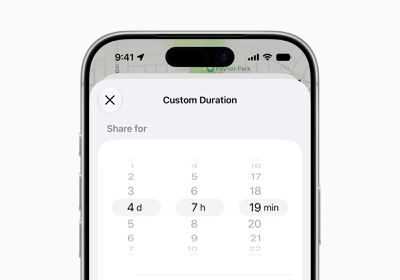
- A domestic abuser, problematic ex-partner, or abusive parent who demands access to personal devices could add themselves to Find My tracking and require—under threat of violence—that you keep it in place. The new Hide Location option in Find My in the version 27 operating system releases offers what might be a safer alternative: you can pause tracking and resume it at will or early the next day. The other person sees only “No location found,” while you’ve paused sending your location. They’re not informed when you pause or resume. Of course, a truly dominating person may be constantly checking, and be provoked if your location disappears, too. (See how to stop or pause sharing your location.)
There is, of course, a completely valid case for parents wanting to track their children at any age while they are minors and living under their strictures, however lax or tight—but that’s a separate matter from a parent or guardian who uses that information not for safety or conforming to promises or rules, but instead as an excuse for abuse and control of the child.
If you’re in the first group or know someone who is, ensure you or they have strong device protection and potentially check Find My from time to time to make sure only names appear they know about.
See how to stop or pause sharing your location for how to stop sharing with people you don’t want to.
When a person who follows you sets up a notification to alert them about your movements, they first have to pass through a dialog that explains you will be informed of this attempt. This is partly a deterrent. Someone who sees it and does not want you to know should think twice.
If you’re the subject of such a notification, like someone setting up an alert when you leave your place of work, you see an alert on your iPhone. A similar notification appears if you have the Find My app open.
Pay attention to these notifications, as they’re the primary way you’re informed.
Someone following your devices
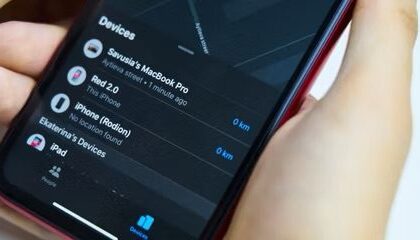
It’s harder to track people via Find My Device than either through their presence in People or an item as noted next. That’s because devices only appear in Find My in stricter circumstances and have more constraints:
- Only an iPhone, iPad, iPod touch, Mac, or Apple Watch can be tracked as a device: While I’ve read about people setting up an iPhone and attaching it to a car, keeping it charged over time would be a poser, though I guess they could plug it into a charging port or tap into a port within the car body. There are much less expensive GPS trackers that last far longer, and Find My network items like AirTags that have extremely long tracking lives.
Someone could track Apple and Beats audio hardware that shows their location via a paired device or the Find My network, but this category of hardware has short battery life and short range compared to GPS-based trackers with Apple devices for relaying at short ranges.
- You must be signed in on a device or iCloud.com with an Apple Account: With the additional validation step of two-factor authentication enabled on nearly all Apple Accounts, it’s far more difficult to manage to sign in to someone else’s account.
- Only your own and Family Sharing devices appear: You can’t add arbitrary devices, as they have to be registered to your Apple Account or, with a Family Sharing group, someone else in that group. While Find My trackers are similarly locked, they have the advantage of battery life and size.
The only warning here? Check to make sure that no odd devices appear in your list of devices, and heed any warnings about devices being added to your account.
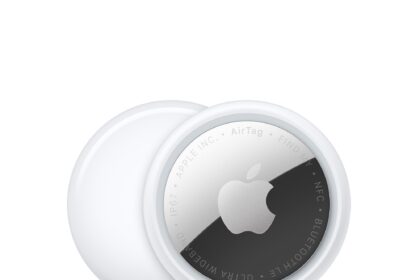
Unwanted tracking by a hidden AirTag
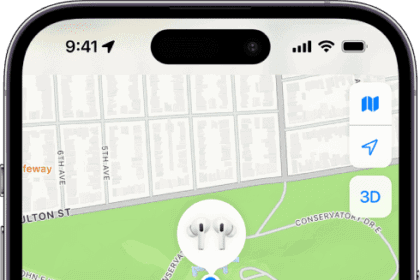
Find My items use little power, don’t require a clear path to a satellite navigation network or cellular network, and are tiny. They can easily be hidden, and could track someone across a long period. (Apple applies the same rules to third-party devices as their own.)
The same things that make it possible for someone to be alerted when they accidentally have something with an AirTag or other item in or attached to it—or they stole it!—also may help prevent people from being tracked by stalkers, domestic partners, private detectives, and celebrity hunters, among other categories.
Here’s how to extract information about unknown trackers:
- Traveling with you: An item traveling with you results in an alert described in what an “AirTag Found Moving With You” alert means. You can then pause that device’s capability to track you or find the item and disable it. (See how to reset an AirTag.)
- Identify Found Item feature: With an iPhone or iPad, you can use the Find My app’s Identify Found Item link in the Items view. See how to identify an AirTag you have found.
- Interoperability: With an Android 6 or later device with an update from mid-2024 installed, the device’s owner will receive “moving with you” alerts from any Apple Find My network items; see how to identify an AirTag you have found. Likewise, an iPhone or iPad user with iOS 17.5/iPadOS 17.5 or later installed receives alerts about Google Find Hub network trackers moving with them. See how Apple and Google detect an unwanted AirTag.
- No Apple hardware: If you don’t have an iPhone, iPad, or Mac with you (or there’s no active network), other devices you may be carrying won’t relay the item and enable tracking. Likewise, even though you can detect unwanted Google trackers, they aren’t relayed through your Apple devices. That sounds like a solution, but if you live in or travel through anywhere other people’s Apple hardware is close enough, those devices will upload tracking updates. That includes driving on a highway or riding public transportation.
- Separated device alert: If the Find My item’s location is being relayed by other devices around you, however, it will make a sound in the right circumstances if it’s moved between 8 and 24 hours since it last checked in with its paired device to alert you to its presence. See what an “AirTag Found Moving With You” alert means.
Apple once promised an update that would alert you when a separated device is nearby on an iPhone or iPad, with an option to play the sound again or use Precision Finding. That apparently never rolled out.
Apple adding location sharing to Find My items might make it easier for someone to track you without alerts. Someone could place a Find My item in your stuff or a vehicle, then share the item with you and accept the invitation on any of your devices to which they had access when unlocked or if they knew how to unlock it; or they could share one of your items with themselves without you knowing.
However, this is a two-way street: all shared devices appear in your Items tab. If you suspect a shared item, check the Items tab for ones you’ve shared or shared with you that you don’t recognize.
Where to get help
There are many organizations beyond law enforcement eager to help people trapped in situations of domestic abuse or child subject to violence and an unsafe environment. For adults in the United States, that includes the National Domestic Violence Hotline; for children or those concerned about their welfare in the United States and Canada, the Childhelp National Child Abuse Hotline.
For those being stalked, one starting point is Safehope. It’s more likely you will need the help of police or federal authorities. Local police departments have their own paths to navigate, but for online or cyber stalking, it may be better to start with the FBI.
If the person you are worried about may be watching your device, use one they cannot see. Removing a tracker or turning off sharing can be noticed, and advocates warn that it can make a situation worse rather than better, so it is worth talking to someone before you act.