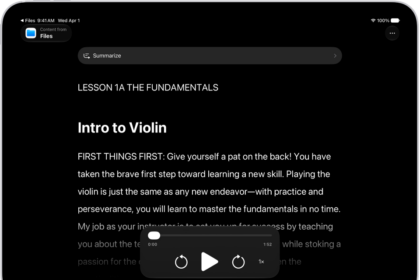
How to read or listen to text in apps with Accessibility Reader on iPad
You can read or listen to text in apps with Accessibility Reader on iPad, customize…
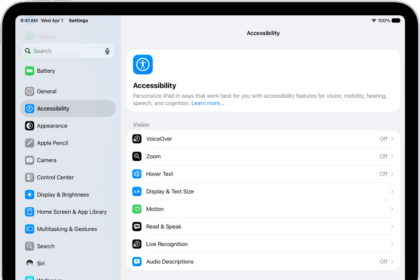
How to hear iPad speak the screen, selected text, and typing feedback
You can hear iPad speak the screen, selected text, and typing feedback, use Accessibility Reader,…
How to customize visual accessibility settings for specific apps on iPad
You can customize visual accessibility settings for specific apps on iPad, like color, text size,…
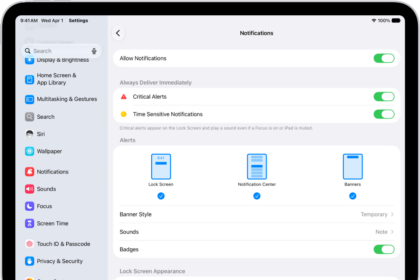
How to stop, mute, and change message notifications on iPad
You can stop, mute, and change message notifications on iPad, including how they appear or…
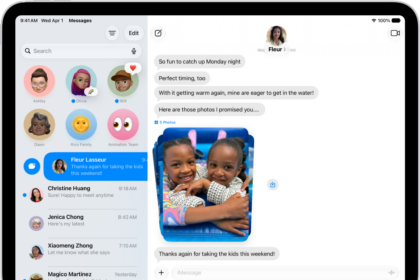
How to keep track of messages on iPad
You can keep track of messages on iPad, catch up on missed messages, mark conversations…
How to change Siri accessibility settings on iPad
You can change Siri accessibility settings on iPad, set how long Siri waits, change how…
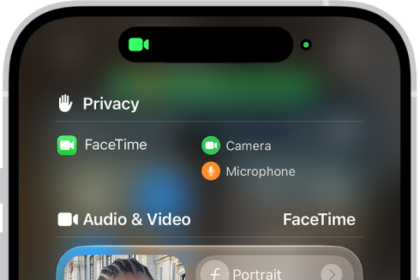
How to use video conferencing features on iPad
You can use video conferencing features on iPad, like video effects and reactions, in FaceTime…
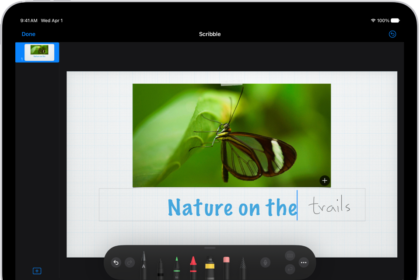
Ways to do more with Apple Pencil on iPad
You can do more with Apple Pencil on iPad, turn handwriting into typed text, mark…
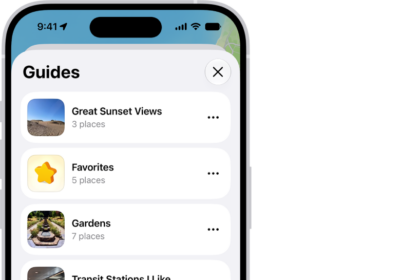
How to organize places with custom guides in Maps on iPad
You can organize places with custom guides in Maps on iPad, create and share guides,…
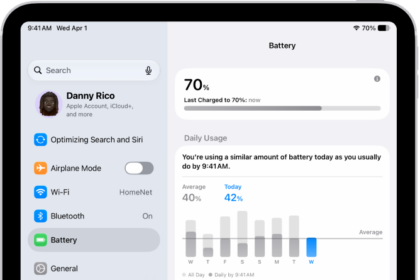
How to use Low Power Mode to save battery life on iPad
You can use Low Power Mode to save battery life on iPad, reducing the power…