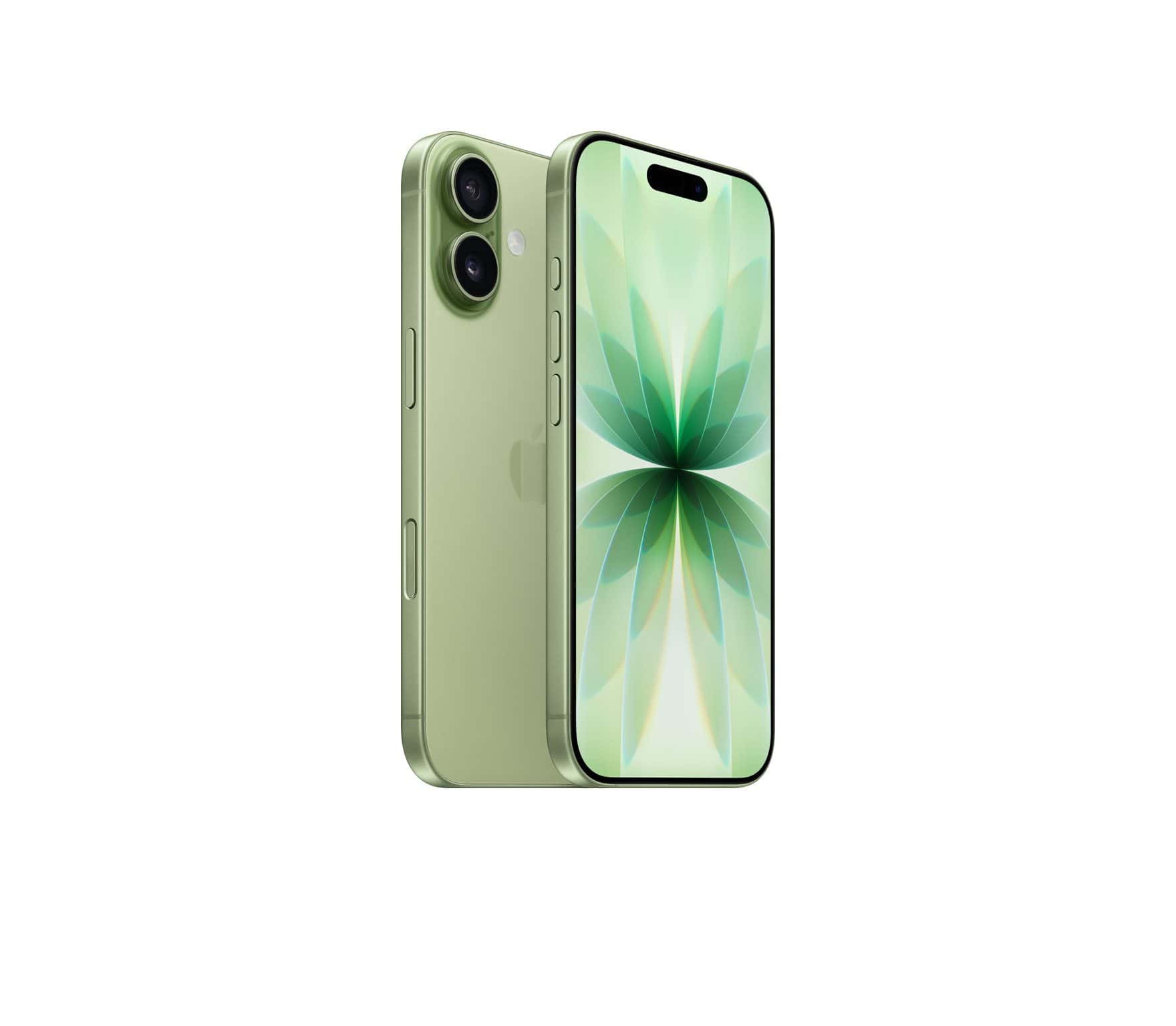
Many iPhone 17 Pro Max owners on iOS 26 have reported that they hear a faint static/buzz/hiss from the bottom (left) speaker when the phone is plugged in and charging–most noticeable with volume set to 0 and your ear close to the speaker. Several users also hear it when no audio is playing, and some say the top speaker and even the camera subsystem can add their own hum in certain scenarios. This article explains How to fix iPhone 17 Pro Max static hissing noise from speaker while charging.
With this problem, swapping devices often doesn’t help; some Genius Bar visits suggest it’s likely software, but nothing official yet. A few workarounds reduce the noise (e.g., MagSafe instead of wired, different outlet/charger), and recording the sound and reporting it to Apple appears to be the most constructive step while we wait for a fix.
The issue:
- Phone is plugged in and charging via USB-C.
- Any app that would normally output audio is open (Music, Photos video, TikTok/Instagram, YouTube).
- Volume set to 0 (mute).
- With an ear near the bottom/left speaker, a faint static/buzz/hiss is audible–often compared to an old radio or low-level coil noise.
- Unplugging the cable or locking the phone stops the sound; it returns on unlock or when charging resumes.
- Wired charging tends to be louder than MagSafe; many attribute this to higher/less filtered charging current over the cable.
- Noise can be more obvious when scrolling feeds (UI activity) or when the battery is at or near 100% (including when top-off/hold is active).
- Multiple owners exchanged devices; replacements exhibited the same behavior.
- At least one person said Apple Store display units behaved similarly, suggesting it may not be limited to a single batch.
- A few non-Pro 17 owners and 16-series owners chimed in with related experiences, but the densest cluster is on 17 Pro / Pro Max.
- Several testers said iOS 26.0.1 did not change the behavior for them.
- Some tried iOS 26.1 beta and still heard the sound; others said they could not reproduce it there–results are mixed.
- Genius Bar diagnostics often show no hardware faults; a number of technicians suggested it’s likely software and escalated.
- Senior advisors reportedly requested recordings and comprehensive photos (device sides, port, adapter, cable) and acknowledged the issue internally is being investigated.
Fixing iPhone 17 Pro Max Static Hissing Noise From Speaker While Charging:
- Prefer MagSafe over wired for overnight or quiet-room charging–many iPhone 17 Pro Max users say MagSafe is notably quieter. If MagSafe is not working, you can see this article to fix it.
- Try a different outlet/adapter/cable. A few users tied improvements to changing the wall outlet or using lower-wattage power bricks.
- Avoid charging your iPhone 17 Pro Max to 100% when convenient (Charge Limit or unplug near full) if you notice the noise peaks at full. You do not need to charge your device to 100%.
- Lower charging power. If you have a higher-wattage adapter (e.g., 30W), try a lower-wattage brick or charge from a USB-C hub/monitor that supplies less current. Less current often equals less electrical noise.
- Unplug before sensitive recordings (video or voice) in silent environments.
- Capture a short recording of the sound in a quiet room to track changes after updates and to show Support. And file feedback with Apple at apple.com/feedback and include recordings; and to re-check after software updates. You can also use these if you submit a support request.
What to do:
- Exchanges don’t solve it for most users — replacements exhibit the same sound.
- Apple Support in multiple regions has told users it’s likely software, not hardware.
- Unless your unit has additional faults (camera noise, speaker distortion, etc.), a replacement may not help.
- If you’re within the return window and find it unacceptable, you can still return it; otherwise, wait for a future software update. You have 14 calendar days to return an item from the date you received it.
- Monitor upcoming iOS 26.x updates — especially 26.1 and 26.2.
- Document your experience (recordings, charger details, serial number).
- Keep your case open with Apple if you’ve already contacted support.