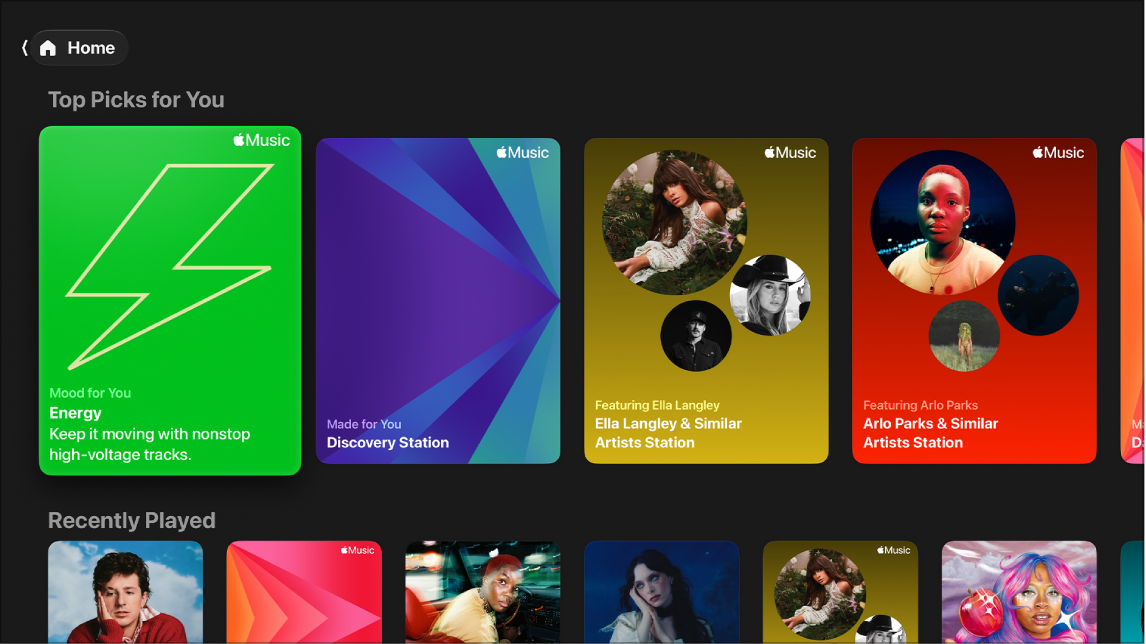
Recommendations in the Music app on Apple TV 4K are informed by your listening history, which you can turn off in Settings. You can also influence them yourself with the Favorite and Suggest Less buttons.
Mark an item as a favorite, and similar music gets recommended more often. It also shows up with a star next to it. And if there’s an artist or style you’d rather hear less of, Suggest Less tells Apple Music that.
Note: This feature requires an Apple Music subscription.
Favorite an item to get more music like this
If you mark an item as a favorite, you’ll get similar music recommended more often.
- Go to the Music app on Apple TV 4K.
- Do any of the following:
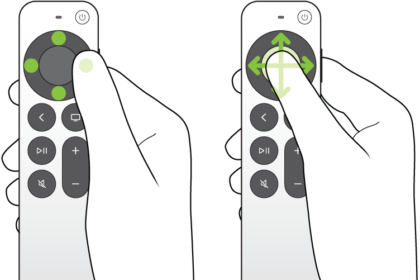
- Navigate to a song, album, playlist, or music video, press and hold the clickpad or touch surface, then select Favorite.
- Go to an artist profile, then select the Favorite button in the upper-right corner.
- Select an album or playlist, select the More button, then select Favorite.
- Open the sidebar, select Now Playing, show playback controls, then select the Favorite button.
Items you’ve marked as a Favorite appear in the Music app with a star next to them, and you can filter items in your library categories to show only your Favorites.
Suggest Less to get less music like this
If there’s a certain artist or style you’d like to hear less of, you can tell Apple Music.
- Go to the Music app on Apple TV 4K.
- Go to a song, album, or playlist.
- Press and hold the clickpad or touch surface on your remote to view more options.
- Select Suggest Less to hear less music like this.
You can choose Suggest Less from the Now Playing screen as well. For more, read our guide, Control music playback in Now Playing.
Not all features and content are available in all countries or regions or on all Apple TV hardware models.