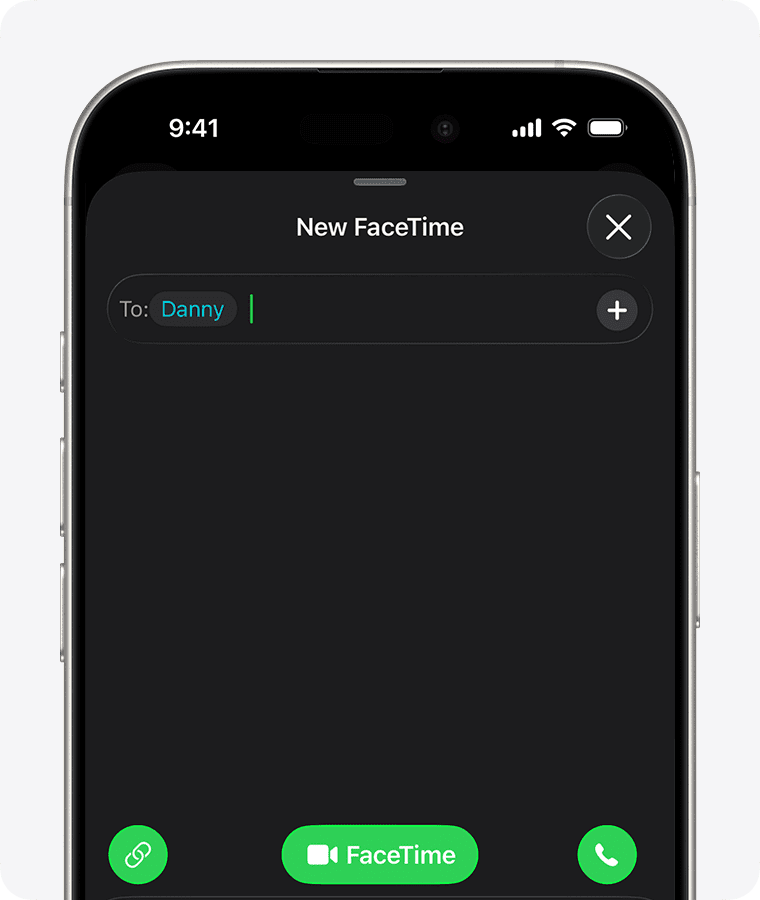
You can start a FaceTime call on your iPhone and transfer the call to another device where you’re signed in to the same Apple Account.
Apple’s Handoff feature enables you to pass tasks between your iPhone, your iPad, and your Mac. This integration means that you can use your iPad or your Mac to make or answer a FaceTime call that originated from or was received by your iPhone.
To transfer a FaceTime call from iPhone to iPad or Mac, each device must be signed into the same Apple account, must be connected to the same Wi-Fi network, and must have Handoff enabled. To enable Handoff on the iPhone or iPad, go to Settings ⇒ General ⇒ AirPlay and Continuity, and then set the Handoff switch on (green). On the Mac, choose System Settings ⇒ General ⇒ AirDrop & Handoff, and then set the Allow Handoff Between This Mac and Your iCloud Devices switch on (blue).
Transfer a FaceTime call from iPhone to iPad or Mac
- During a call in the FaceTime app on your iPhone, do one of the following on the other device:
- Tap the notification with the suggestion “Move call to this [device].”
- Tap the FaceTime video call button or the Call button at the top of the screen.
- Tap Switch or Join, then tap Switch or Join to confirm.
Your FaceTime call is transferred to the new device. On the original device, a banner appears confirming that the call was continued elsewhere, along with a Switch button, which you can tap if you want to bring the call back.