Apple is rolling out a slew of new features for CarPlay and CarPlay Ultra in iOS 26. If you’re a fan of CarPlay, it’s worth knowing about some of the new features coming to the automotive interface with iOS 26. Here’s what you can expect in the fall when the new operating systems ship.
New CarPlay features in iOS 26
CarPlay gets a big upgrade in iOS 26. Apple has introduced several changes to the interface that should help make using CarPlay even more convenient. Curious to learn more? Here are all the new CarPlay features in iOS 26:
Liquid Glass Design
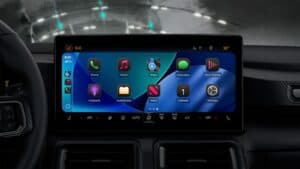
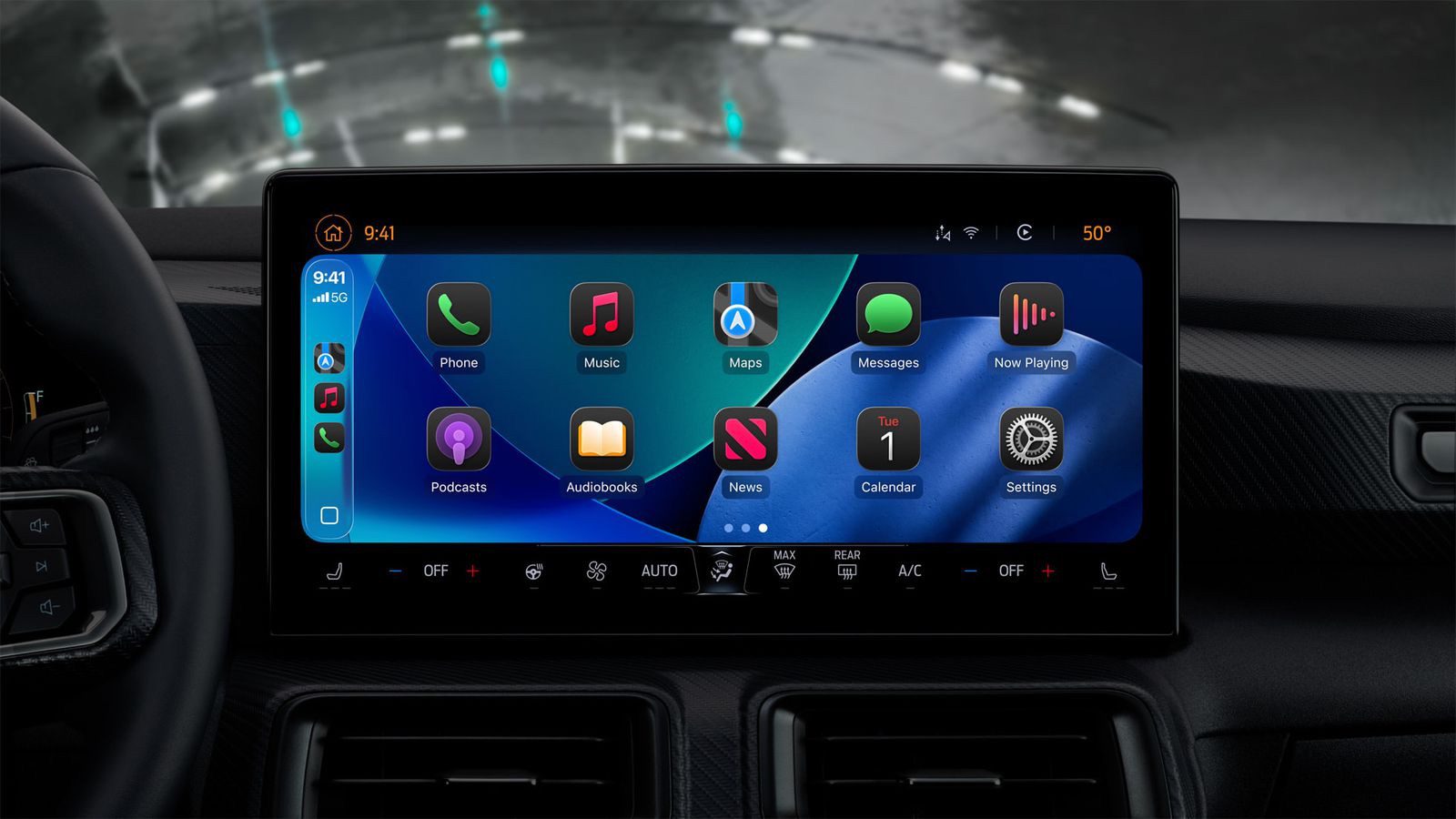
As with Apple’s other platforms, CarPlay is getting a fresh coat of paint with iOS 26. The new Liquid Glass UI touches all parts of the CarPlay appearance.
Newly introduced elements now match their iOS counterparts, complete with glass-like depth. They don’t have the same moving specular highlights, though.
New Messages App Features
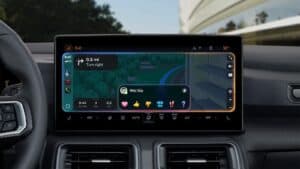
Starting with iOS 26, you can respond to messages with standard Tapbacks like a heart, thumbs up, or exclamation marks directly through CarPlay.
Pinned Conversations
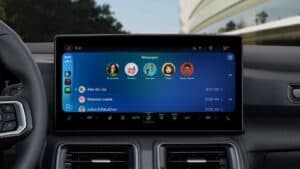
You can now view your pinned conversations in the Messages app on CarPlay.
Compact View for Phone Calls
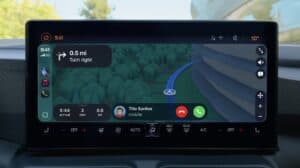
iOS 26 CarPlay has a new compact view for incoming phone calls, so that you can still see other information on the screen, such as turn-by-turn directions.
Live Activities
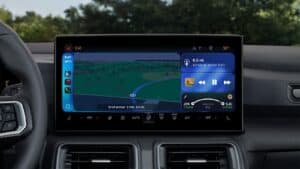
Apple has introduced Live Activities to CarPlay in iOS 26. This helpful feature allows you to track events happening in real time.
These are shown on the split-view of the CarPlay interface, right in the bottom-right corner. A long press allows you to clear the activity.
You could see the live weather predictions on when it may start raining, sports scores, flight details, or the status of your pickup food order.
Widgets
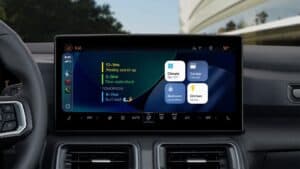
The regular version of CarPlay now has a widgets screen, for things like calendar appointments and HomeKit accessory controls.
Widgets were previously limited to CarPlay Ultra.
Widgets are built on Apple’s WidgetKit framework, which means the same widgets you have on your iPhone and that work in StandBy mode will now work in the car. Even during the beta, there are a ton of widgets to choose from.
Multi-Touch Maps
Starting with iOS 26, CarPlay users can interact with mapping apps using multi-touch gestures in supported vehicles. This allows users to zoom and pan on the map with their fingers, just like they can on an iPhone.
Watch Videos While Parked
iPhone users will be able to wirelessly stream videos to the CarPlay screen using AirPlay, according to Apple. For safety reasons, video playback will only be available when the vehicle is parked, to prevent distracted driving. The connected iPhone will be able to detect when the vehicle is in motion and end playback.
Automakers need to add support for this feature, so it might be limited to newer vehicles and take some time to roll out.
Smart Display Zoom
iOS 26 adds a new Smart Display Zoom setting to CarPlay.
When the setting is enabled, CarPlay will be automatically resized to better fit the shape and size of your vehicle’s dashboard screen, if possible.
Currently, iOS 26 is in beta, and as such, some of these features may change by the time the full release is available.
See also: 100 new iOS 26 features for iPhone! Do you know them all?