Tag: Maps
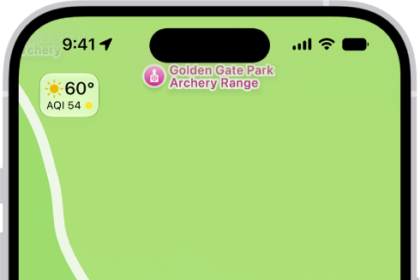
How to mark a location with a pin in Maps on iPad
You can mark a location with a pin in Maps on iPad, share it, get…
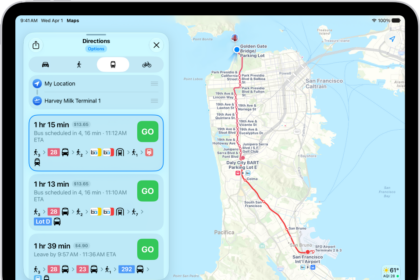
How to get transit directions in Maps on iPad
You can get transit directions in Maps on iPad with departure times, connections, and fares,…
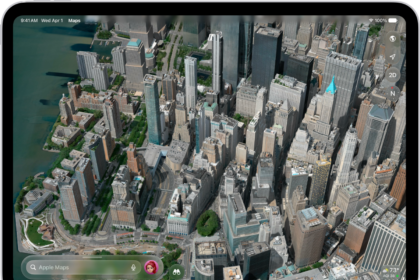
How to explore maps with immersive views on iPad
You can explore maps with immersive views on iPad, see cities in 3D detail, and…
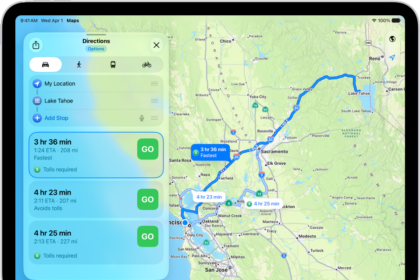
How to delete recent directions in Maps on iPad
You can delete recent directions in Maps on iPad, one item at a time or…
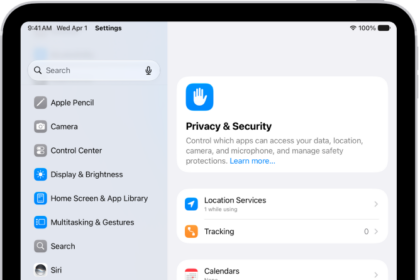
How to clear your location history in Maps on iPad
You can clear your location history in Maps on iPad by deleting your significant locations,…
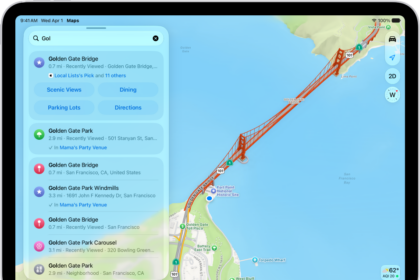
How to get started with Maps on iPad
You can get started with Maps on iPad, save your go-to addresses, get directions, discover…
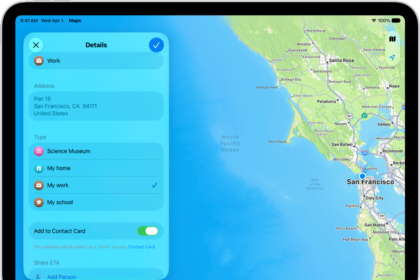
How to set your home, work, or school address in Maps on iPad
You can set your home, work, or school address in Maps on iPad for one-tap…
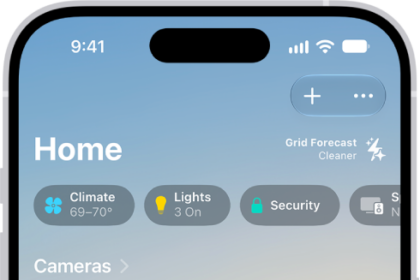
How to configure a router in Home on iPhone
You can use the Home app on iPhone to let a compatible router control which…
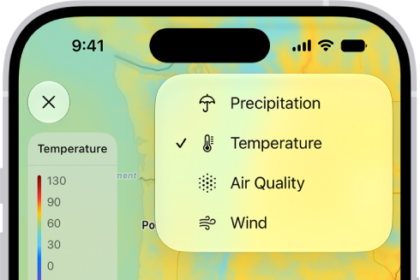
How to view weather maps on iPhone
You can view full-screen precipitation, temperature, air quality, and wind maps in the Weather app…
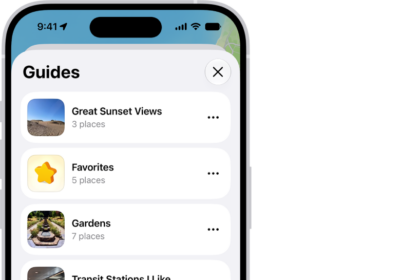
How to organize places with custom guides in Maps on iPhone
You can organize places into your own guides in Maps on iPhone, starting with Favorites,…