Your flight captain just told you to turn on Airplane Mode! Being the curious mind that you are, you want to learn more about this feature. In this article, I’ll answer the question, "What is Airplane Mode on iPad?" and show you how to toggle this feature on or off in the Settings app and Control Center.
What Is Airplane Mode On iPad?
If you’ve ever flown before, you’re familiar with Airplane Mode. Most airlines prohibit the use of devices that emit a radio-frequency signal.
When Airplane Mode isn’t turned on, your iPad could emit a radio-frequency signal. So, rather than not allowing you to use your iPad on the plane, you can simply turn on Airplane Mode!
When you turn on Airplane Mode, your iPad turns off cellular (on Wi-Fi Cellular models) and Wi-Fi. Bluetooth stays on, and you can turn Wi-Fi and Bluetooth back on separately if the airline allows it.
How To Turn On Airplane Mode In The Settings App
To turn on Airplane Mode, open the Settings app and tap the switch next to Airplane Mode. You’ll know Airplane Mode is on when the switch is green. A small airplane icon will also appear in the upper left-hand corner of your iPad’s display.
How To Turn On Airplane Mode In Control Center
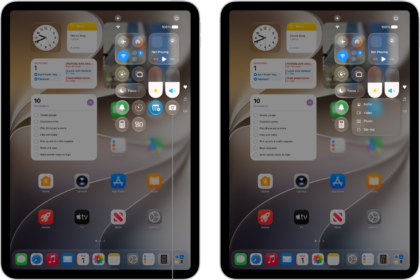
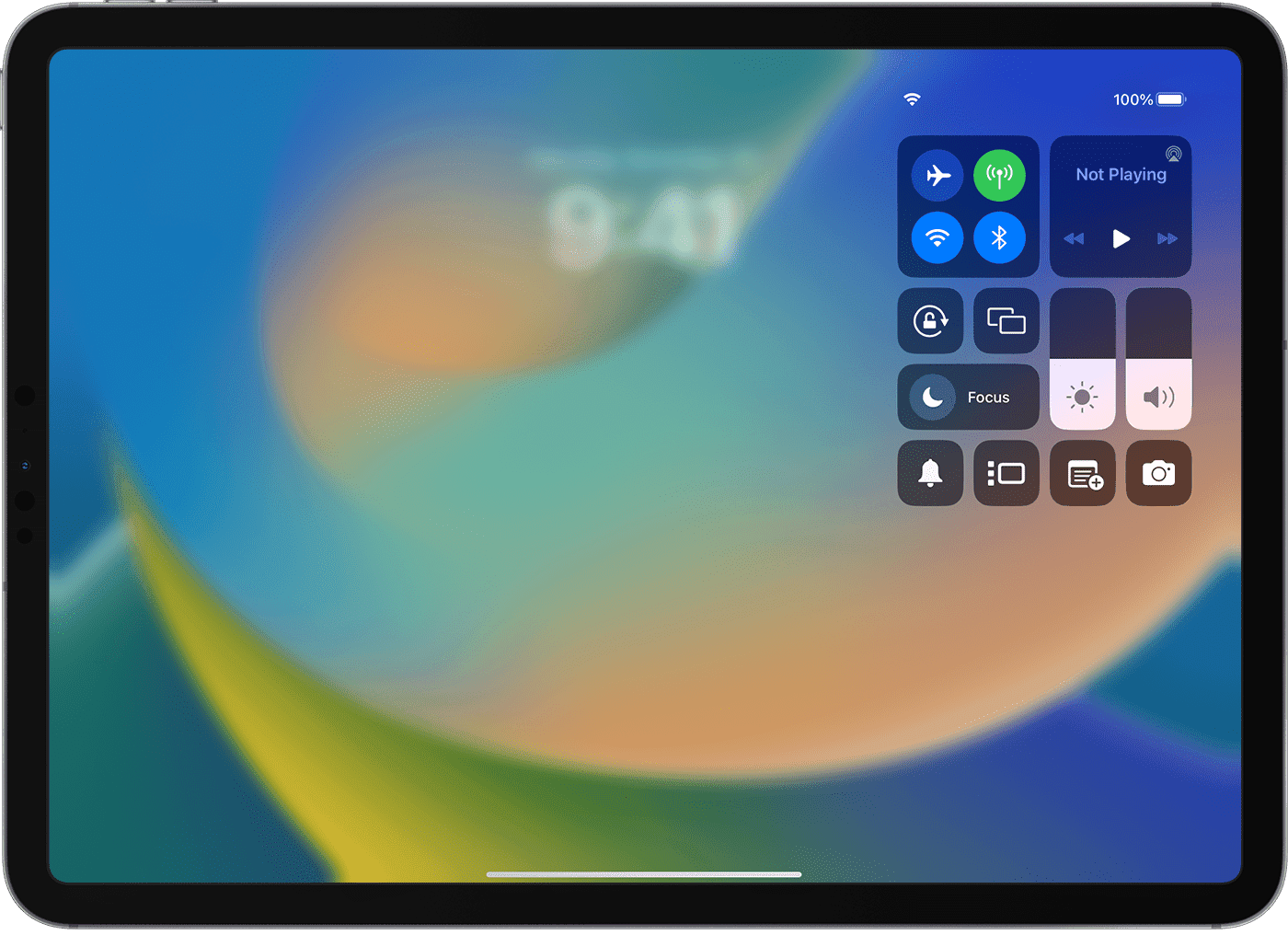
First, open Control Center by swiping down from the top-right corner of your iPad’s display.
Then, tap the airplane logo to turn on Airplane Mode. You’ll know Airplane Mode is on when the airplane icon turns white inside an orange circle.
Airplane Mode: Explained!
You now know everything there is to know about Airplane Mode on your iPad! Make sure you share this article on social media with someone you know who’s about to take a flight. If you have any other questions you’d like to ask, leave a comment down below.