iPad Bluetooth keeps turning on and you’re not sure why. You tapped the Bluetooth icon in Control Center, but it won’t stay off. In this article, I’ll explain why your iPad keeps turning on Bluetooth and show you how to fix the problem step-by-step!
Why Does My iPad Keep Turning On Bluetooth?
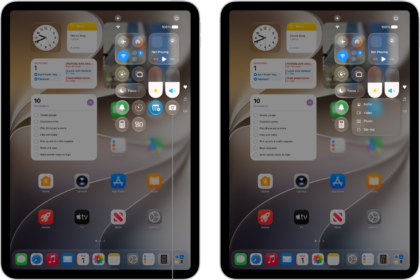
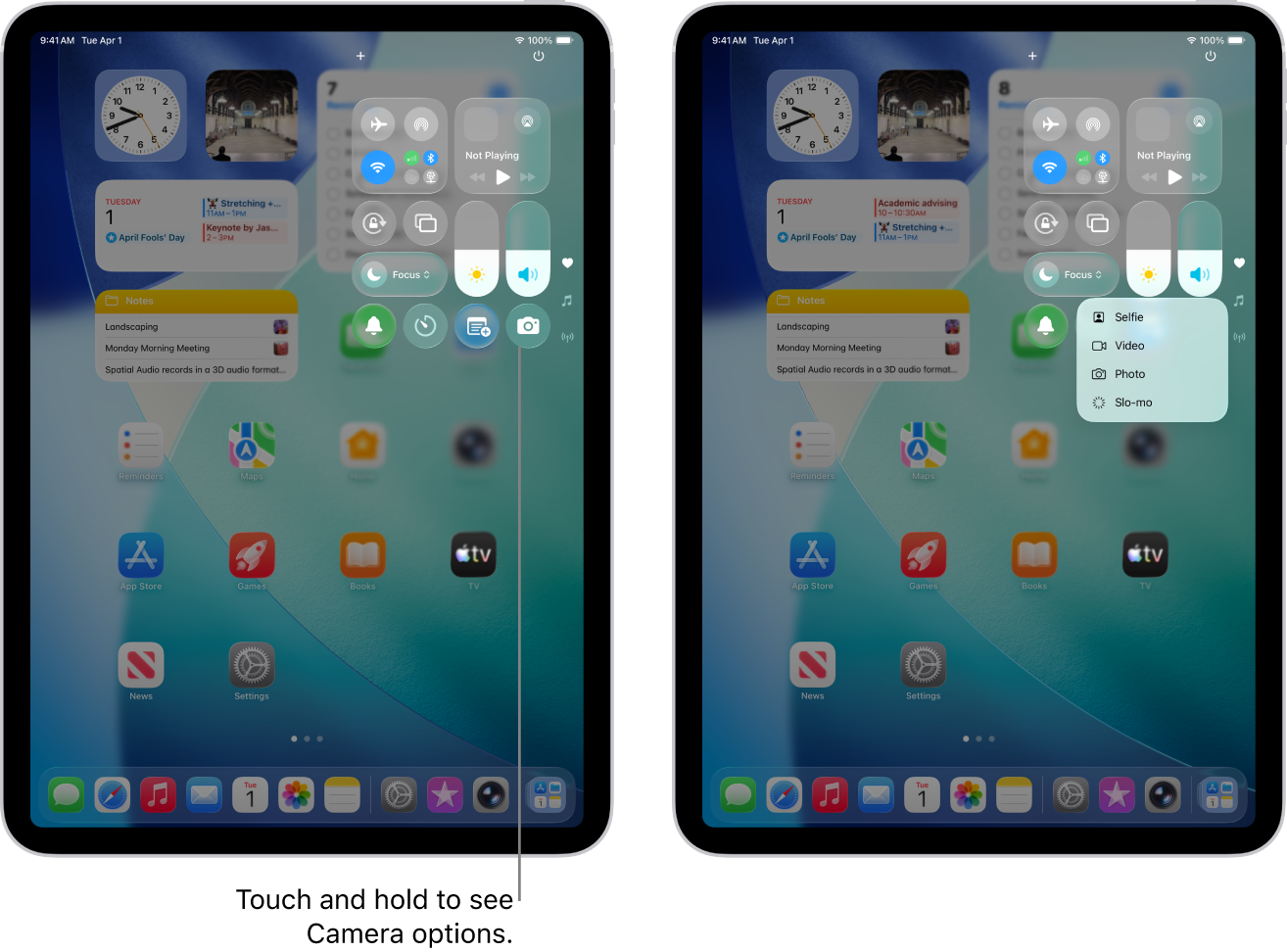
Your iPad keeps turning on Bluetooth because you’re trying to turn off Bluetooth from Control Center. If your iPad is running iPadOS 13 or newer, tapping the Bluetooth button doesn’t actually turn Bluetooth off — it disconnects your iPad from Bluetooth devices until the following day.
How To Permanently Turn Off Bluetooth On Your iPad
There are two ways to turn off Bluetooth on your iPad — in the Settings app or by using Siri.
To turn off Bluetooth in the Settings app, tap Bluetooth and turn off the switch next to Bluetooth at the top of the screen. You’ll know Bluetooth is off when the switch is white and positioned to the left.
To turn off Bluetooth using Siri, activate Siri then say, "Turn off Bluetooth." Siri will let you know that Bluetooth has been turned off!
How To Turn Bluetooth Back On
When you’re ready to turn Bluetooth back on, you can do so in the Settings app, Control Center, or by using Siri.
In the Settings app, tap Bluetooth and turn on the switch next to Bluetooth at the top of the screen. You’ll know Bluetooth is on when the switch is green.
To turn on Bluetooth using Siri, activate Siri and say, "Turn on Bluetooth." Siri will confirm that Bluetooth has been turned on.
To turn on Bluetooth in Control Center, swipe down from the top-right corner of the screen and tap the Bluetooth button. You’ll know Bluetooth is on when the button is blue.
Bluetooth: Off For Good!
You’ve successfully turned off Bluetooth on your iPad and it won’t be connecting to any devices without your knowledge. I hope you’ll share this article on social media to let your friends and family know why their iPad keeps turning on Bluetooth. Leave any other questions you have about your iPad in the comments sections below!
See also: iPad Won’t Connect To Bluetooth? Here’s How to Fix it