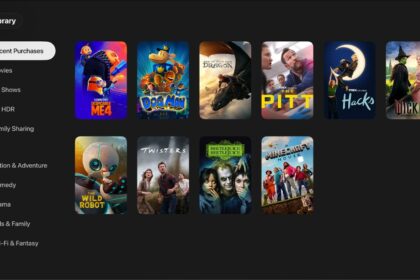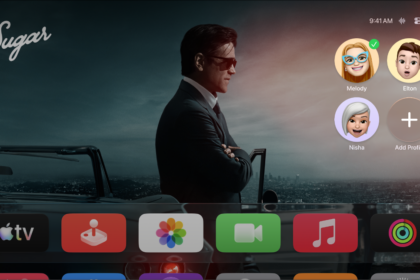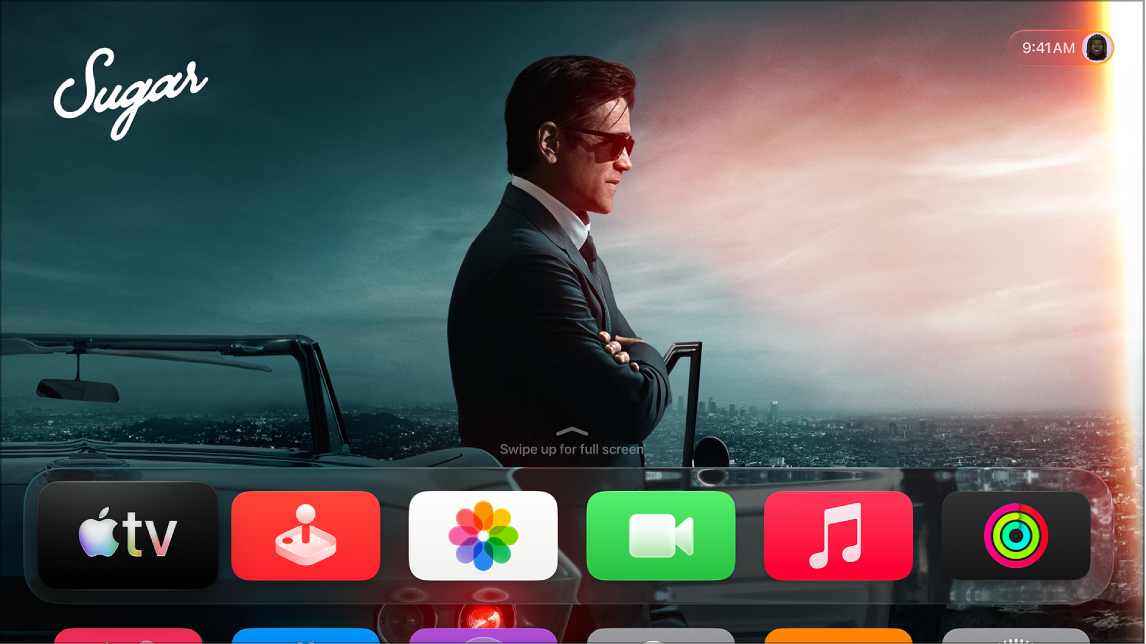
On Apple TV 4K, Family Sharing lets you share apps and viewing privileges with up to six family members. One adult in your household, the family organizer, invites family members to join the family group and agrees to pay for purchases made by family members.
Family Sharing works across all your Apple devices, and it’s different than having multiple profiles on Apple TV 4K. You can’t set it up on Apple TV 4K, though. You’ll need a Mac, an iPhone, or an iPad for that.
Important: You can’t initiate or configure Family Sharing directly on Apple TV 4K. It must be done on a Mac, an iPhone, or an iPad.
Not all features and content are available in all countries or regions or on all Apple TV hardware models.
See also